 Translate
Tagged: Manage asset files
- March 18, 2026 at 19:09 #46666
 Gethin HooperParticipantPosts: 19Threads: 28Joined: Jun 2019
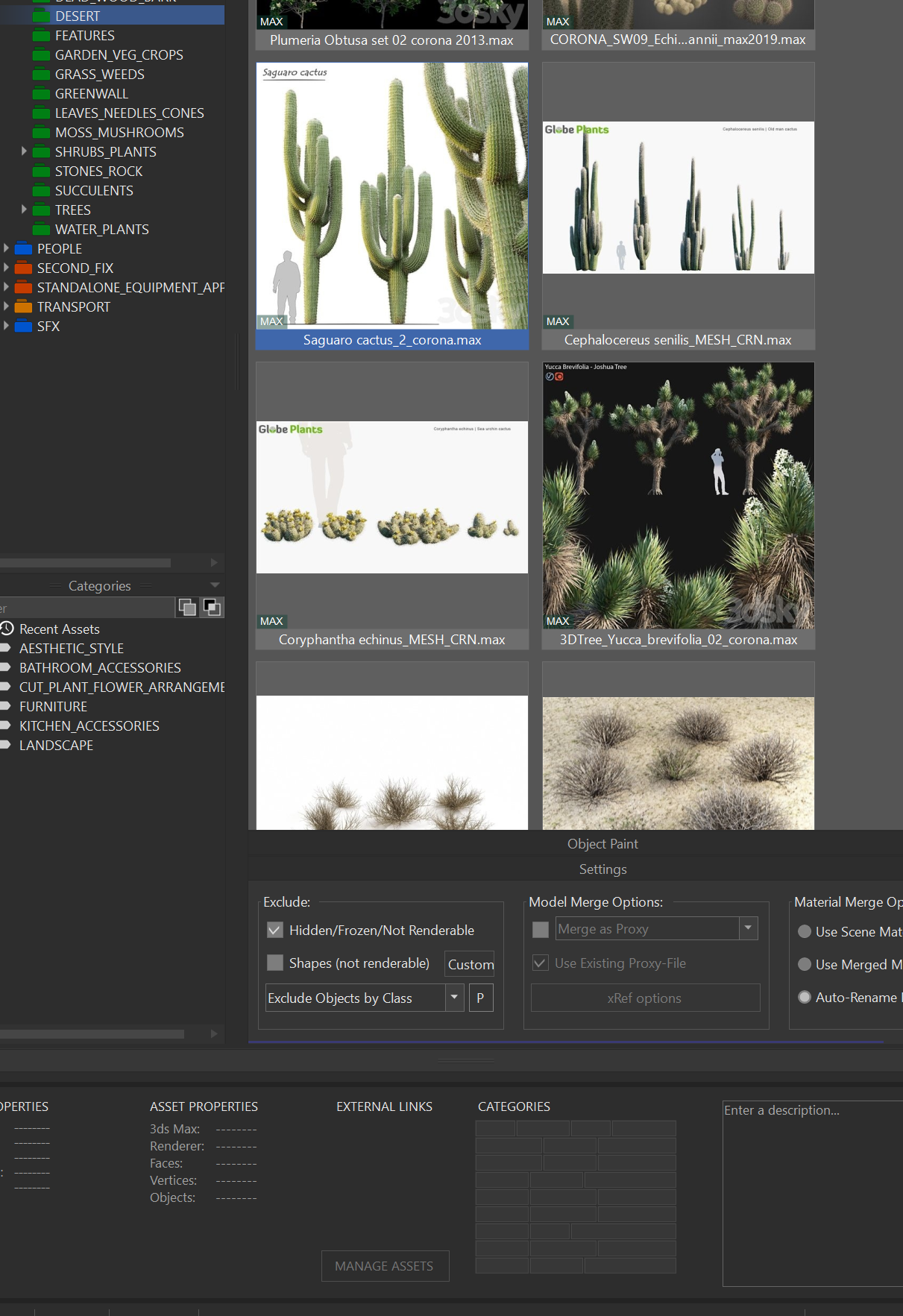
Hi the ‘Manage Asset files’ in the models tab (when you right click drop down on a model) is greyed out again. This seems to be happening a lot so I can’t check if there are missing paths in a model. Is there anyway this can be fixed. It works fine with the materials but not with the models for some reason.
Plugin version: 3.43.10
3ds Max version: 2026.3
Renderer: Corona - March 18, 2026 at 19:48 #46668Oleksandr KramerModeratorPosts: 269Threads: 1411Joined: Aug 2009
Since this issue seems to come back periodically, next time it happens could you please do the following before restarting:
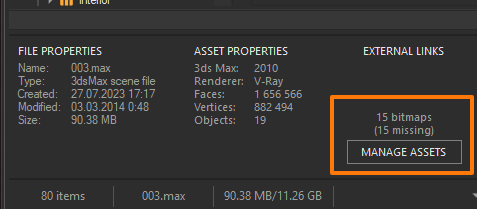
Check the bottom panel of the file info — does it show the bitmap count and is the “Manage Assets” button there active?

Send me one of the files where “Manage Asset Files” is greyed out in the right-click menu.
Record a short video showing the plugin state when the issue occurs.
Generate a support request through the plugin — this will include your system configuration and logs.
This will help me pinpoint the cause and get it properly fixed. - March 18, 2026 at 20:40 #46670Gethin HooperParticipantPosts: 19Threads: 28Joined: Jun 2019

- March 19, 2026 at 01:37 #46671Oleksandr KramerModeratorPosts: 269Threads: 1411Joined: Aug 2009
Thank you, your information was very helpful.
Please try version 3.43.12
You can download the latest version from the dashboard.
Auto-updater will be triggered in a few days if there’s no critical issue found.
Thanks for your feedback. - March 19, 2026 at 13:48 #46672Gethin HooperParticipantPosts: 19Threads: 28Joined: Jun 2019
Hi this happened again with latest version..but I think I know what’s happening …this bug only happens when you have a second instance of Max running.. Only one instance and manage assets works..something in the code I think.
- March 20, 2026 at 18:41 #46673Oleksandr KramerModeratorPosts: 269Threads: 1411Joined: Aug 2009
If you could record a full-screen video showing the moment the issue appears — ideally with both Max instances visible — that would help me reproduce it on my end and work towards a fix.


You must be logged in to reply to this topic.

