 Translate
-
×
 Sweep Profile Crowns-A 1 1 × $9.00
 -
×
 Project Manager 1 × $60.00

Tagged: Project Manager, Project Manager - Update History, Project Manager version 3, Update History
Viewing 1 post
- September 29, 2025 at 00:41 #45736
- Instant access – view only the assets you need.
- Multi-factor filtering – select multiple categories at once using the CTRL key; especially handy for large libraries.
- Flexibility – filtering works everywhere: folders, material libraries, and search results.
- Fast navigation – enable or change selected categories with a single click to easily switch between different asset sets.
- Preserve structure and placement– the exact placement of models and their original scene hierarchy are maintained during import.
- Convenience – add all required models into your scene in just one step.
- Flexibility – Project Manager supports multiple import methods and placement options: Drag & Drop, Paint On, Replace, and more. Choose the method that works best for you and your project.
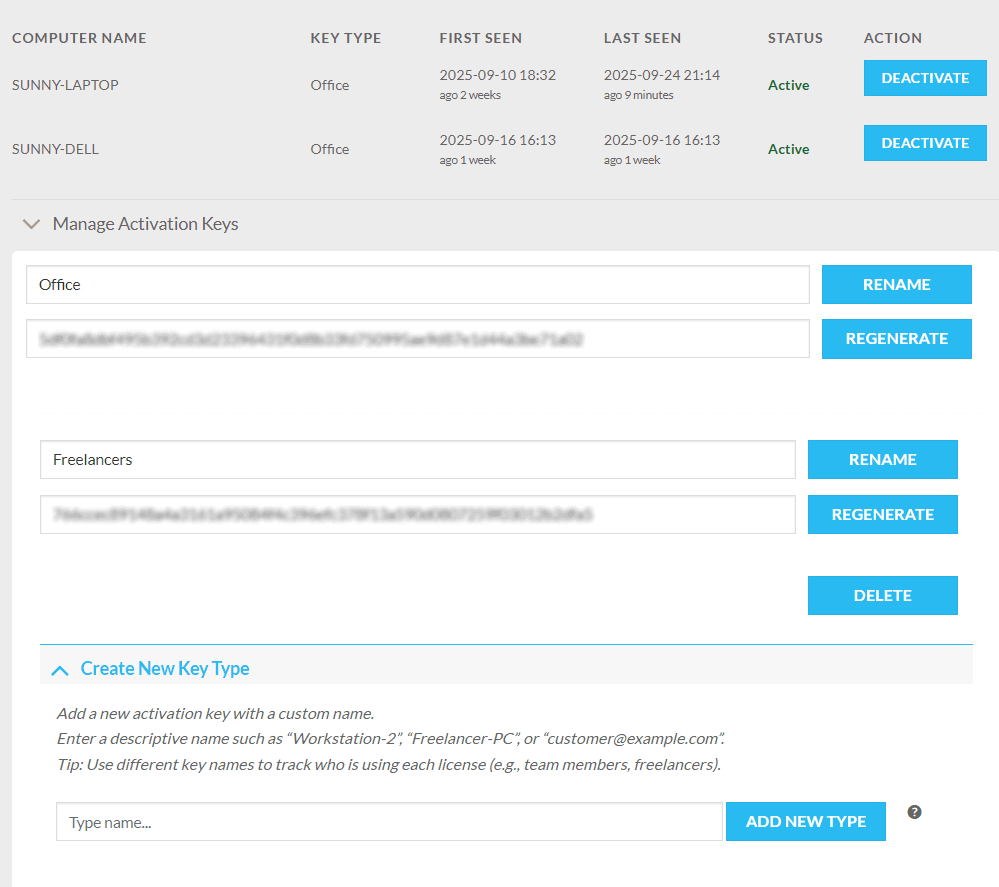
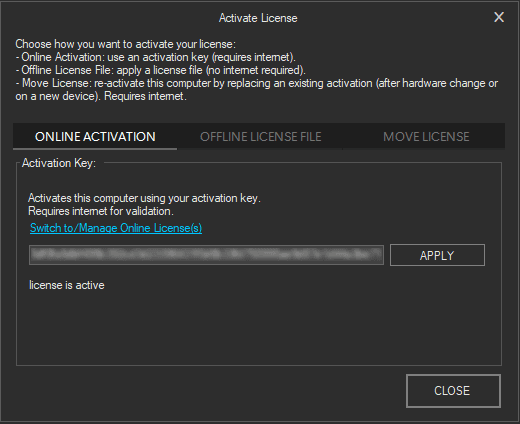
- Online Licenses – new activation and license management system.
- Import from Archives – added support for importing assets directly from archive files.
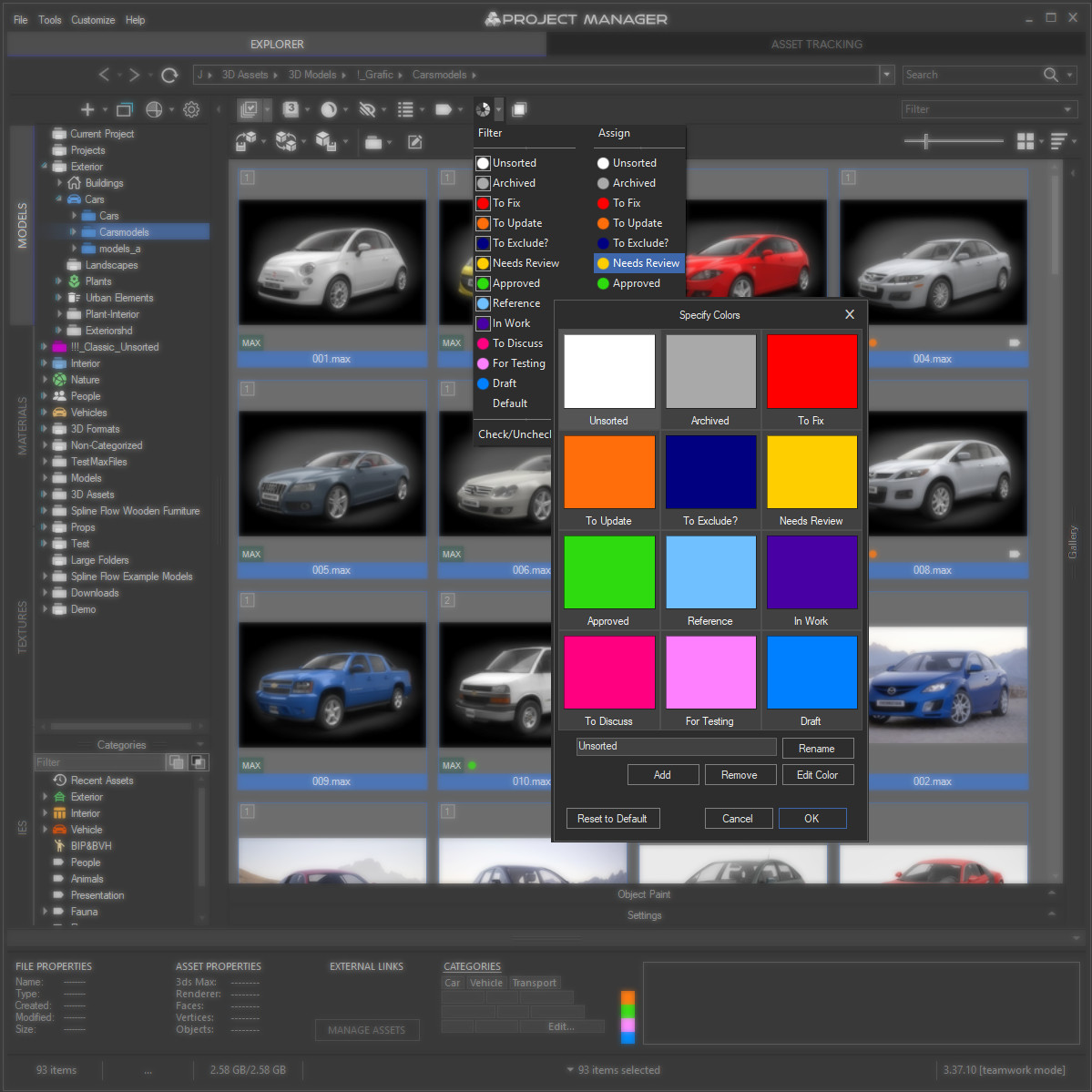
- Custom Color Labels – personalize your workflow by adding, editing, or removing label colors.
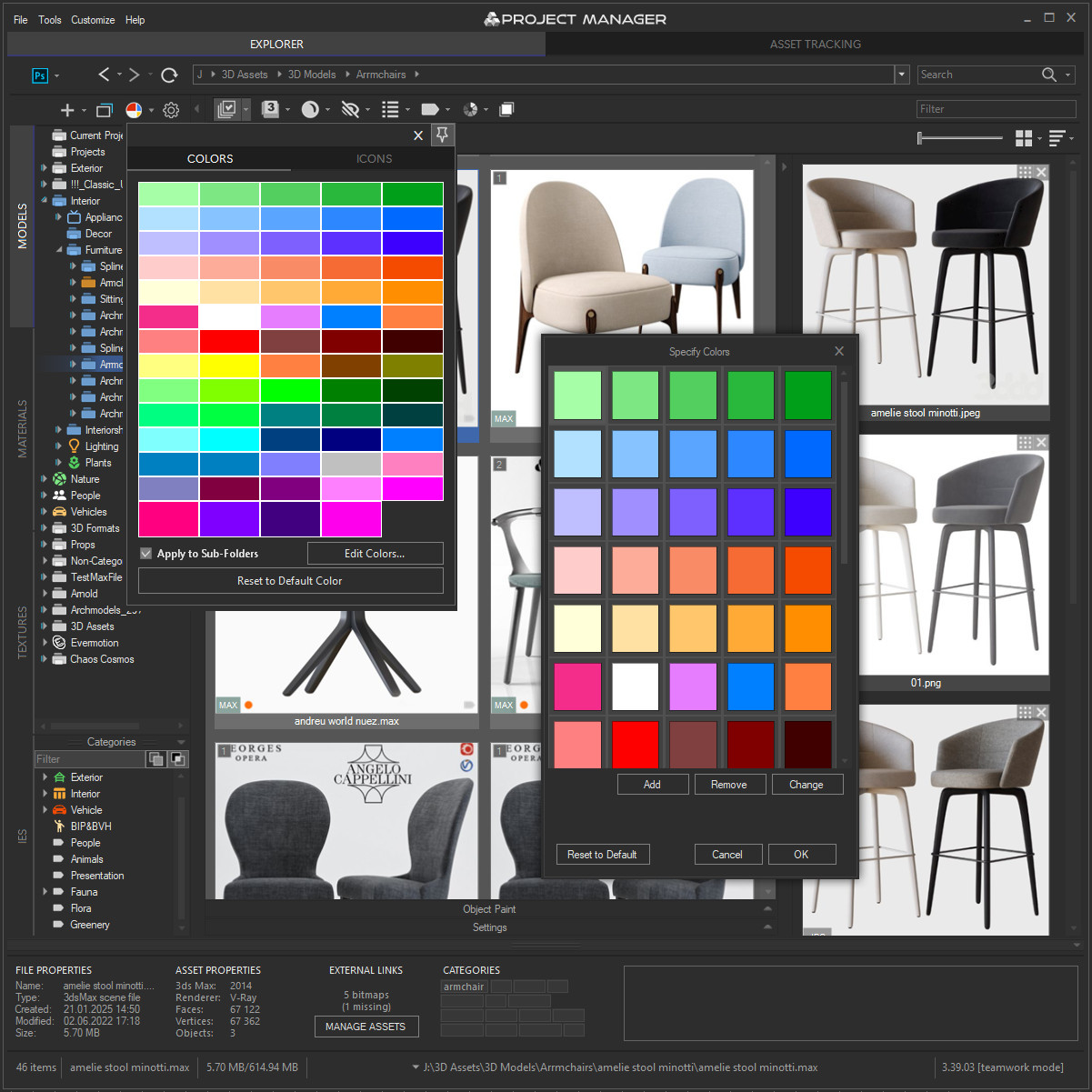
- Folder Colors Palette – choose your own set of colors for highlighting folders and nodes in the tree.
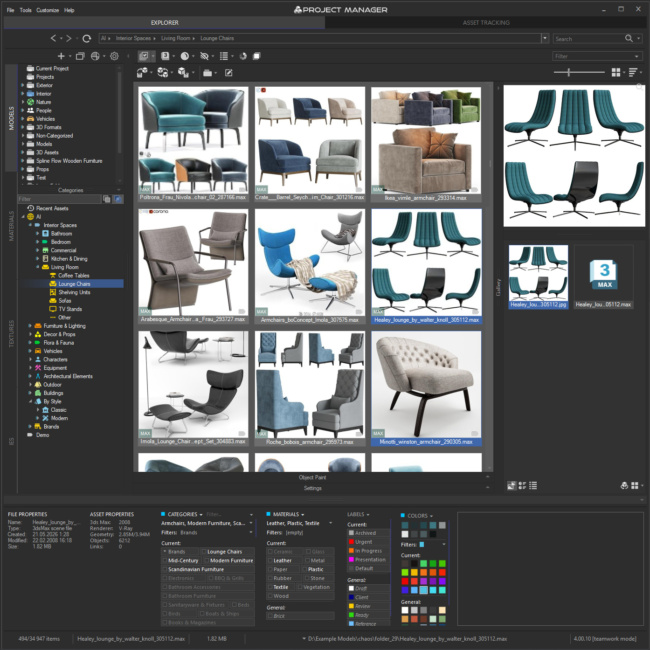
- Category Filtering – filter assets by one or multiple categories directly in the current view (hold CTRL to select multiple).
- PBR Materials – added support for translucence maps.
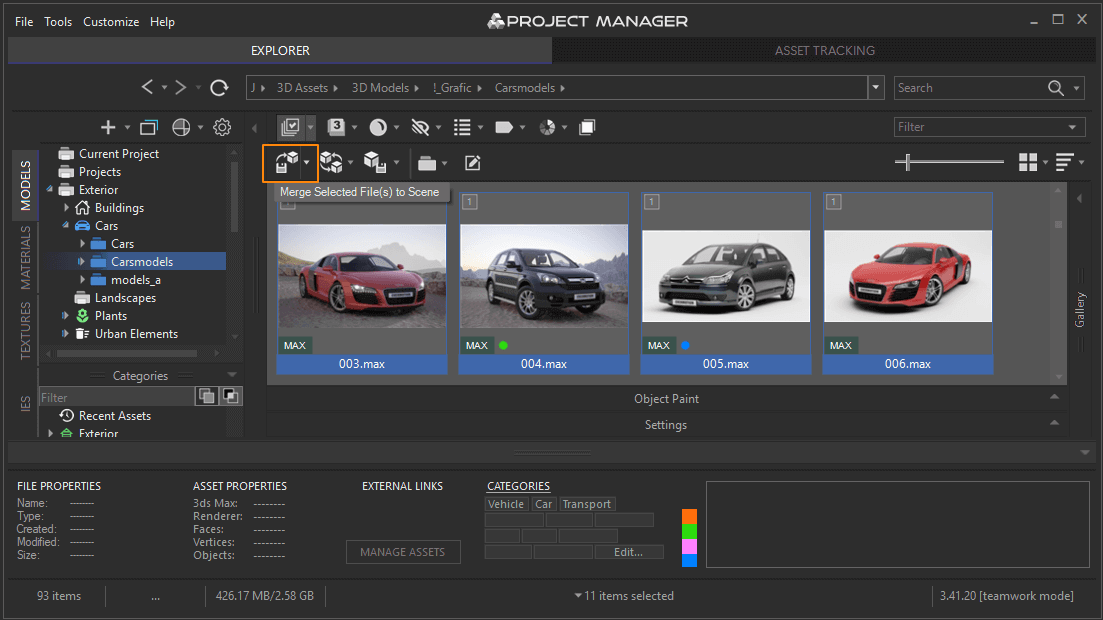
- Batch Import – import multiple selected models at once using the Merge to Scene button.
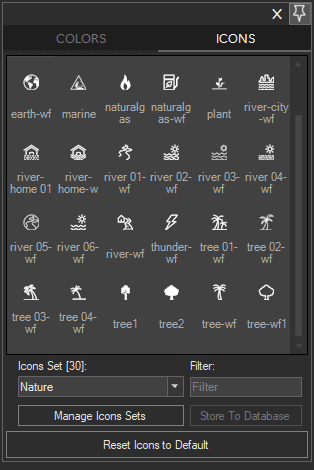
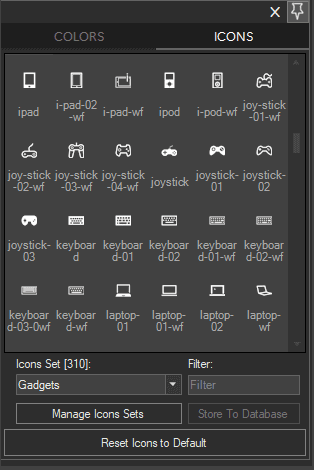
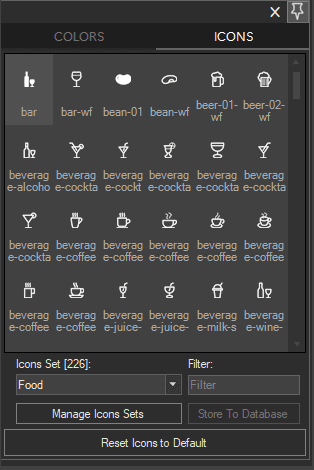
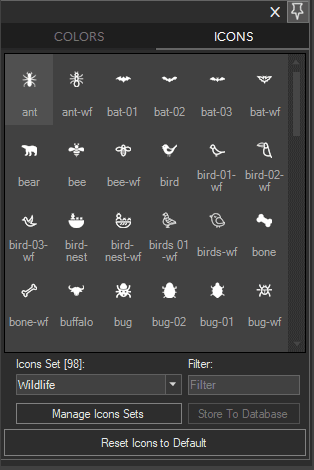
- Directory Icons – 12 new icon sets for directories (Food, Gadgets, Landmark, Nature, Science and Technology, Shopping, Signs, Sports, Transportation, Wildlife, People, Miscellaneous).
- Extract Command – new “Extract” option in TreeView and ListView context menus.
- API – new method
MergeSelectedFiles(see free example add-on Forest Pack Bridge). - Drag & Drop – support for dragging textures and materials into the Command Panel, Render Dialog, and Slate Material Editor in the latest versions of 3ds Max.
- Compatibility – Redshift Renderer: support for the latest version; updated compatibility with the latest 3ds Max versions.
- (Behaviour) Search Reset – clearing the search box in interactive mode restores folder contents.
- Fixed a bug with previewing assets in Details View.
- Fixed issues with displaying archives in the treeview.
- Fixed an issue with displaying archive content.
- Fixed an issue with filtering during navigation.
- Fixed an issue with regex-based search.
- Fixed an issue with relinking resources containing invalid characters in path.
- Fixed Auto Assign Previews for directories with material libraries.
- Fixed assigning shortcuts to some default commands.
- Fixed an issue with sorting files in directories when “Display Sub-directories” is enabled.
- Fixed an issue with removing links from a scene on Asset Tracking tab.
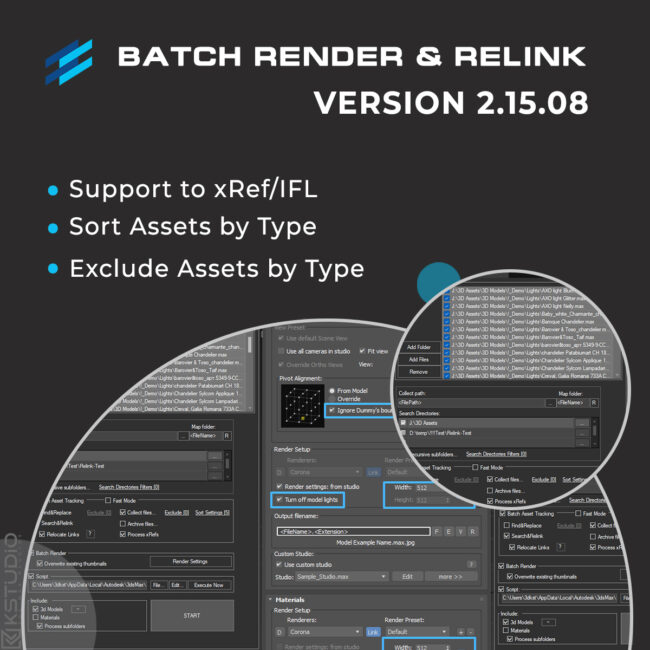
- Fixed a bug with relinking scenes containing IES files using Batch Render&Relink utility.
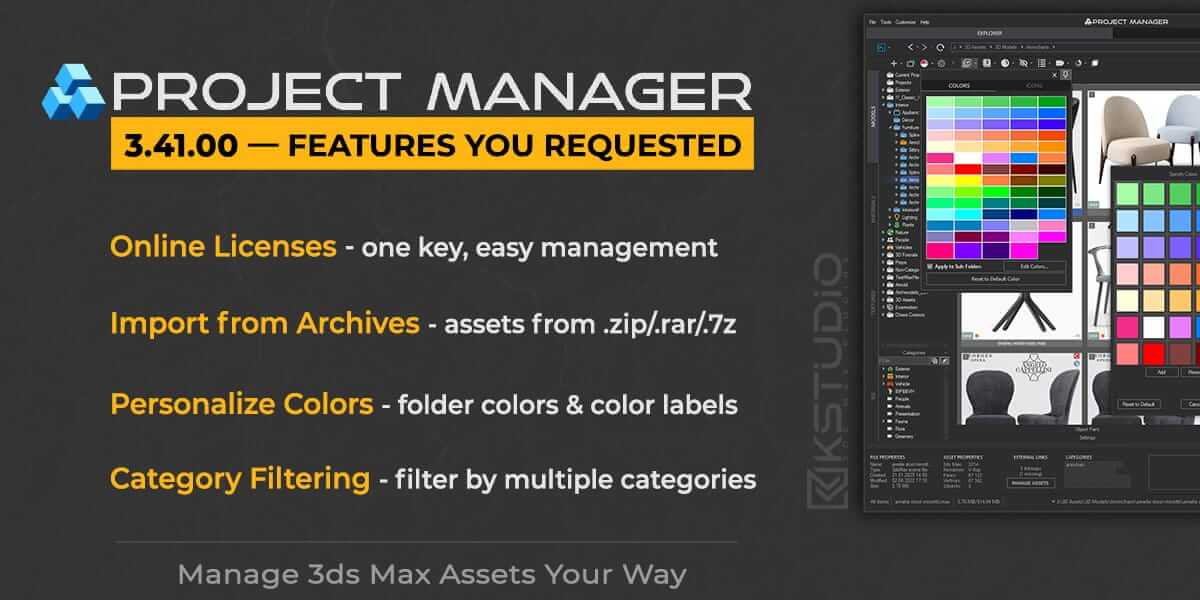
Introducing the new Project Manager update, featuring improvements developed based on your requests.
This version brings innovations such as the online licensing system, enhanced filtering, and the ability to import assets directly from archive files (.zip, .rar, .7z).
We’ve also added customization for color labels and folder color palettes to help you better organize your folders and asset structure.
In addition, the improved category filtering now allows you to filter assets by one or multiple categories directly within the current folder — making navigation in large libraries faster and more precise.
We are grateful for your valuable ideas that helped shape this release.Online Licenses Made SimpleProject Manager now includes a new system for activation and license management.
You can activate licenses using a single key across all your computers*.
License management — such as disabling, deactivation, and more — is handled directly from your user dashboard.For corporate customers, it is possible to create groups of keys — for example, one for your office team and another for freelancers you collaborate with.
Key groups allow you to revoke access whenever cooperation with a certain group ends.Please note: these keys do not require a constant internet connection, only periodic access.
For new customers, online licensing is enabled by default.
If you have been using Project Manager for a long time, your offline licenses will remain active.
When you’re ready, simply open your account dashboard and switch to online licensing.*according to the number of licenses
**This feature is currently available for Project Manager, Models Manager, Materials Manager, Batch Render&Relink, FilePathFinder, and Sweep PRO.
In future it will also be extended to other plugins.Merge Assets Directly from ArchivesIf part of your assets are stored in archives, there’s no need to unpack them manually.
You can now import assets (models, textures, etc.) directly from archive files (.zip, .rar, .7z).This makes working with models much easier, since extraction happens automatically.
Browse archives just like regular folders and drag assets directly from them.Personalize Folder Colors & Color LabelsPersonalize your workflow by adding, editing, or removing color labels, and by creating your own folder color palettes.
This helps you manage large 3d asset libraries more quickly, highlight folders and assets structures, and make your library visually clear at a glance.
You now have full control over color labels and can decorate your folders with any colors and icons you like.
And with this version, we’ve also added 12 new directory icon sets (Food, Gadgets, Landmark, Nature, Science and Technology, etc.).Category FilteringQuickly locate required assets by filtering with one or multiple categories directly inside the current folder.
Hold CTRL to select several categories at once, and instantly see only the assets you’re looking for.Now you can navigate your libraries even faster thanks to the improved category filtering system — it’s like having a personal assistant who always knows where everything is.
This feature works not only for folder contents but also for material libraries and even for search results, so you can easily organize and locate any resource, no matter where it’s stored.
Key benefits:
This feature is especially useful when working with large collections of models, textures, or materials — helping you focus only on the categories you really need.
Enhanced PBR Materials: Translucency SupportIn this version of Project Manager, we’ve expanded PBR material support by adding the ability to setup translucency maps.
Now you can create and save your own templates for building PBR materials with translucency effects, making the workflow even more flexible and efficient.Simplicity – building templates is no different from creating a regular material in the Material Editor. Just set up the desired structure like any other material and save it as a preset.
No limits – the complexity of the material is up to you: add any maps and effects required to achieve a physically accurate result.
Quick application – once you’ve created one or more templates, you can generate PBR materials literally by dragging and dropping textures into your scene.
💡 For batch creation of materials, we recommend using the PBR Materials Generator add-on – an indispensable tool for quickly building a quality material library from a texture set.
Import Multiple Models at OnceNeed to bring several models into your scene at once?
The Batch Import feature lets you merge selected objects with a single click using the Merge to Scene button.➡️Learn more about all available options for working with models in this tutorial.
Smarter, Faster — and Soon Smarter with AI
Time is the most valuable resource in any project.
The new Project Manager lets you find, organize, and manage files at maximum speed, while the updated interface and additional tools make your workflow even more comfortable.Update now and enjoy working—discover the new possibilities today!
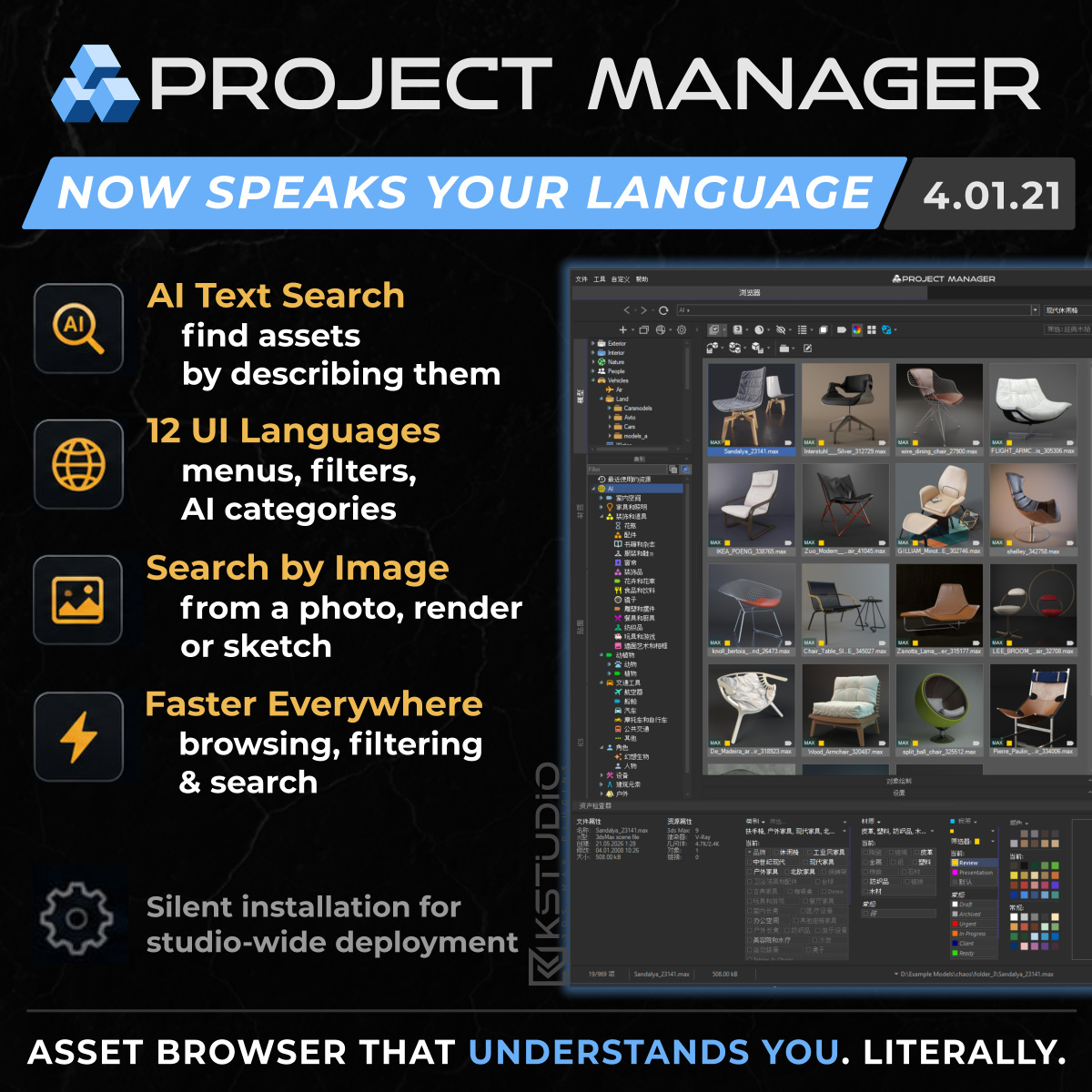
💡 Coming later this year: a major update with AI integration, working locally on your computer. No cloud, no delays — just smart assistance to help you manage and organize assets even faster.
$60.00Add to Cart
Below, you can find the full list of changes and enhancements for this version
New Features for Project ManagerView Product
New Features & Improvements
Fixes
Read about the Latest Version
Related to "Project Manager 3.41 — Features You Requested"

Viewing 1 post
You must be logged in to reply to this topic.

