 Translate
- November 6, 2025 at 12:02 #46136
 Sergio Alonso ÁvilaParticipantPosts: 12Threads: 31Joined: Sep 2025
Good morning Oleksandr ,
I lost a texture map while adjusting the multimaterial. How can I manage to add the route of this texture again to it?

I tried to add the path and the file name but seems to not work properly or maybe I am forgetting something during the process…

Plugin version: 3.42.25
3ds Max version: 3ds Max 2024
Renderer: Arnold - November 6, 2025 at 12:17 #46138Oleksandr KramerModeratorPosts: 266Threads: 1383Joined: Aug 2009
Thank you for reaching out. I believe there might be a slight misunderstanding about the workflow here.
The “External Links” section in Project Manager displays all external file references used in your scene, including texture maps from materials. However, it’s important to note that this section is designed to show and manage existing links (such as repathing or updating them), not to create missing paths to texture within materials.
If you’ve lost a texture map reference in your multimaterial, here’s the correct approach:
1. Open the **Material Editor** in 3ds Max
2. Locate your multimaterial and find the specific sub-material that’s missing the texture
3. Navigate to the texture slot where the map was originally assigned (Diffuse, Bump, etc.)
4. Click on the map button and reassign the texture file using the standard 3ds Max file browser
The texture path will be restored once you reassign it through the Material Editor.
However, if I’ve misunderstood your situation and you’re experiencing a different issue, could you please provide a bit more detail about:
– What exactly you’re trying to achieve?
– Which section of Project Manager you’re working in?
– Perhaps a screenshot showing the issue?
This will help me guide you to the right solution.
Best regards
- November 6, 2025 at 14:49 #46139Sergio Alonso ÁvilaParticipantPosts: 12Threads: 31Joined: Sep 2025
Thanks for the quick response!
You were right, I repeated the process from the Material Editor with the Multimaterial, reassigned the texture map again and this time , it works fine . The texture path was restored when I reopen 3ds Max and Project Manager after this. I don´t really understand why by doing the same process , it works at the second time and not at first, in any case it´s already fixed.
So thanks a lot for your support , it´s always great to count with it.
- November 6, 2025 at 18:27 #46140Sergio Alonso ÁvilaParticipantPosts: 12Threads: 31Joined: Sep 2025
Good afternoon Oleksandr,
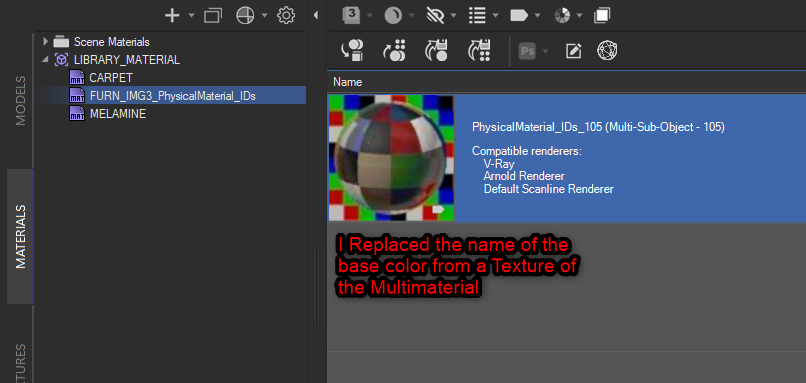
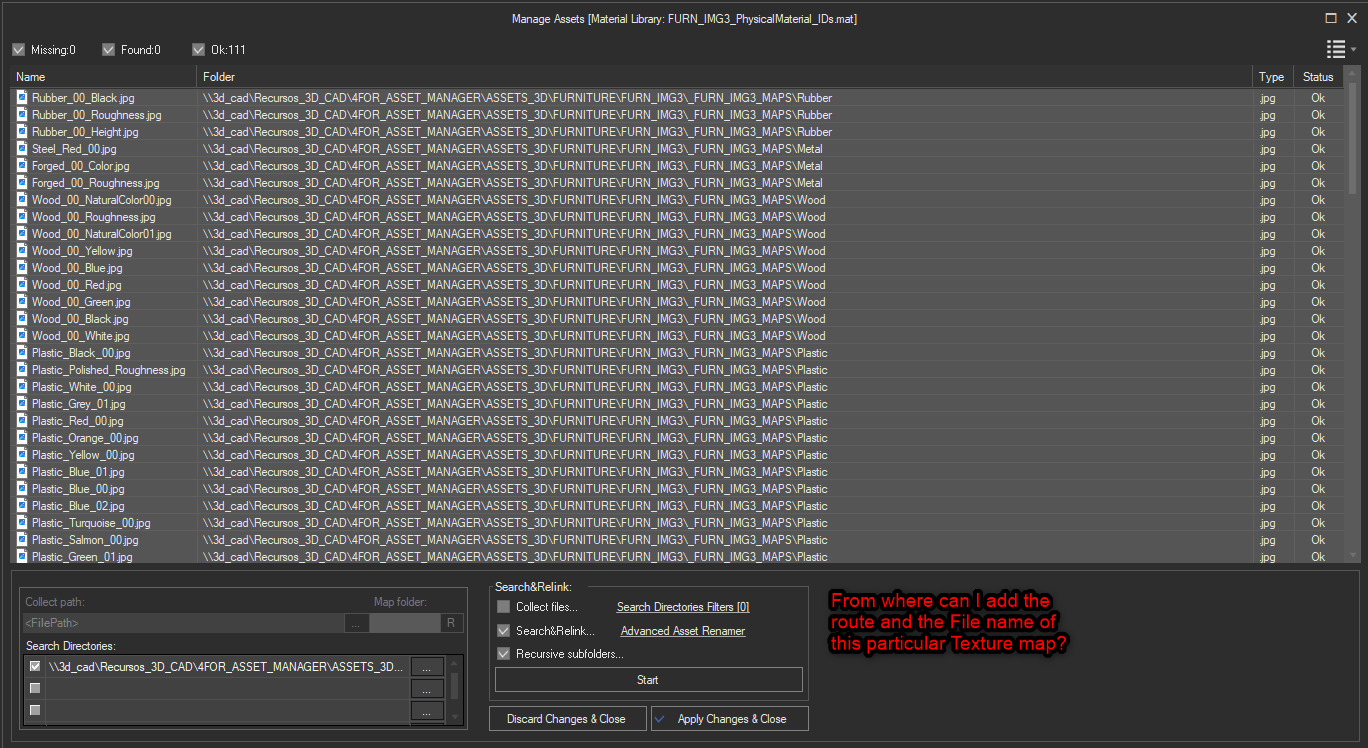
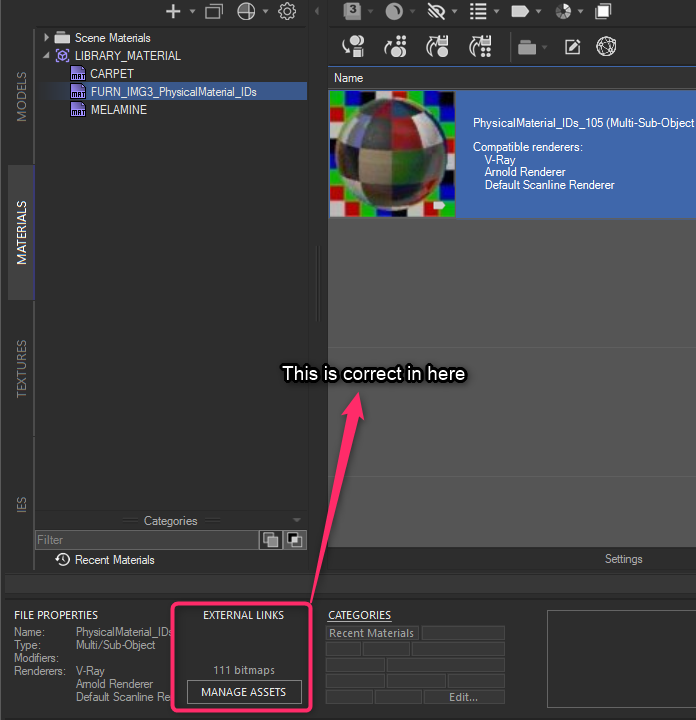
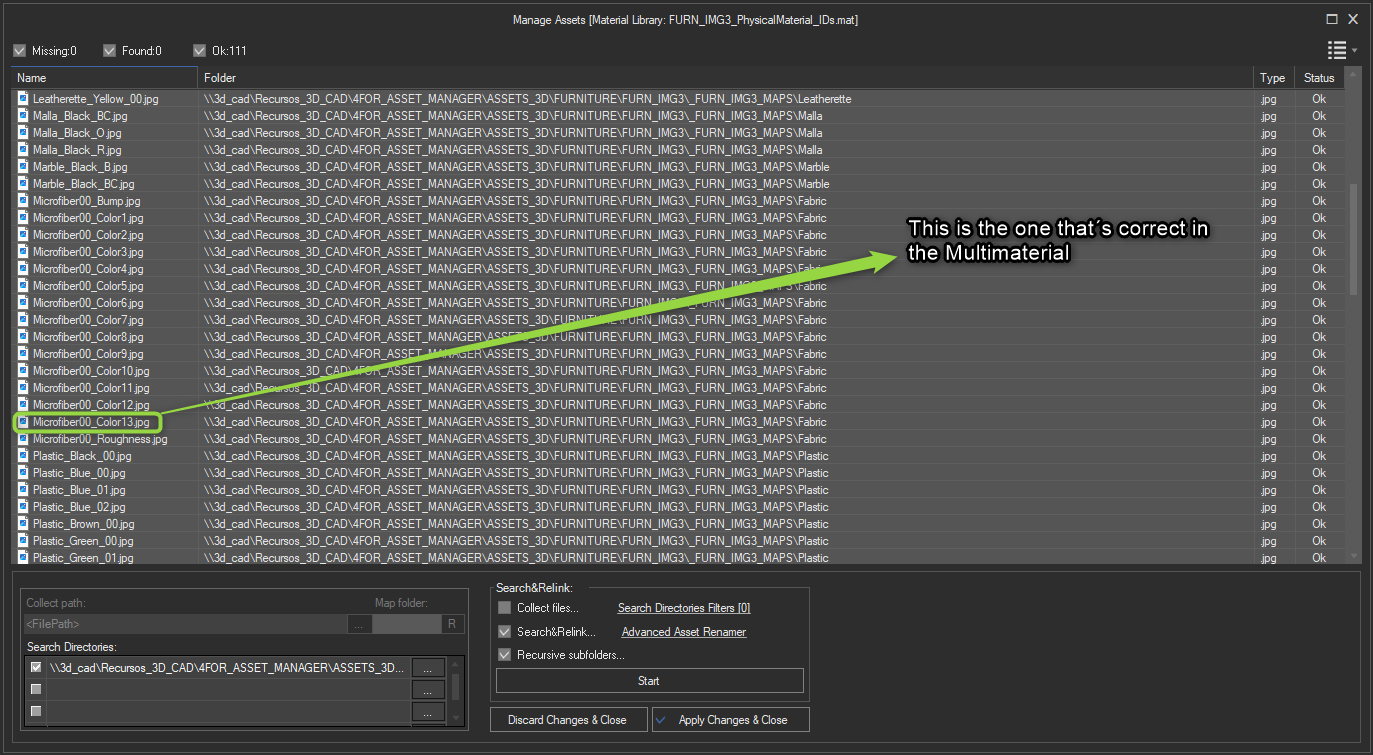
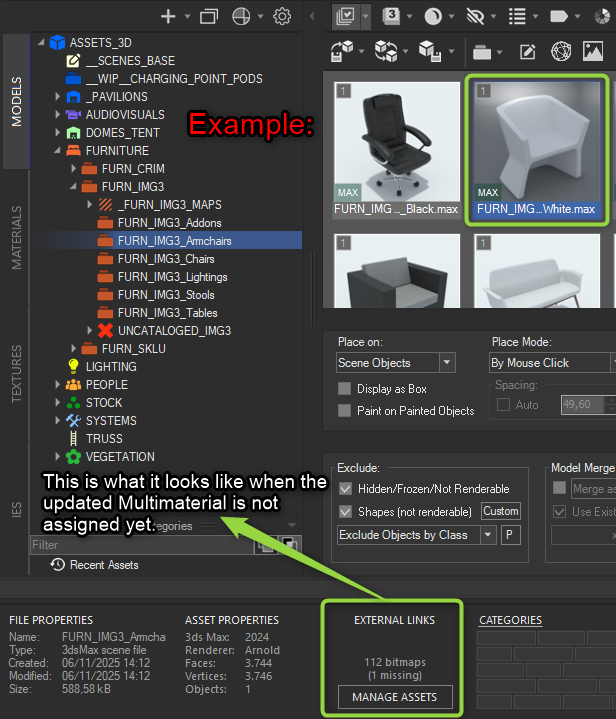
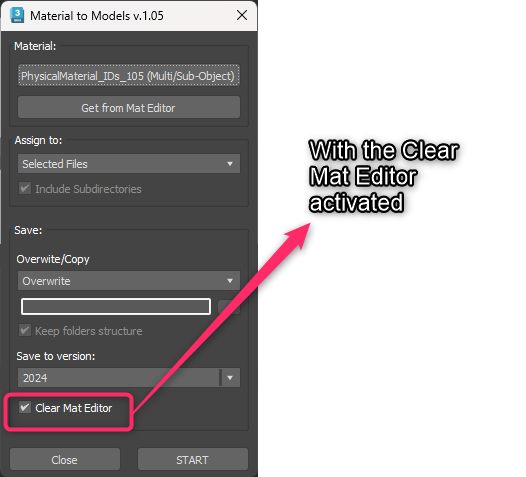
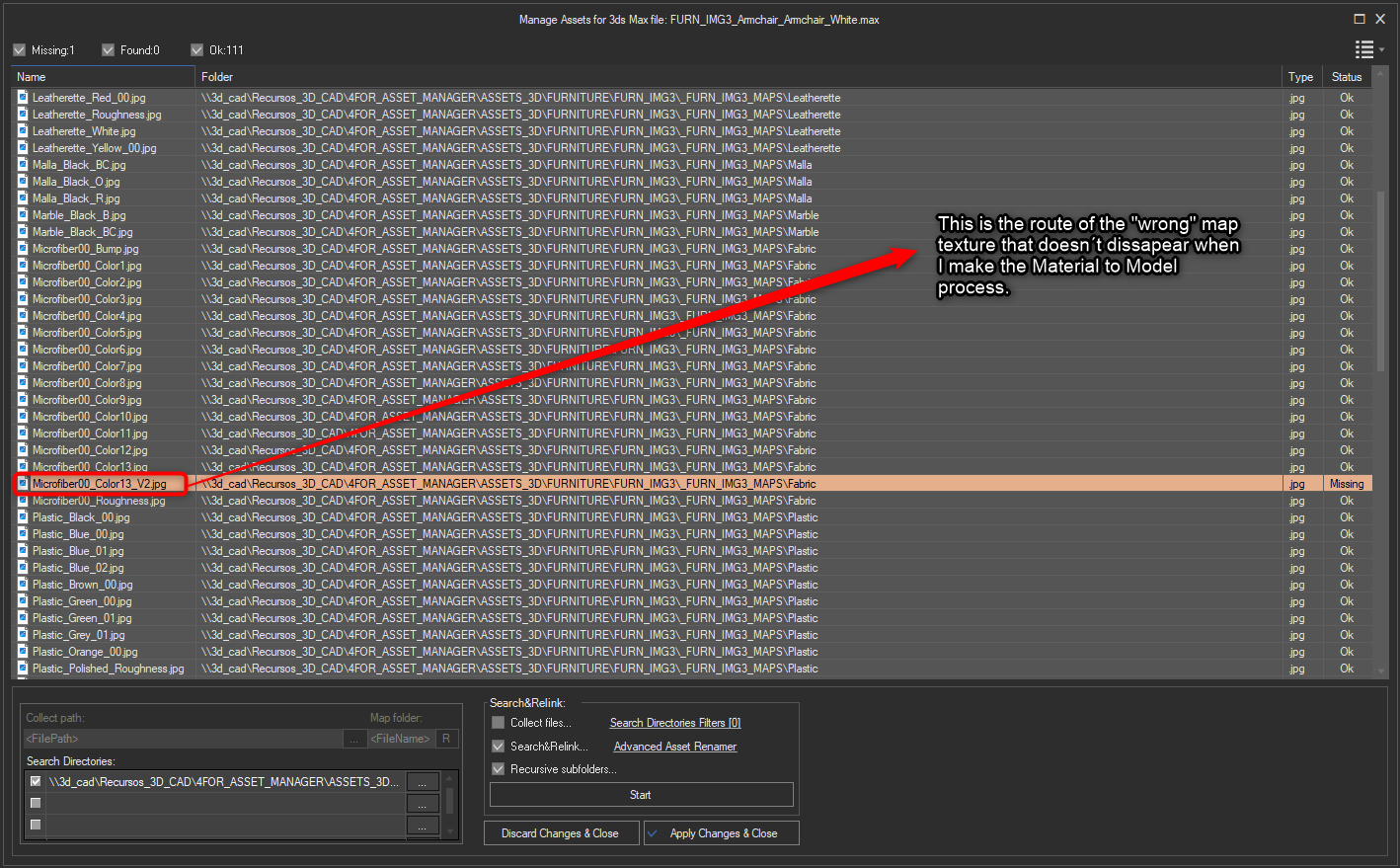
One more thing about this topic , it has changed successfully in the Material section and in the external links from the Multimaterial but it still doesn´t clean the “wrong” route from the external links of the rest of the asset library when I use the Material to Model function.

With all this explanation what else should I try? Maybe I´m not doing the correct workflow but I´m not sure if I´m missing something .
Best regards.


You must be logged in to reply to this topic.

