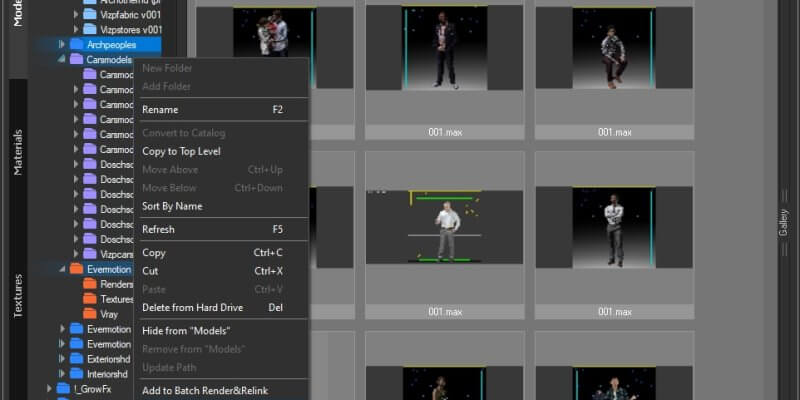
It is simple! Select multiple folders in Windows Explorer and drag them on “Project Manager” treeview panel. https://www.youtube.com/watch?v=XDgY_iznG0s&t=49sVideo can’t be loaded because JavaScript is disabled: 3Ds Max with Project Manager: Review (https://www.youtube.com/watch?v=XDgY_iznG0s&t=49s)
FAQ: Frequently Asked Questions - Page 8
The demo version of Project Manager allows working only with a limited number of files.You can’t select items with the label “Demo”.The demo version of Batch Render&Relink doesn’t allow to relink files and render only part of files in the low resolution. How to Distinguish Between the Full and the Demo Version You Downloaded and […]
Access to the licenses is time-unlimited. All updates from version x.0 to x.5 and from version x.5 to the next major version are included. Upgrades to new versions are available at discounts ranging from 15% to 25%; earlier upgrades yield greater discounts. Licenses acquired less than a year prior to the launch of a new […]
Each license can be used on only one computer. Buyers can check the number of their licenses in the dashboard However, a special offer is available – get one free additional license for free with your first purchase! Volume discounts are also available for most products
Project Manager works with 3ds Max 2016 and above (see the additional information tab on the related page of the product ) and with any renderer. V-Ray, Corona, FStorm, Arnold, Redshift, Octane, Maxwell, Final Render, Indigo, Mental Ray and Scanline are listed as compatible, and other renderers and plugins work as well.
Always install the latest updates and service packs for your version of 3ds Max.
Translate