 Translate
- April 1, 2026 at 12:23 #46721
 sssergeybelanParticipantPosts: 3Threads: 8Joined: Aug 2025::
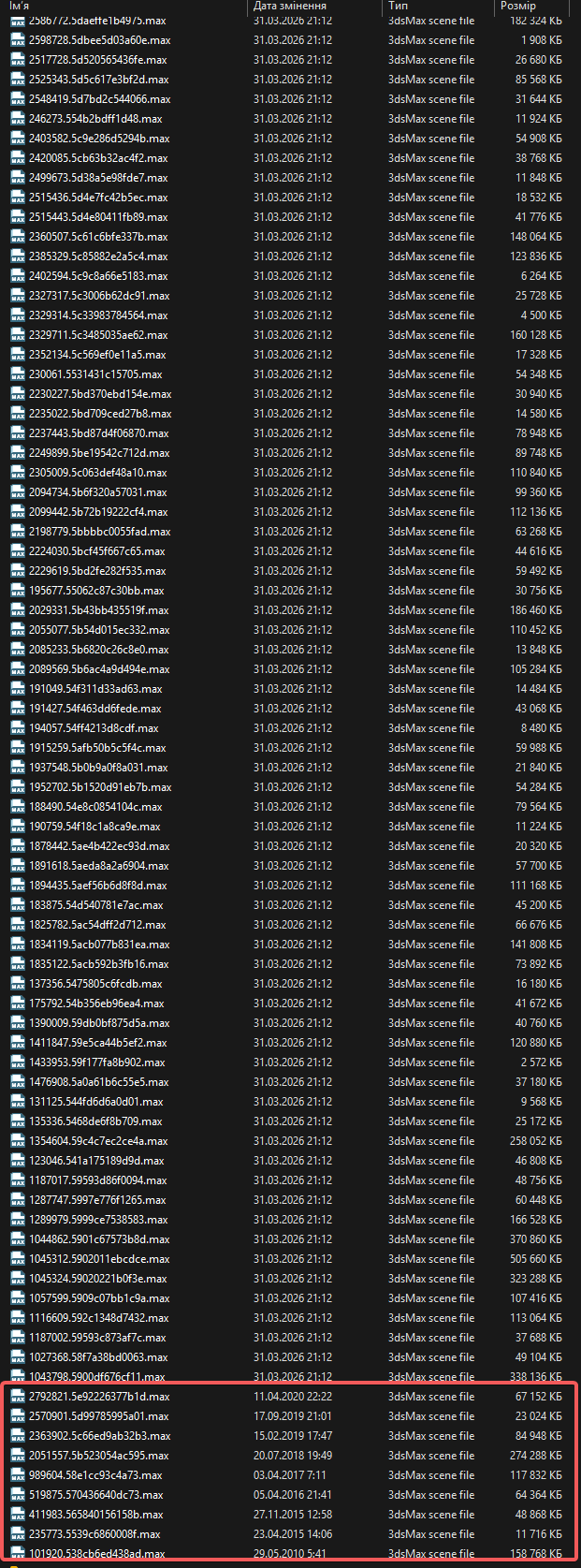
BATCH RELINK 1.7.5.1 Doesn work with some files. i ve attached archives that it allways skip during collect and relink assets.
I tried to unpack with nag all, win rar, it still skip this files anyway. There are far more exampes, but i didnt recognize it on start. I saw the difference in file change time.
I also tried to upack it separate, but it didnt work.
Archives attached. https://drive.google.com/drive/folders/12an02l2mzZ4a85ayVyISQ3cTpz4Dunjr?usp=sharing

- April 1, 2026 at 12:36 #46724Oleksandr KramerModeratorPosts: 269Threads: 1411Joined: Aug 2009
Thank you for reporting this — and for sharing those files, which helped us identify the issue straight away.
Batch Relink uses metadata for relinking that is embedded directly inside .max files. This metadata support was introduced in 3ds Max 2010, which means files saved in older versions (pre-2010) simply do not contain that information, and Batch Relink has no way to process them.
This is exactly the case with the files you have sent over — they were saved in a version of 3ds Max prior to 2010, so Batch Relink skips them regardless of how they are unpacked.
To resolve this, you will need to resave those files in 3ds Max 2010 or later first. The easiest way to do this in bulk is with the free “Batch Save to Previous” script, which is included in the Kstudio Scripts Pack:
https://3d-kstudio.com/product/trackscripts/#accordion-item-save_export
As a side note — you also have a Project Manager licence, and it includes a built-in relink utility that works directly through 3ds Max and handles these older files as well. Just make sure to disable the “Fast Mode” option, as Fast Mode uses the same metadata-based method as Batch Relink and will run into the same limitation.


You must be logged in to reply to this topic.

