Translate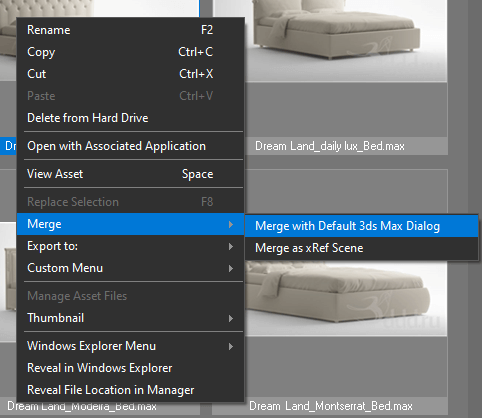
There are a few options to keep a hierarchy for an animated model: Merge using double-click on 3D file Merge using the menu-item “Merge with default 3Ds Max Dialog” from the right-click menu “Merge” Hold the SHIFT key when dragging a model.

There are a few options to keep a hierarchy for an animated model: Merge using double-click on 3D file Merge using the menu-item “Merge with default 3Ds Max Dialog” from the right-click menu “Merge” Hold the SHIFT key when dragging a model.
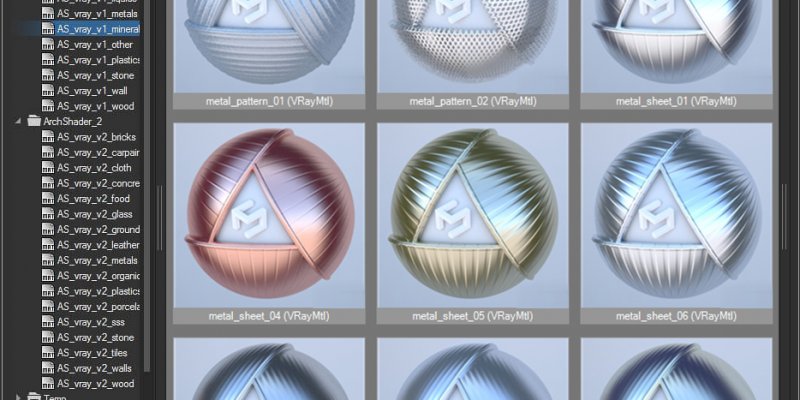
The “Project Manager” unlike “Materials Manager” supports to 3d models, bitmaps and IES files. The “Project Manager” contain the tool “Batch Render&Relink”. The “Project Manager” contain all abilities of the “FilePathFinder PRO” See Comparison for Kstudio asset management tools on this page.
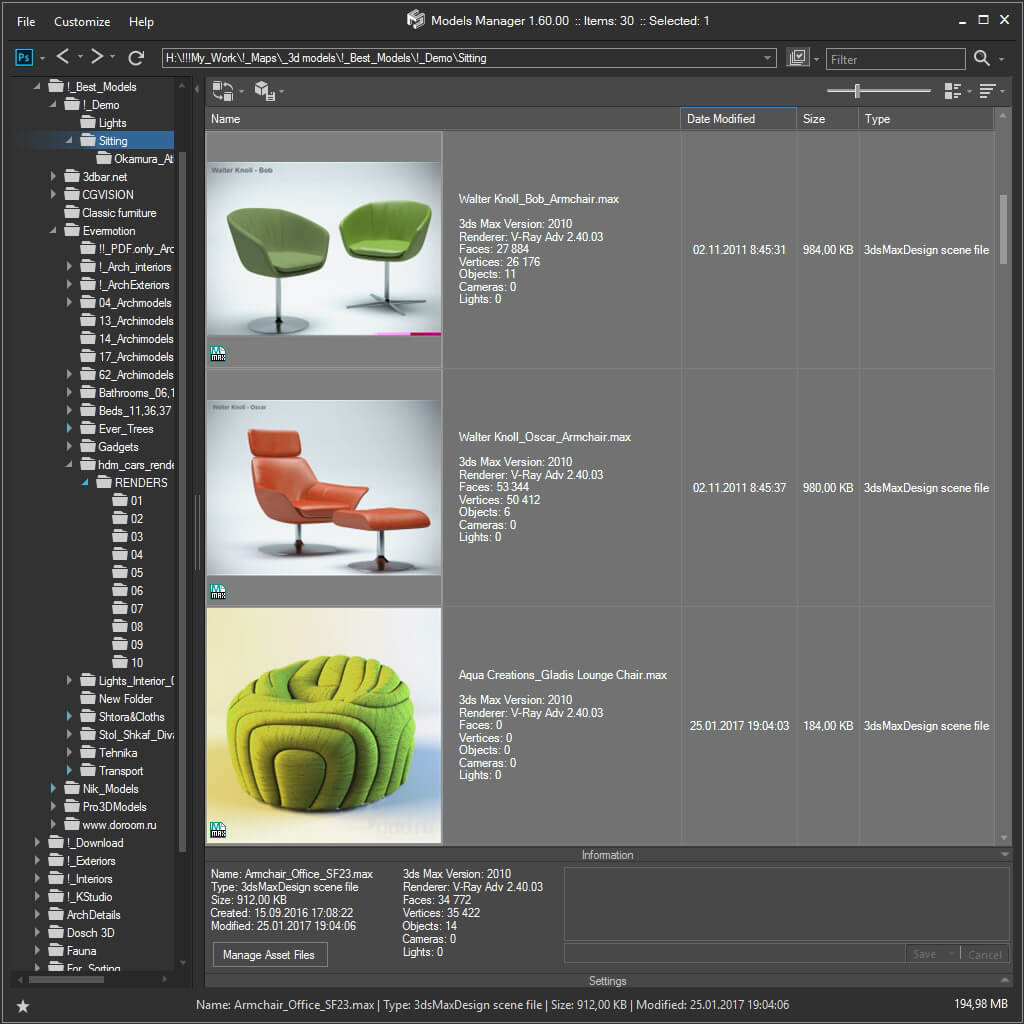
The “Project Manager” unlike “Models Manager” supports to materials, bitmaps and ies-files. The “Project Manager” contain the tool “Batch Render&Relink”. The “Project Manager” contain all abilities of the “FilePathFinder PRO” See Comparison for Kstudio asset management tools on this page.
Your library contains files Project Manager doesn’t show, or too many you don’t need?
Open the “Filter by file-type” dropdown on the Models or Textures tab to turn types on and off, and choose Edit to add your own extensions, for example .rar, .zip or .7z.
On the Models tab the list applies to all folders; on the Textures tab it is remembered per folder.
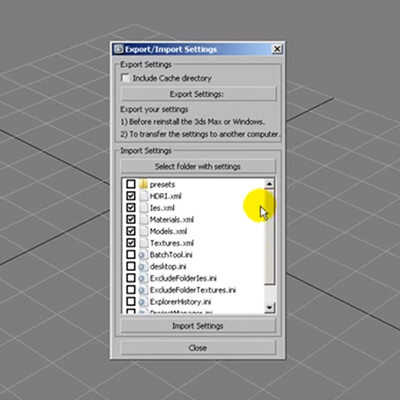
Reinstalling Windows or 3ds Max, or moving to a new computer?
Use Export/Import Settings to save your preferences into a file and restore them in a fresh installation.
Close Project Manager first (File → Exit) and tick every setting you want to import — the database is skipped by default and is moved separately, together with your libraries, categories and tags.
A folder looks empty or half-empty?
Project Manager shows only the file types enabled in the filter. Click the file-type filter button on the panel: on the Models tab turn the filters off, and every file in the folder appears.
Enter your details below to save your shopping cart for later. And, who knows, maybe we will even send you a sweet discount code :)