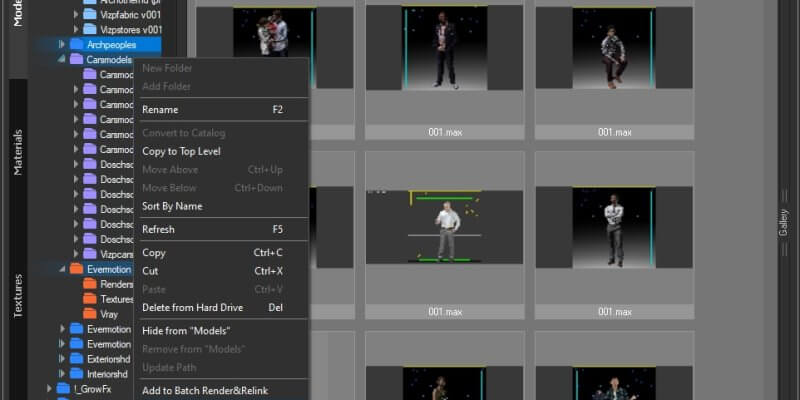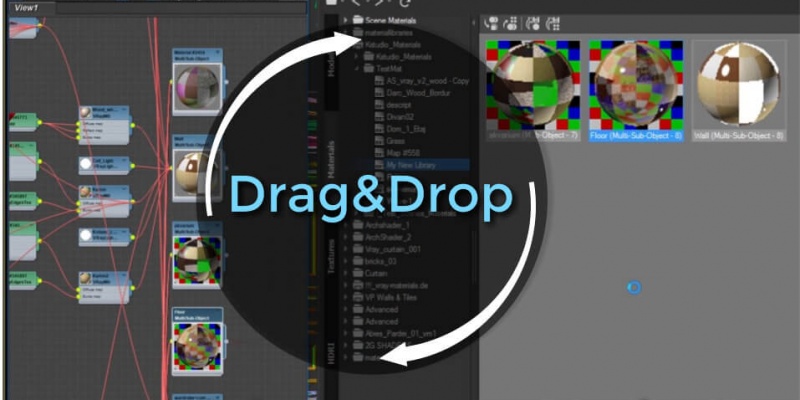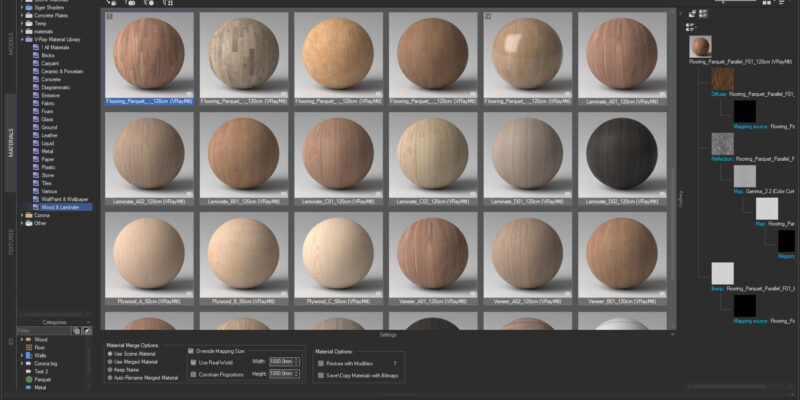
Choose a material with which you wish to replace a scene material. Copy it (CTRL + C) or from the context menu item “Copy”. Go to the catalog “Scene Materials” and select the material you want to replace. (To quickly find the material in the scene, you can use a >>filter) Choose in the context […]
FAQ: Project Manager - Page 4
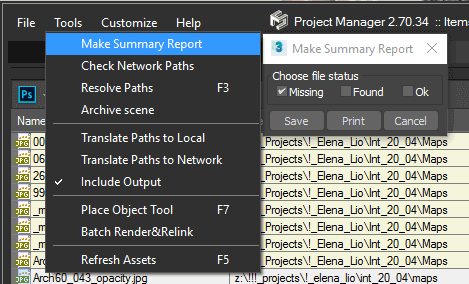
You can export the list of the missing maps to file using the menu-item “Make Summary Report” from menu “Tools”.
It is simple! Select multiple folders in Windows Explorer and drag them on “Project Manager” treeview panel. https://www.youtube.com/watch?v=XDgY_iznG0s&t=49sVideo can’t be loaded because JavaScript is disabled: 3Ds Max with Project Manager: Review (https://www.youtube.com/watch?v=XDgY_iznG0s&t=49s)
Project Manager works with 3ds Max 2016 and above (see the additional information tab on the related page of the product ) and with any renderer. V-Ray, Corona, FStorm, Arnold, Redshift, Octane, Maxwell, Final Render, Indigo, Mental Ray and Scanline are listed as compatible, and other renderers and plugins work as well.
Always install the latest updates and service packs for your version of 3ds Max.
Translate