Translate
-
×
 Project Manager 1 × $60.00
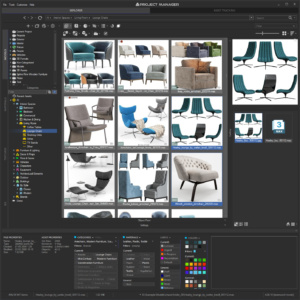 Project Manager
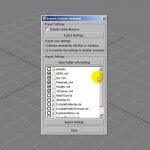
Project Manager shows only the file types enabled in the filter, so nothing is lost — it is just hidden.
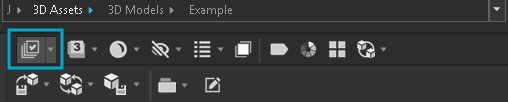
- Click the file-type filter button on the panel.
- On the Models tab, disable the filters to see every file.
- To also see files from nested folders, turn on Show files in subfolders in the tree settings.
To add a file type that isn’t in the list: How do I show or hide specific file types in the asset browser?
$60.00Add to Cart