Translate
-
×
 Project Manager 1 × $60.00
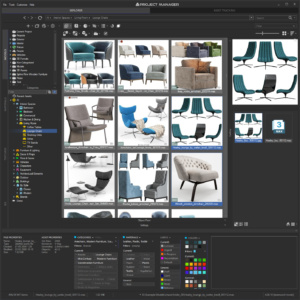 Project Manager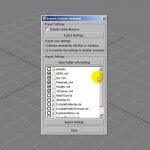
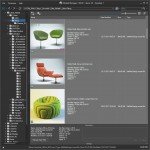
You can add or hide file types in the list on the Models and Textures tabs. The two tabs work slightly differently.
Models tab. The list applies to all folders.
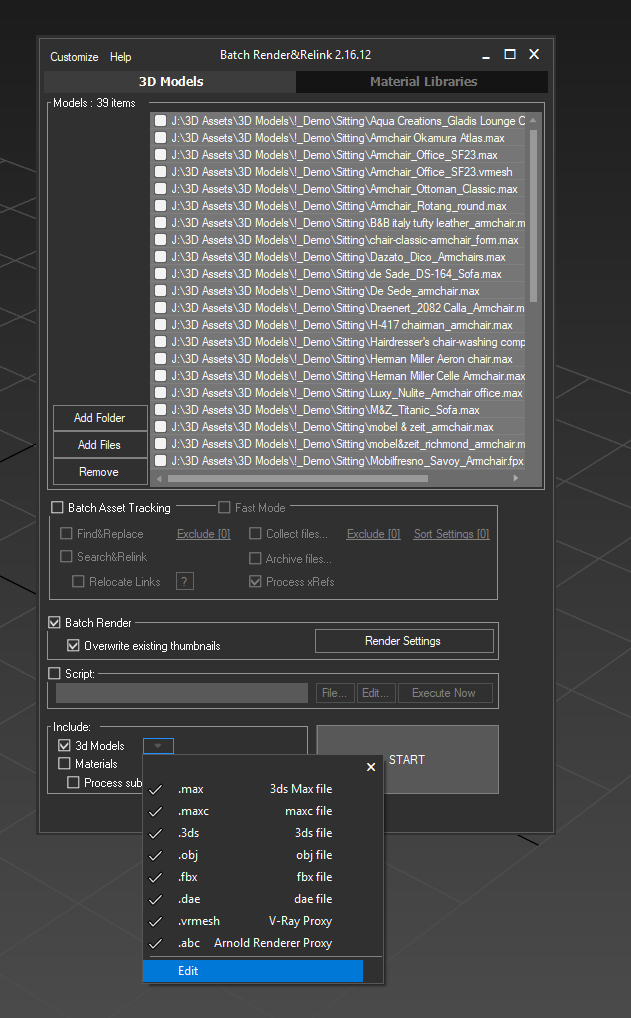
Open the “Filter by file-type” dropdown and choose Edit to add a new extension.
To remove all filters and see every file, click the filter-off button.
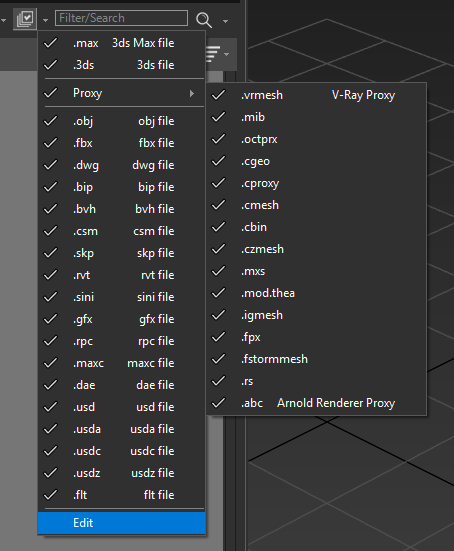
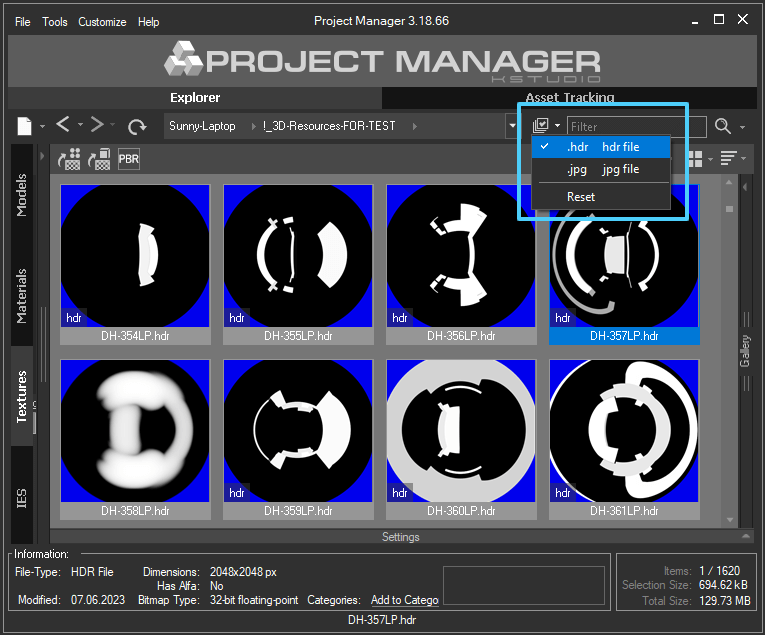
Textures tab. You can only turn file types on or off.
The change affects the active folder only, is saved and applied next time as well.
Batch Render.
If 3ds Max supports a format you don’t see in the list, add it from the menu.
$60.00Add to Cart