 Translate




Kstudio Scripts Pack
Kstudio Scripts Pack for 3ds Max includes over 30 free scripts that can help streamline your workflow and improve your productivity.
Some of the scripts included are
- Sweep Profile
- Align Pivot
- Batch Save 3D Models and Materials to Previous version
- Material/Object ID Manage (EffectsChannel)
- Render Render Elements
- Save Objects to File
- Instance Materials/Maps and more…
Free
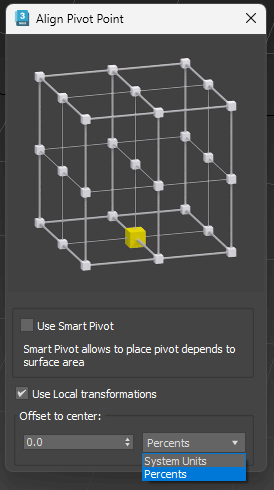
Align Pivot (Smart/Standart) with Interface
Set Pivot by specifying the location point
Has multiple modes
Standard mode (Smart Mode is off ):
Pivot is set depending on the bounding box of the object.
Smart Mode:
Pivot is set based on the surface of the object, not just its dimensions
Use Local Transformations:
Pivot is set to the object’s local coordinates
If disabled – in world coordinates
Offset to Center:
Offset Pivot to the center. Can be specified in percentage or system units. Supports positive and negative values.
Applies to all selected objects. In closed groups – this applies to the entire group, Pivot of objects inside the closed groups will not change.
Pivot Align: Smart vs Standart mode
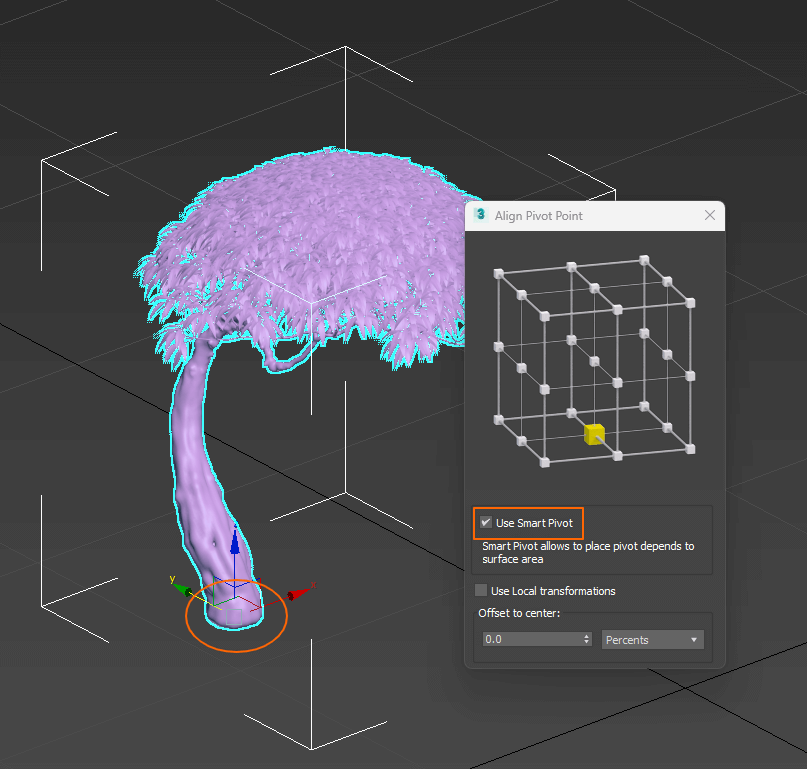
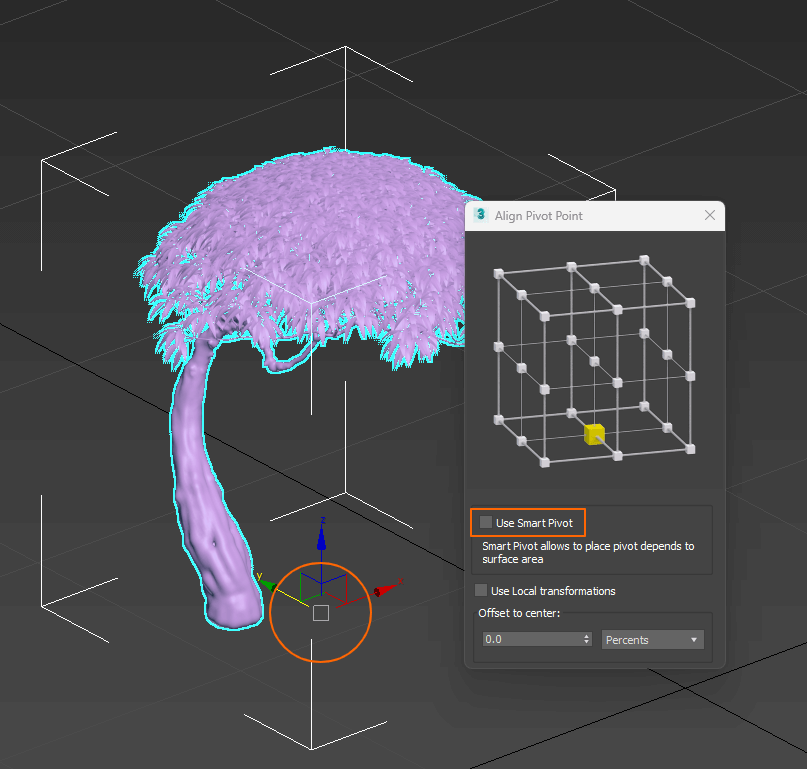

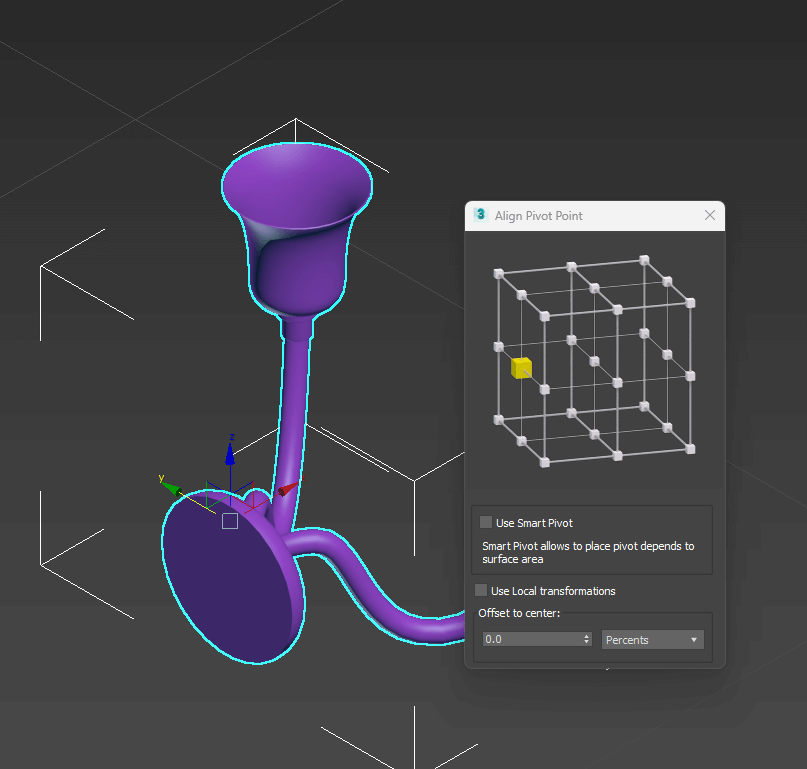
Align Pivot (Smart/Standard)
Precisely the same as the previous script, but the Pivot is set in one click, without displaying the interface.
Used the values, specified by the previous script.
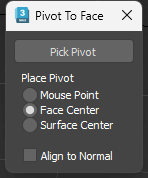
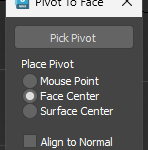
Align Pivot to Face (with Interface)
Mouse point
Pivot is placed on the Face at the mouse click point
Face center
Pivot is placed in the center of the clicked Face
Surface Center
Pivot is placed in the center of the clicked surface
Place Pivot: Mouse Point/Face Center/Surface Center
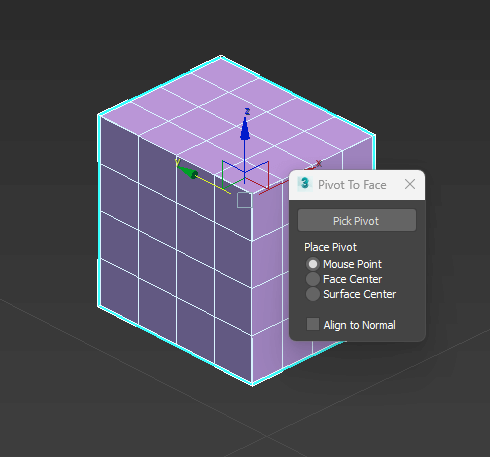
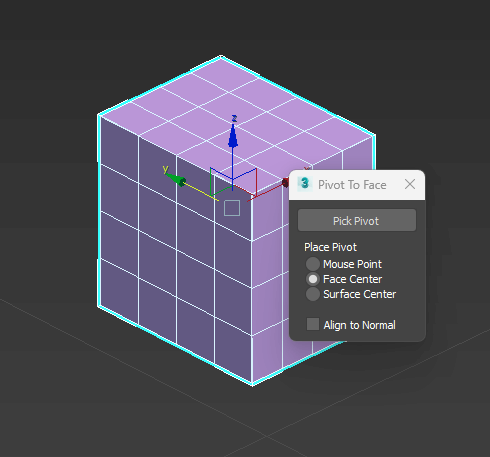
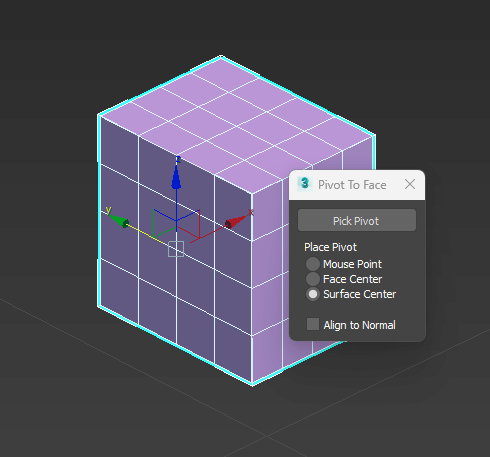
Align Pivot to Face
Precisely the same as the previous script, but the Pivot is set in one click, without displaying the interface.
Used the values, specified by the previous script.
Align Pivot (Using Snap)
Align Pivot using snap to Vertex, Bounding box, or Face center
Reset Pivot – resets the Pivot position to default
Align Pivot to Center – sets the Pivot to the center of the object
Align Pivot to Bottom – sets the Pivot to the bottom of the object, depending on its surface (in world coordinates)
Copy/Paste Material/Map properties
This tool copies all properties from one Material or Map to another (excerpt textures and materials)
Script uses Material/Map that active in the Slate or Standart Material Editor
Show/Hide Map for Selection in Viewport
This script allows to hide or show Shaded Material in the viewport to all selected objects
Instance Material by Name
3ds Max script for fast clearing a scene from duplicates of materials. Duplicates searching by material name
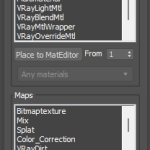
Place instanced materials into Material Editor by pressing the button “Place to Mat Editor”.
Choose the desired material and press the button “Make Instance” for converting all other similar materials to instances.
v.1.2 – Adds an ability to place similar materials into Slate Material Editor
Instance Material by Diffuse
Unlike the previous script, this tool searches for duplicates by the diffuse color
Assign Material to Selection
Use with a hotkey or add the script to the toolbar to assign material even if ME is closed.
Script uses Material that active in the Slate or Standart Material Editor
Place Materials From Selection to MatEditor
Place materials from selected objects to Material Editor.
Currently supported only the standard Material Editor
Select by Material
Select objects by Material/Map that are active in the Slate or Standart Material Editor.
Use CTRL key to add to the current selection
Use ALT key to select only by material
Use SHIFT to include hidden and frozen objects
Auto-Rename Multi-Materials
Script to rename Sub-Materials or Names of MultiMaterial
Name fields are filled by the names of the same name sub-materials,
provided that there is no syllable in the name of «mate» and the name of non-empty.
You can process Material from the Slate or Standart Material Editor, Selected objects or whole scene.
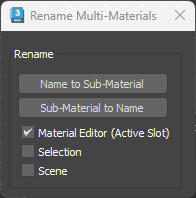
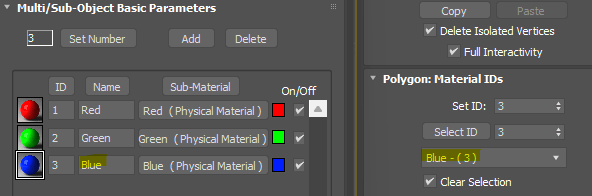
Copy Material and Modifiers
Copy a Material or Modifiers from one scene object to selected objects.
Just pick the source object in the viewport
Selection properties By Layer (use Shift-key to off)
Set properties of selected objects to “By Layer”.
Use the SHIFT key to set properties to “By Object”
Switch Current Layer Box Mode
Display the current layer in Box Mode
Hide Layers (by selection)
Hide all layers that contain selected objects
Froze Layers (by selection)
Froze all layers that contain selected objects
Show Layers by selection
Hide all layers except those containing selected objects
Unhide all Layers
Unhide all hidden and frozen Layers
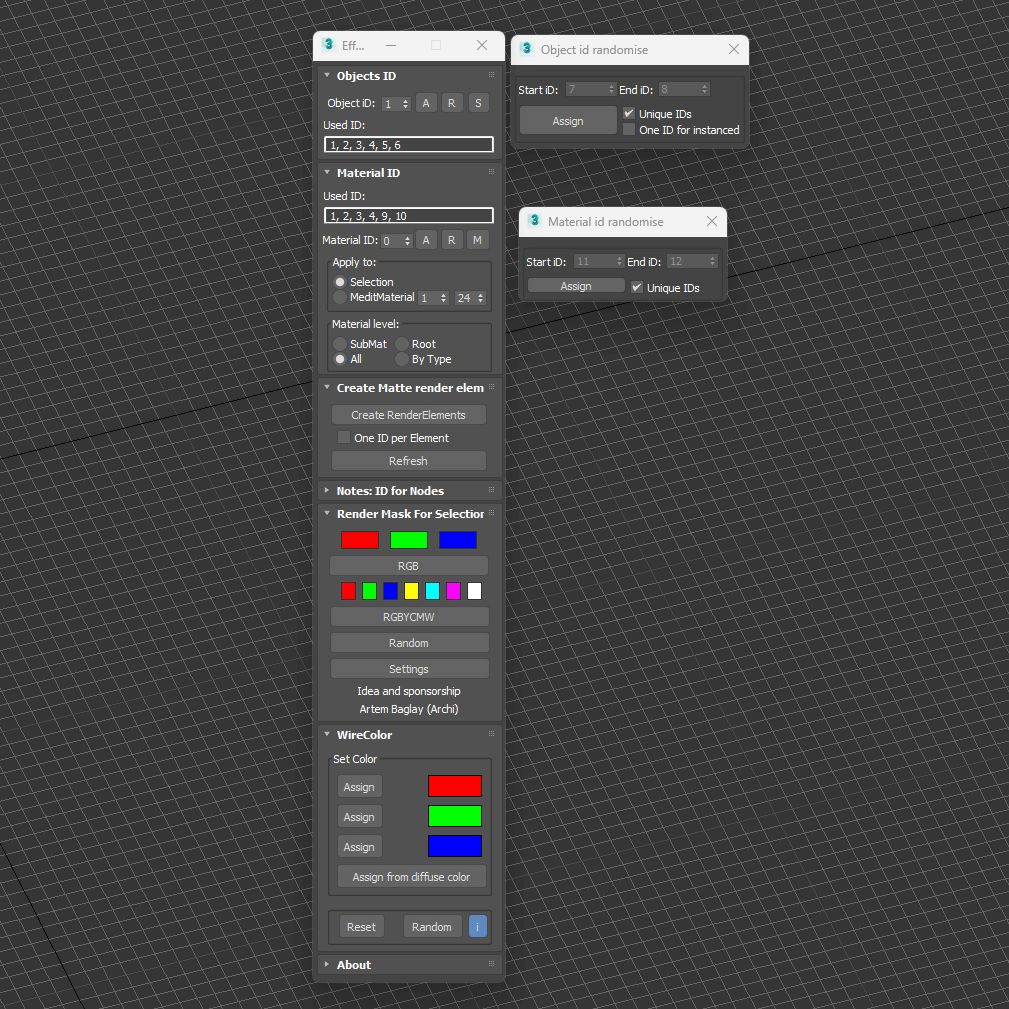
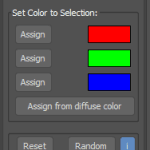
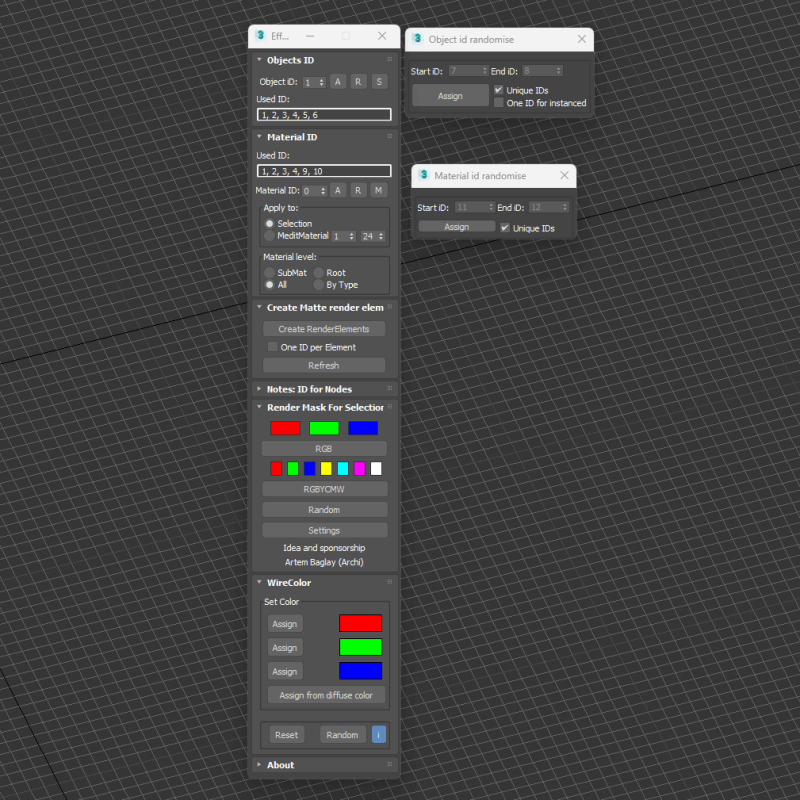
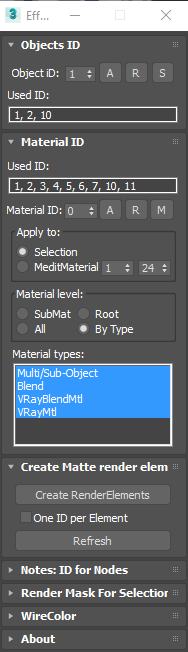
Material/Object ID Manage (EffectsChannel)
Ideal tool for users looking to enhance post-production workflow and improve efficiency in 3ds Max.
Key Features:
- Manage Materials and Object IDs: Simplifies the process of assigning IDs to materials and objects to manage render elements
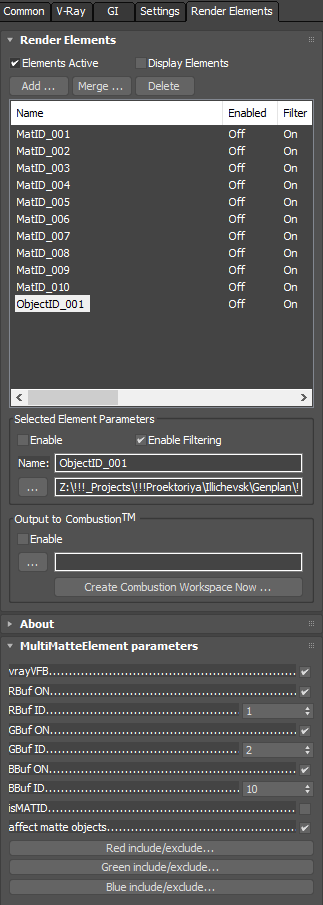
- Automate Render Elements Creation: Streamlines the creation of essential render elements for different render engines.
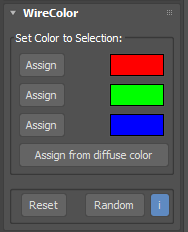
Automates generate MultiMatteElements for V-Ray, CMasking_Mask elements for Corona Renderer and MatteRenderElements for Mental Ray. - Wirecolor Assignment: Automatically assigns wirecolors to objects for access in post-production
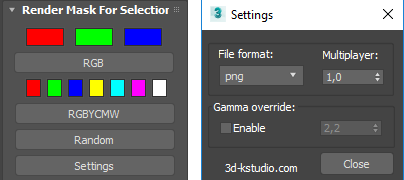
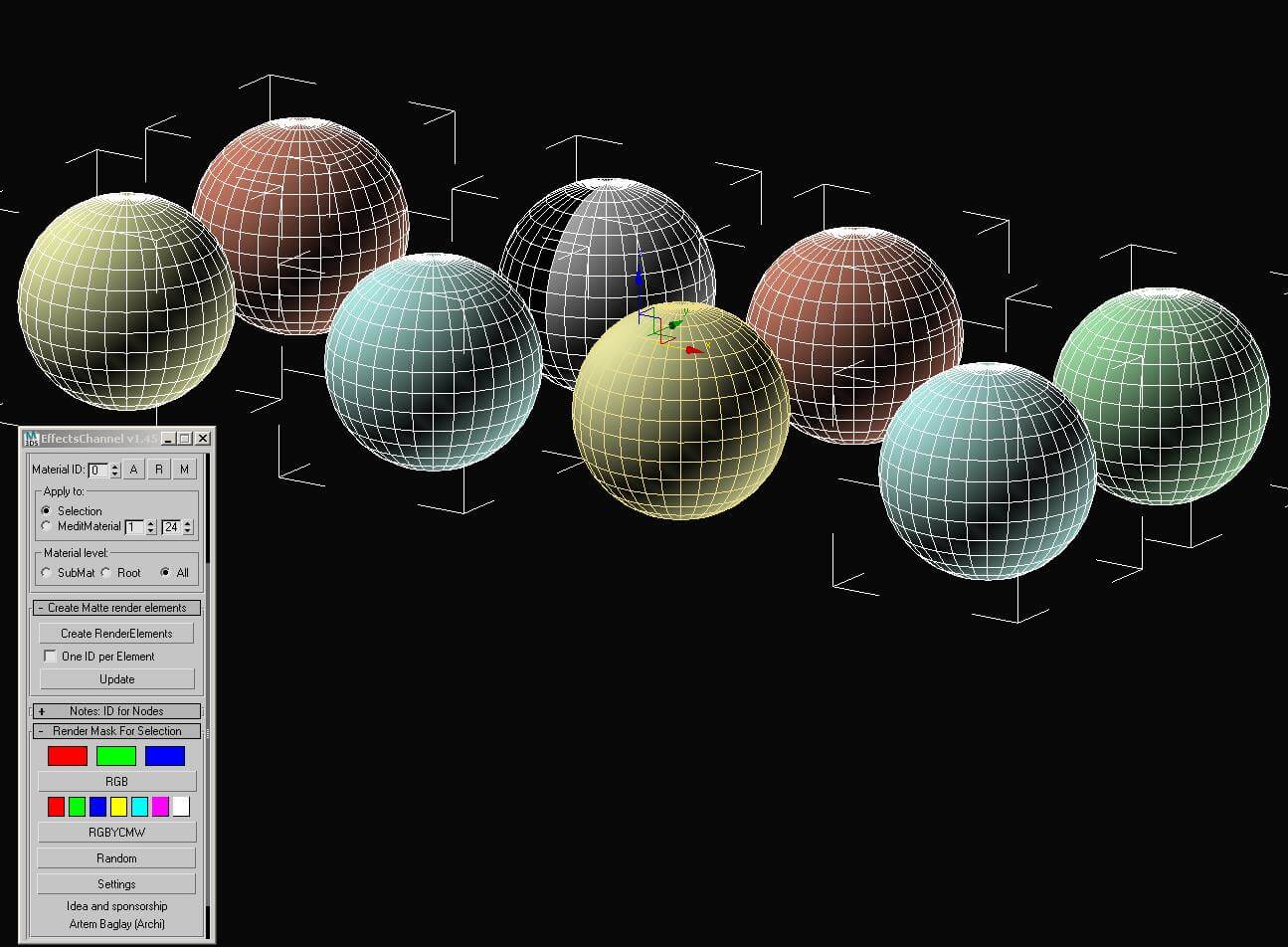
- Render Mask for Selected Nodes: Quickly render masks for selected objects in V-Ray using the “Render Mask for Selected nodes” feature
See a tutorial “A Short Look at a 3DsMax to Fusion Post Workflow” from Kevin Shane on Cgtuts+.
For rendering masks for selected objects use the rollout “Render Mask for Selected nodes” – this feature currently available only for V-Ray




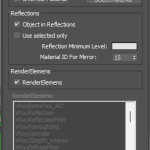
Render RenderElements
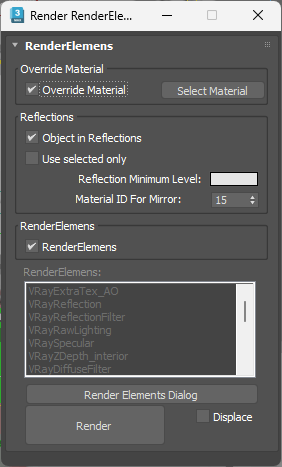
Script for rendering colored masks in reflections.
Color nonreflective material is given at random.
The threshold of reflection color is defined by user.
Before rendering Materials with a chosen color will be converted to the absolute mirror.





Auto Render-Output Filename
Set render-output filename
Set output raw, split, irradiance map, and lightcache filenames for V-Ray
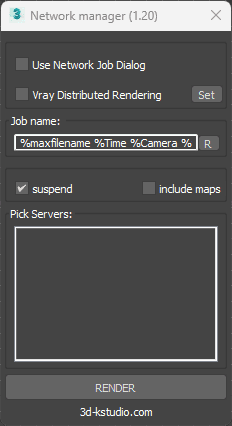
Network Manager
Send opened scene to network render using 3ds Max standart or VRay Distribute Rendering
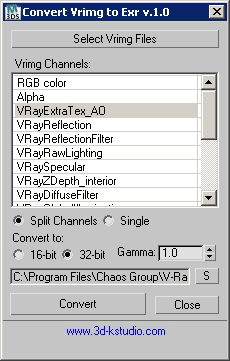
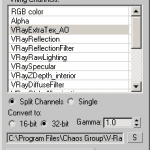
Convert Vrimg to EXR
The script to convert Vrimg files to EXR format.
Allows to convert files into one EXR file with all channels or only selected channels to different EXR files
Switch Shade Mode
Switch the Display Color between the wireframe and diffuse material colors
Viewport Reset
Resets all viewports to default state
BackFace Cull
Switch Backface Culling on/off for all objects
Front
Back
Top
Bottom
Left
Right
User
These scripts switch the current viewport to a related view and zoom to selected objects
Camera
This script switches the current viewport to the camera and shows Safe Frames
Switch Proxy Display (box/full mesh with SHIFT)
Change a display mode for Proxy between a box and full mesh
Supports to VRay, Mental Ray, Corona, Octane, Redshift, Arnold and SiNi Proxies
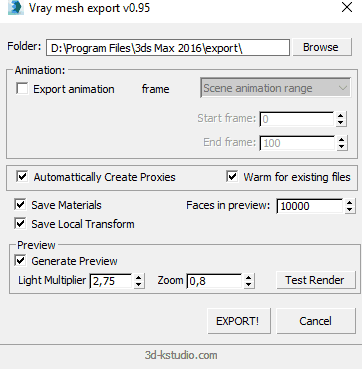
Vray mesh export with material
Script allows to export mesh to Vray Proxy, render a preview thumbnail and saves material for proxy
Create VRayProxy with material
Creates a VRay Proxy from existing file and assigns a material from material library stored near to proxy file
VRayProxy Material Load
Script to assign a material to selected proxies from material library stored near to proxy file
Save/Restore Selection
Script for saving a set of selected objects.
The set is restored in the absence of singled out or when you hold the keys SHIFT
Use CTRL-key to add to the previously saved set of selected objects.
Use ALT key to subtract selection from a previously saved set
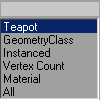
Set Selection Filter
Script for quick set the Selection Filter.
Allows you to create custom filters
for Classes (for example-Box), for Superclasses (for example-Geometry),
Modifiers, Materials, Vertex count or Instanced objects.
QuickSelect&Rename
Select Linked Objects
Select all objects, that linked to the selected
Cycle Coordinate System
The script to quickly switch between standard coordinate system modes «View» and «Local». Uses the mode “Parent” on the sub-object level.
Useful as Hotkey
1st gear translates the coordinate system to the «View»,
2nd allows using the coordinate system from any object in a scene.
Save Selected Objects
Script for saving each object from selection to a separate file.
Objects in a group will be saved to a single file.
Using:
Start the script and select a folder for saving objects.
Batch Save to Previous
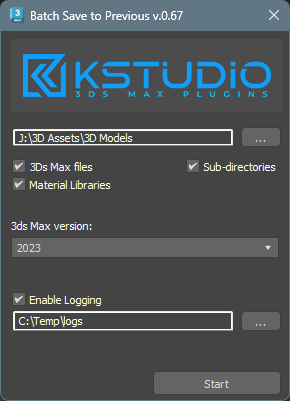
Script for saving 3ds Max files and Material Libraries* to the previous version in batch mode.
*Batch saving Material Libraries to the previous version requires 3ds Max 2023 Update 1
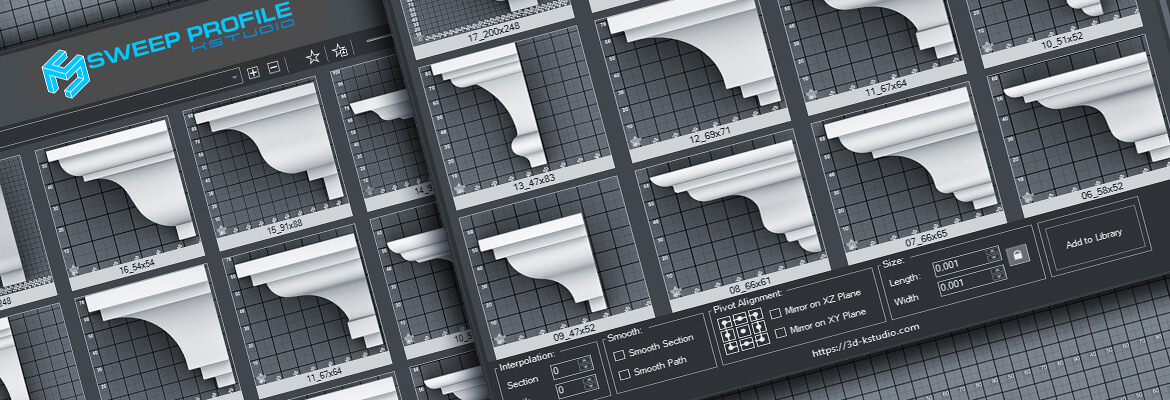
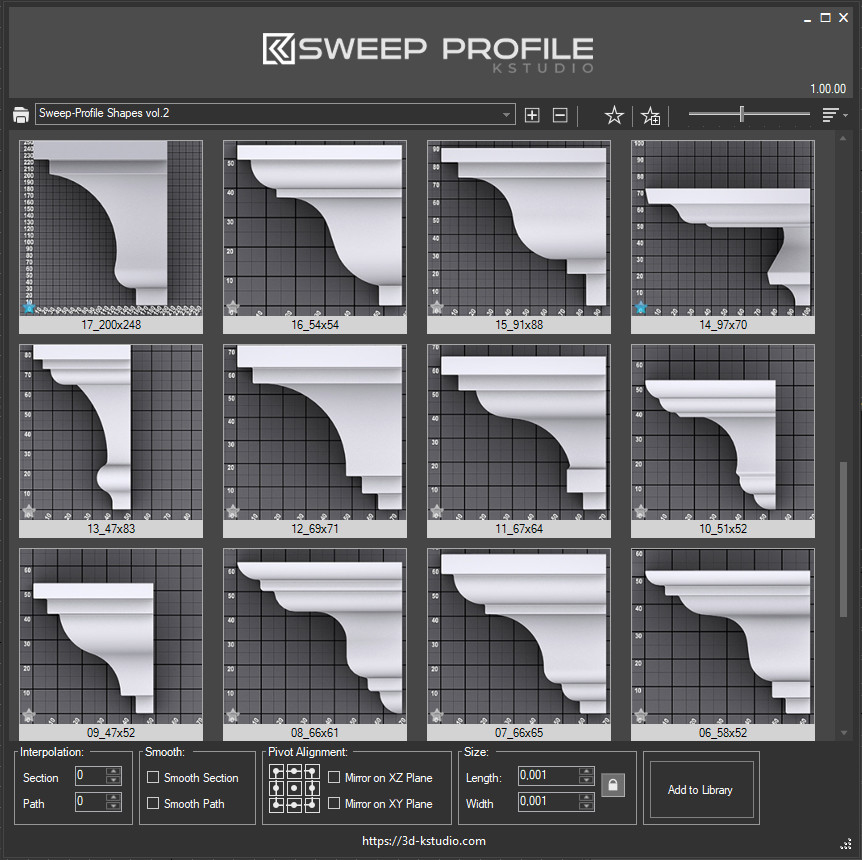
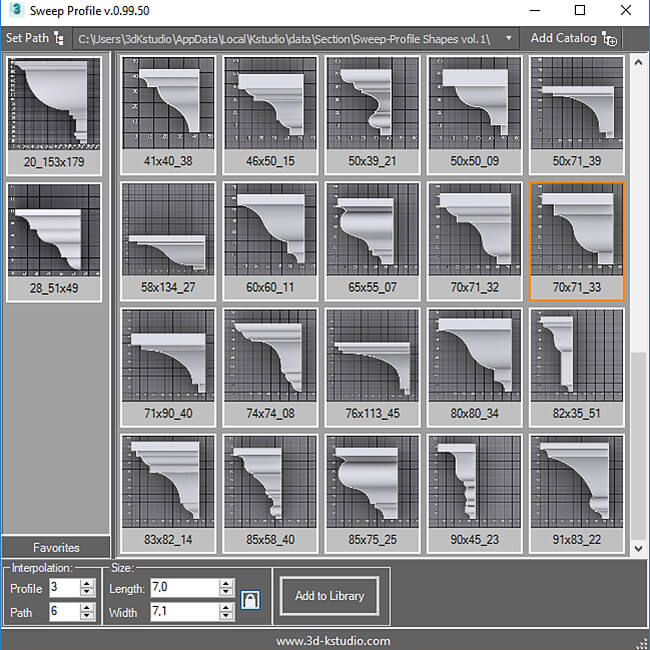
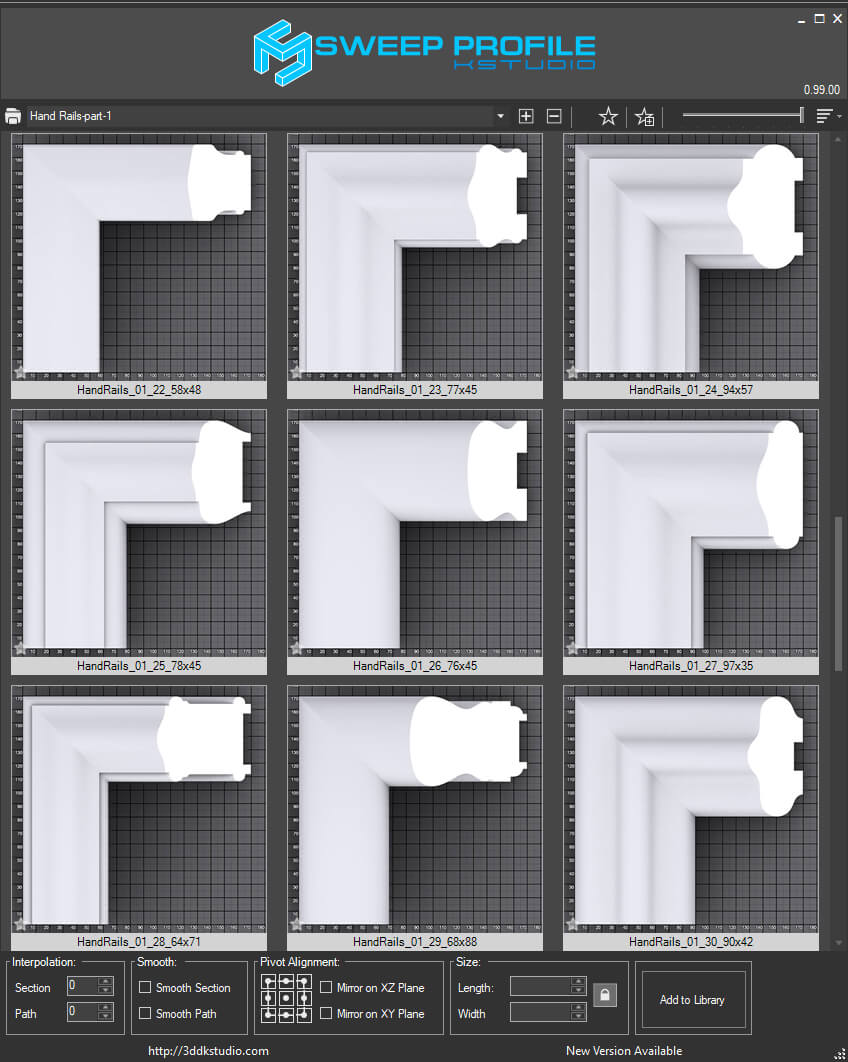
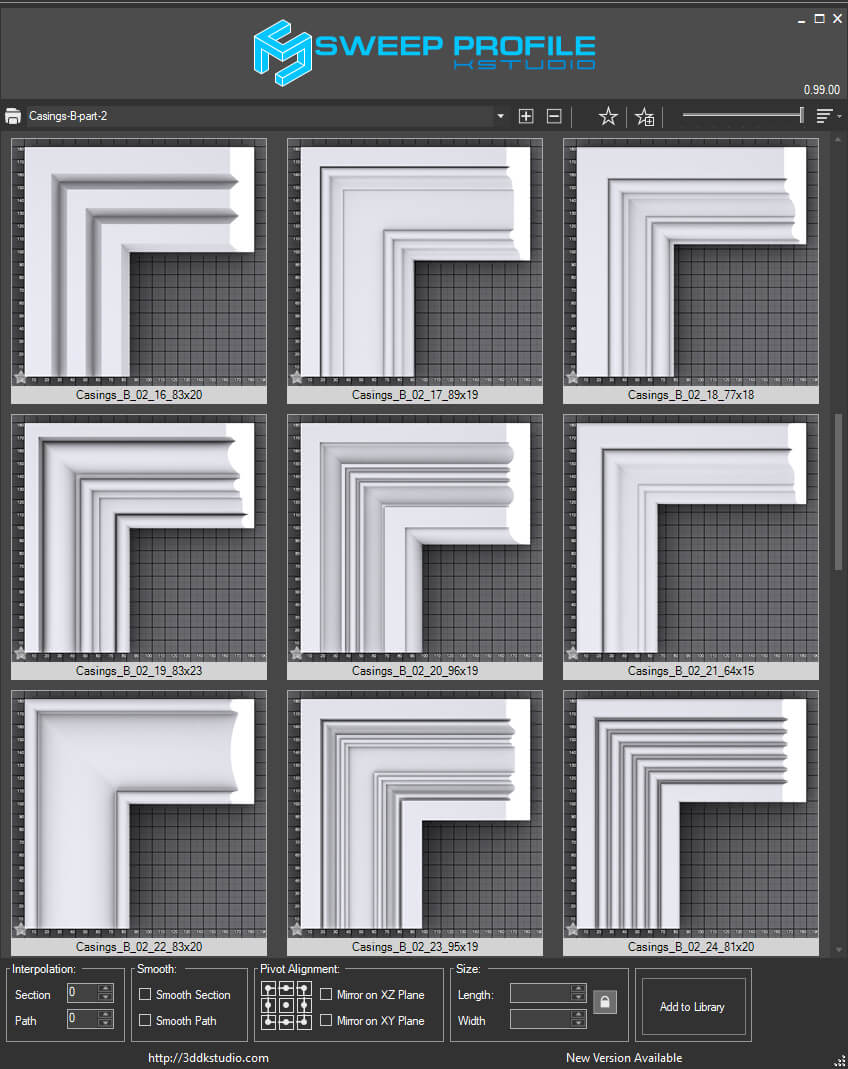
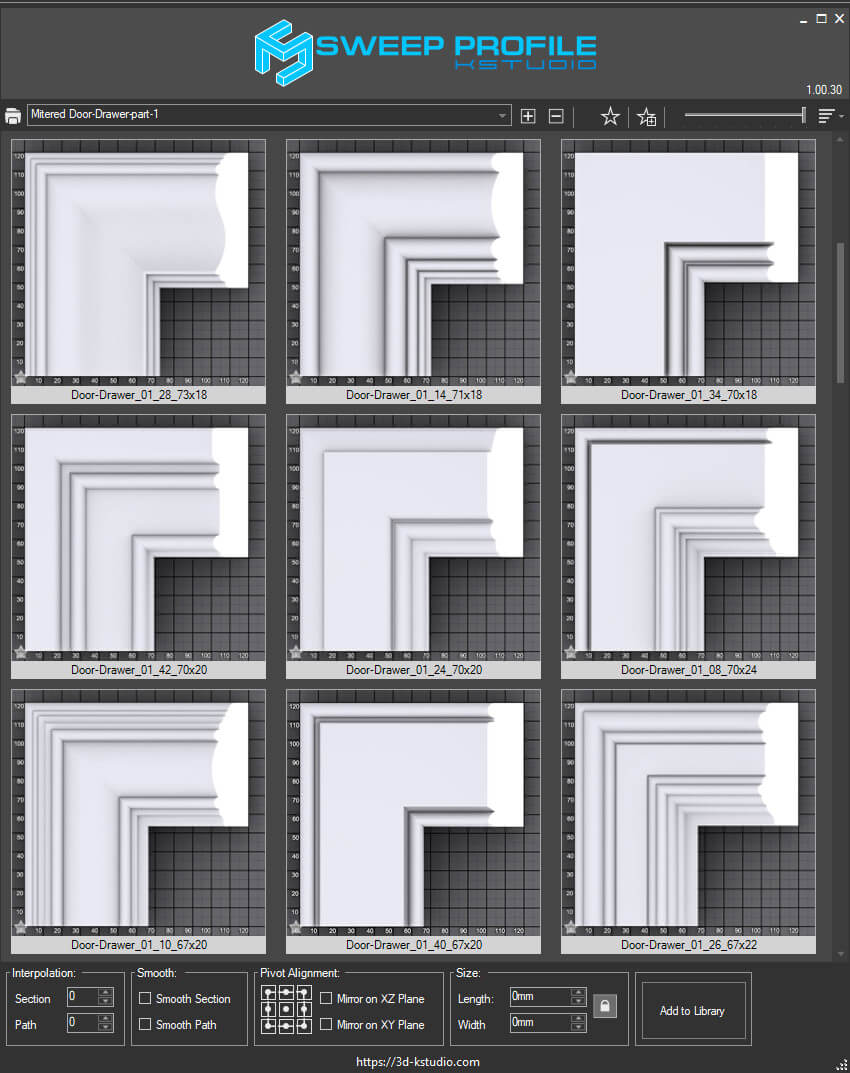
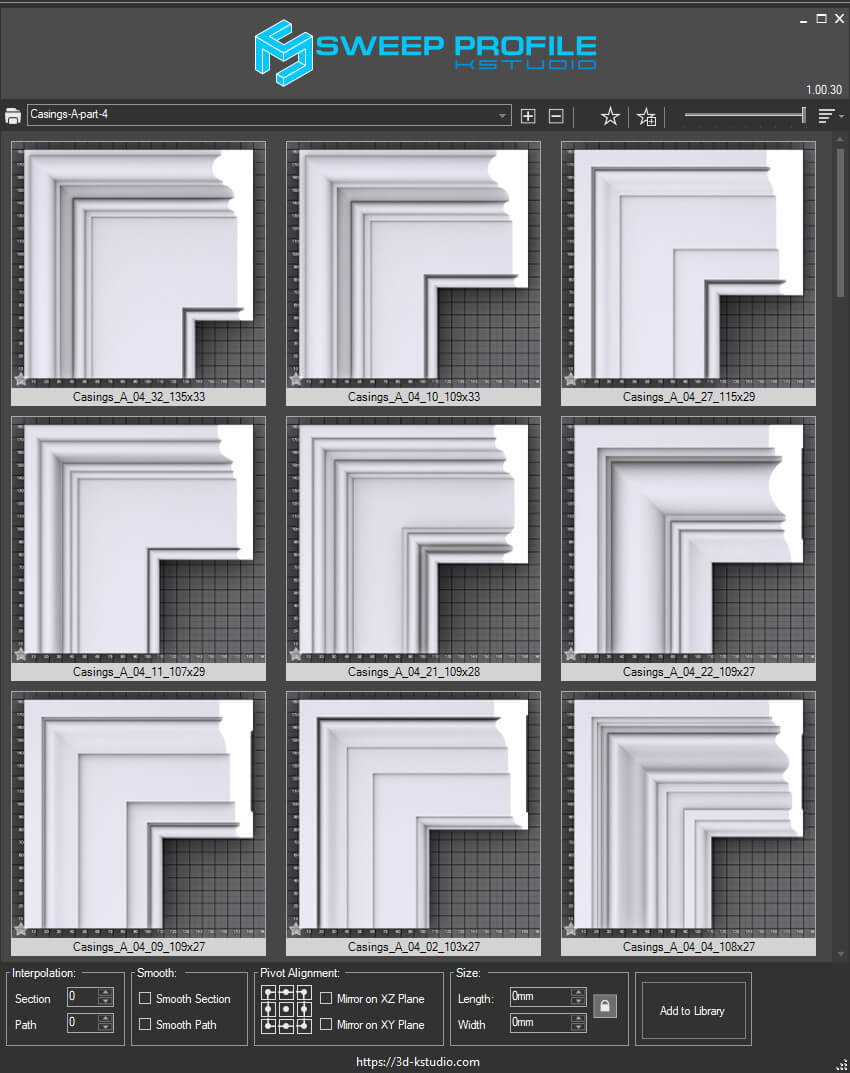
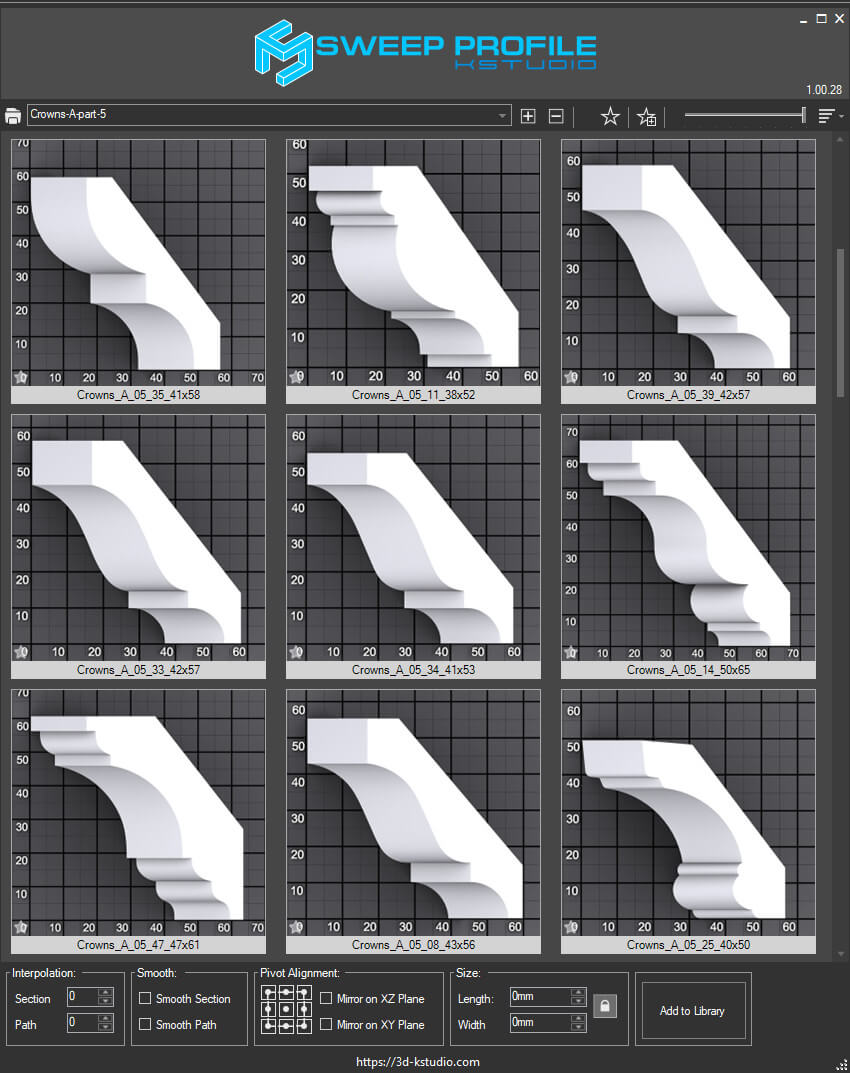
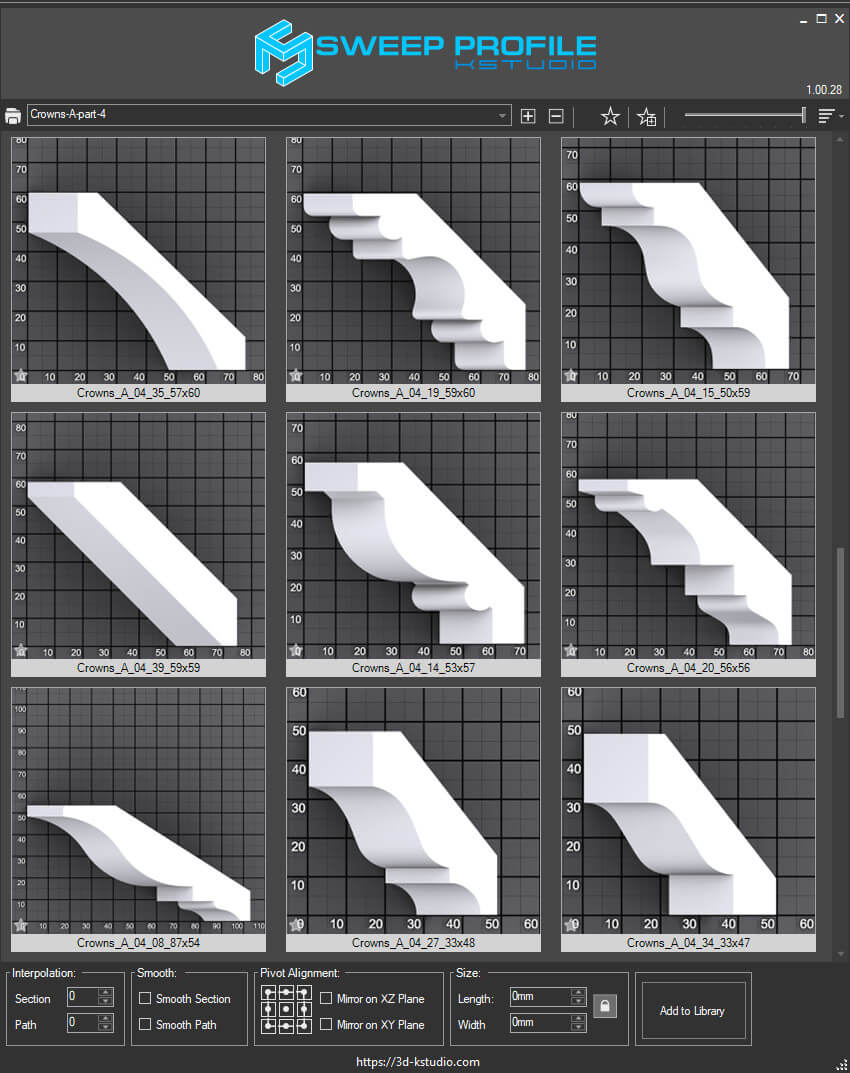
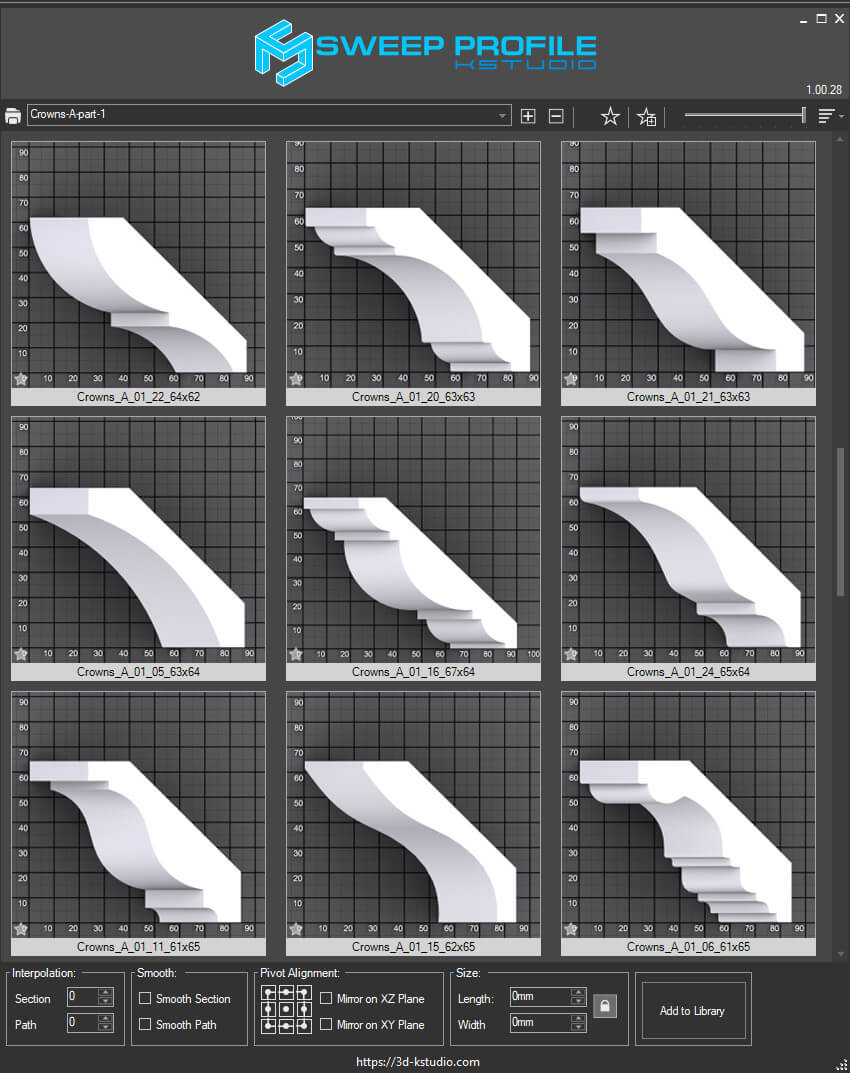
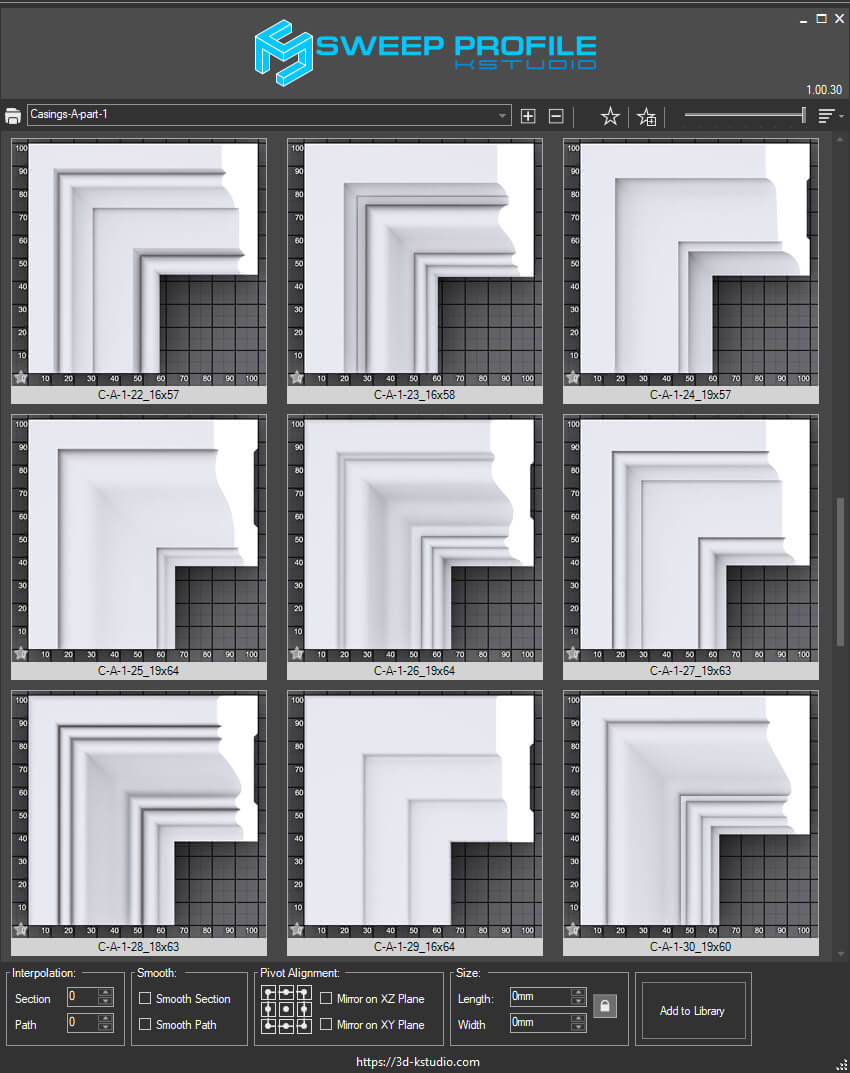
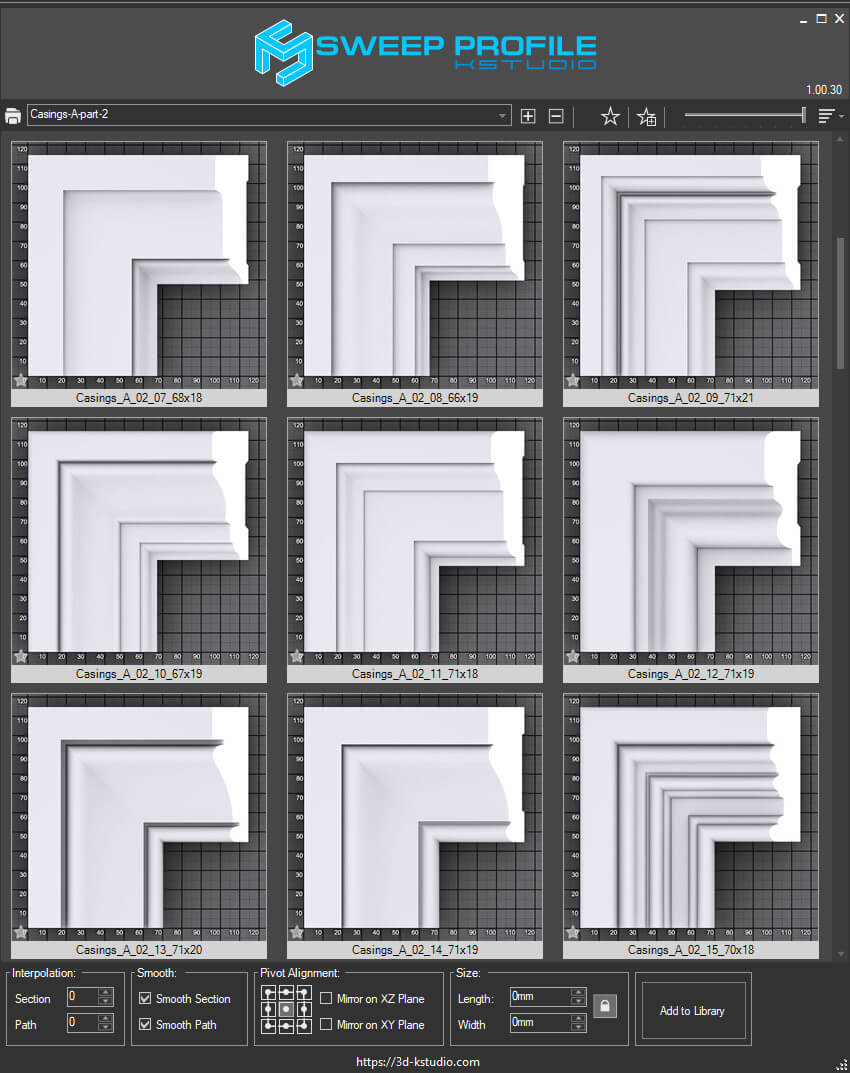
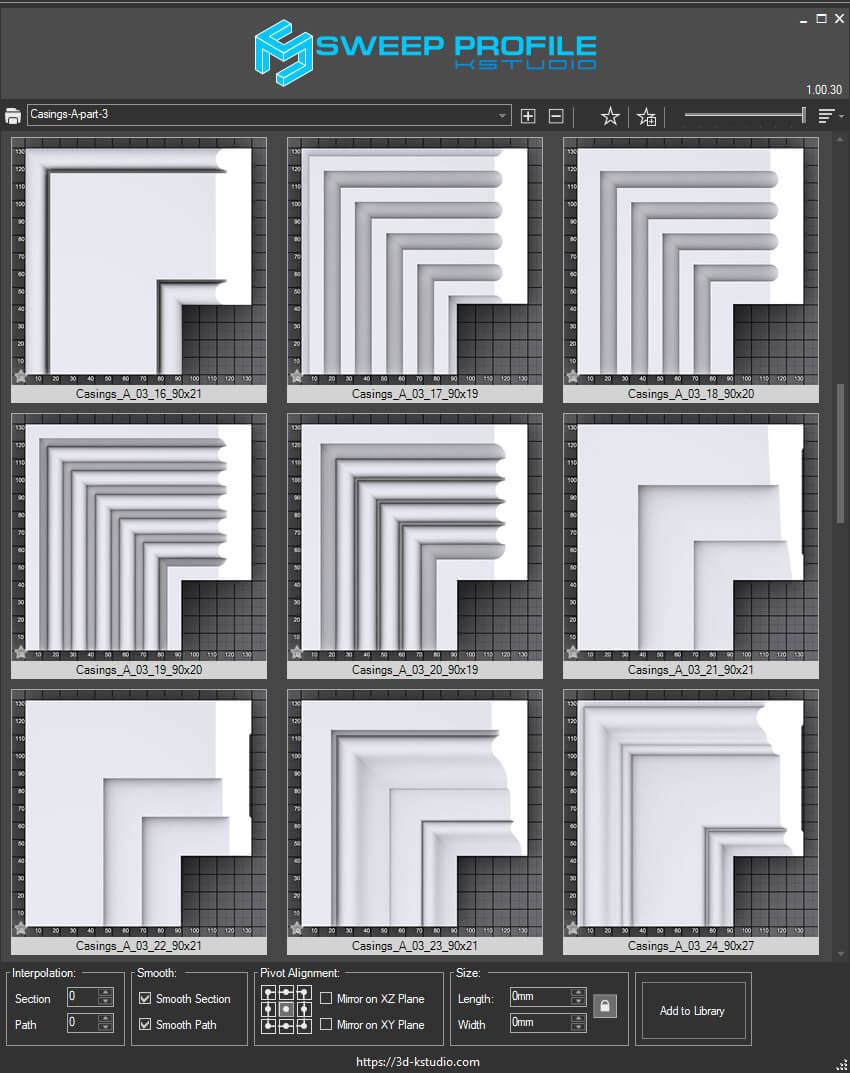
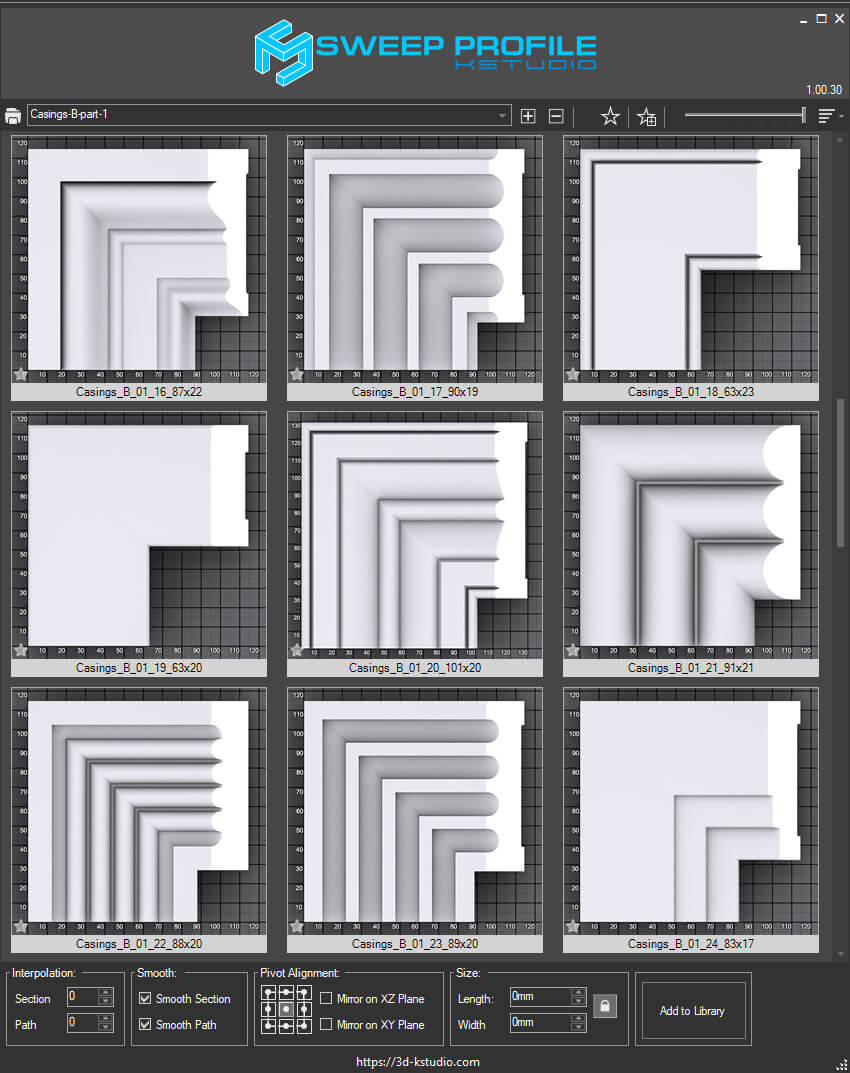
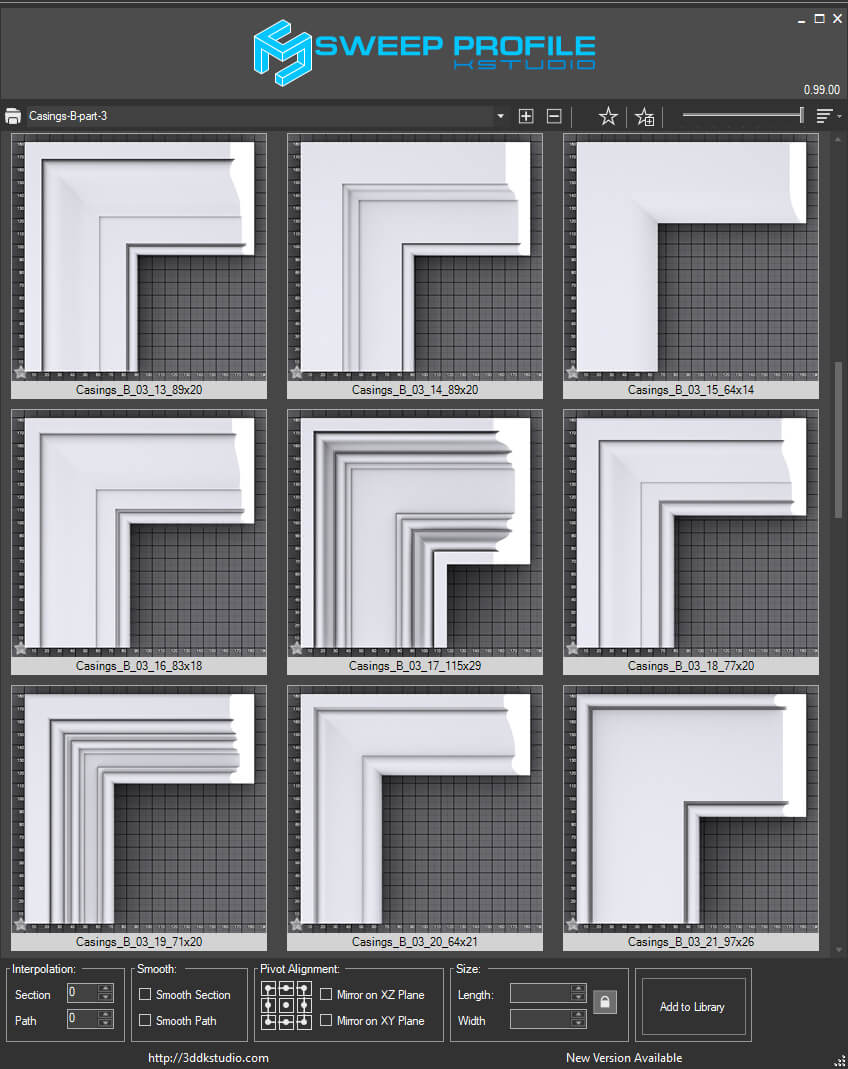
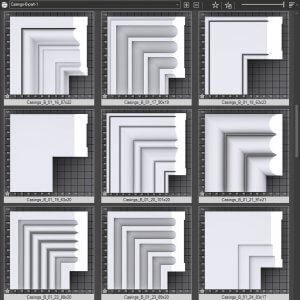
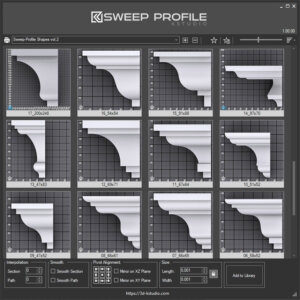
Sweep Profile
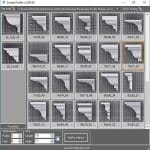
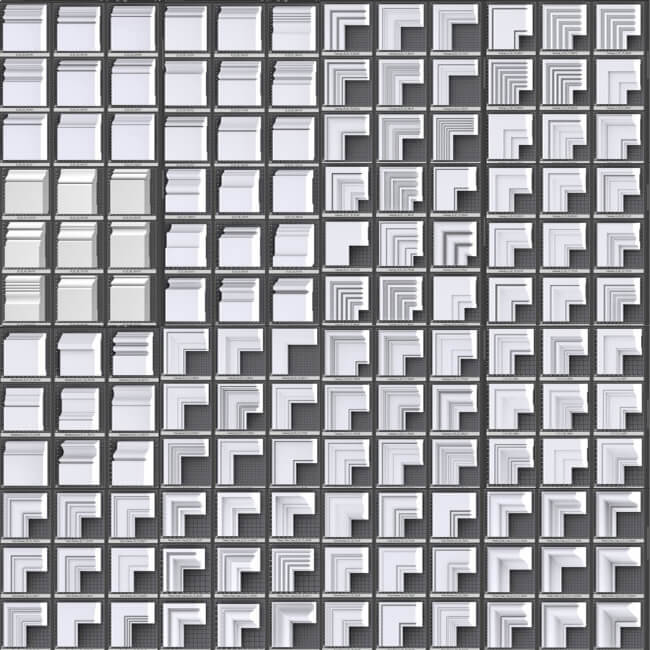
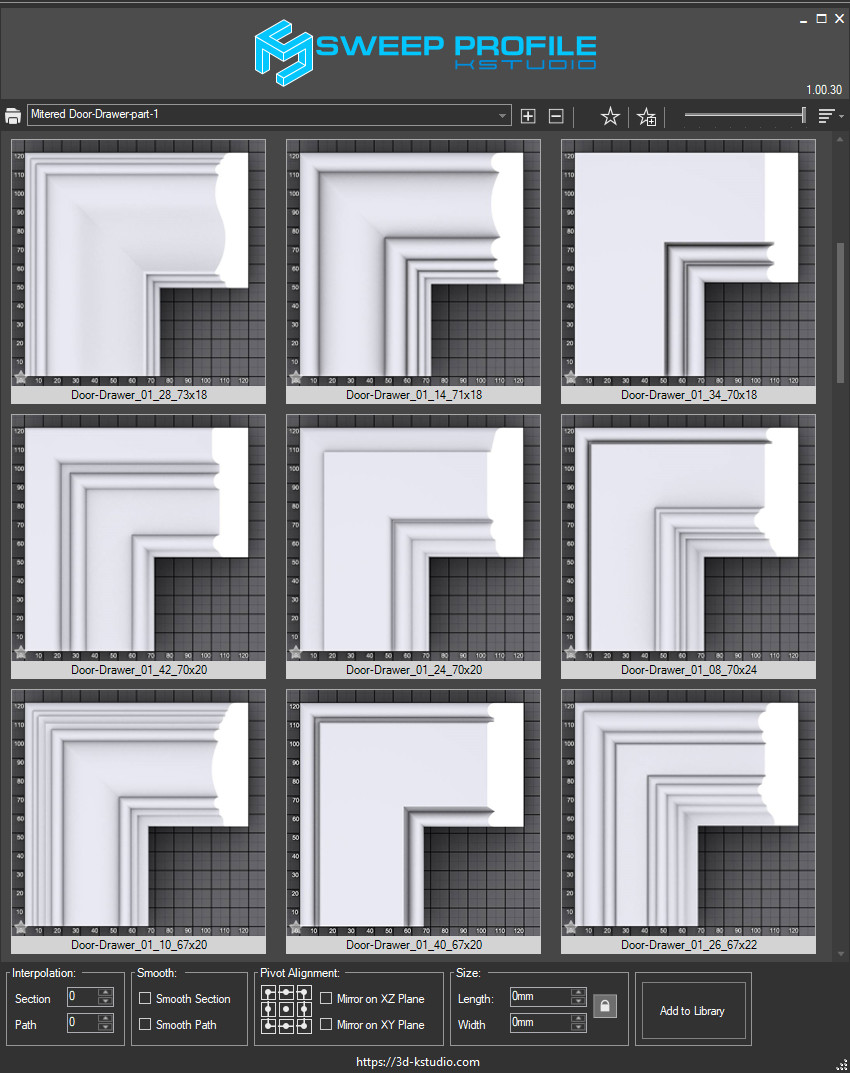
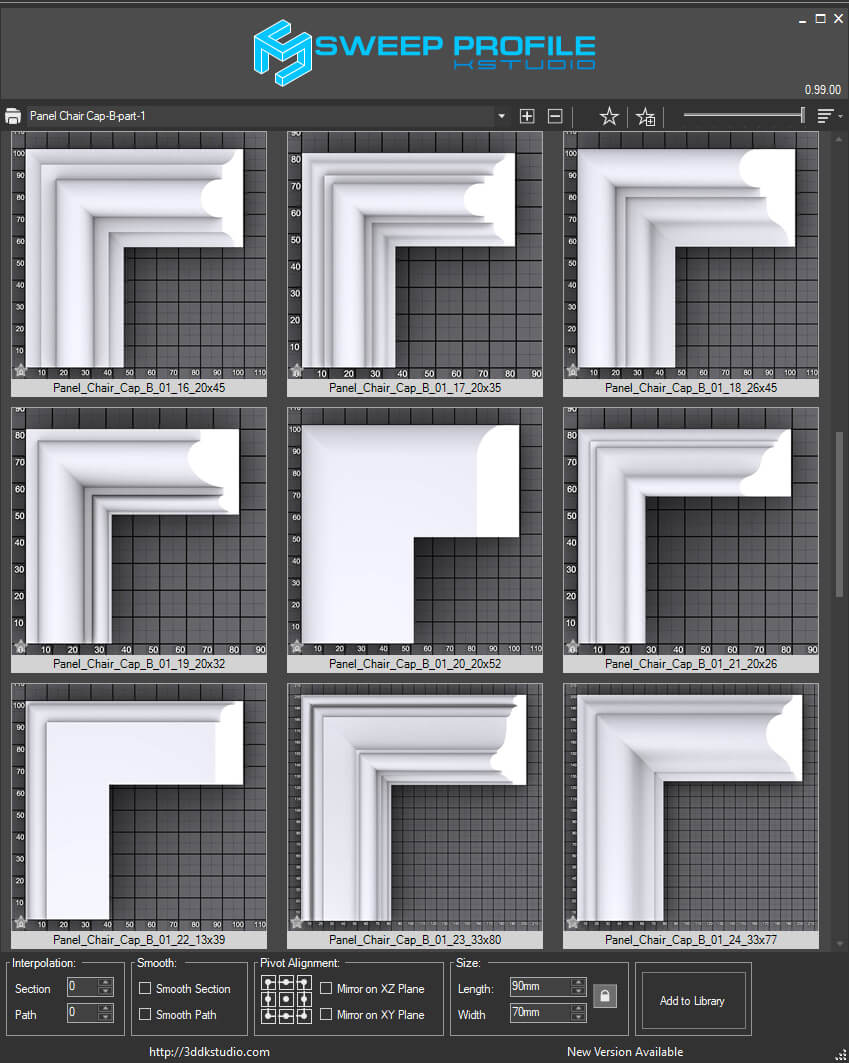
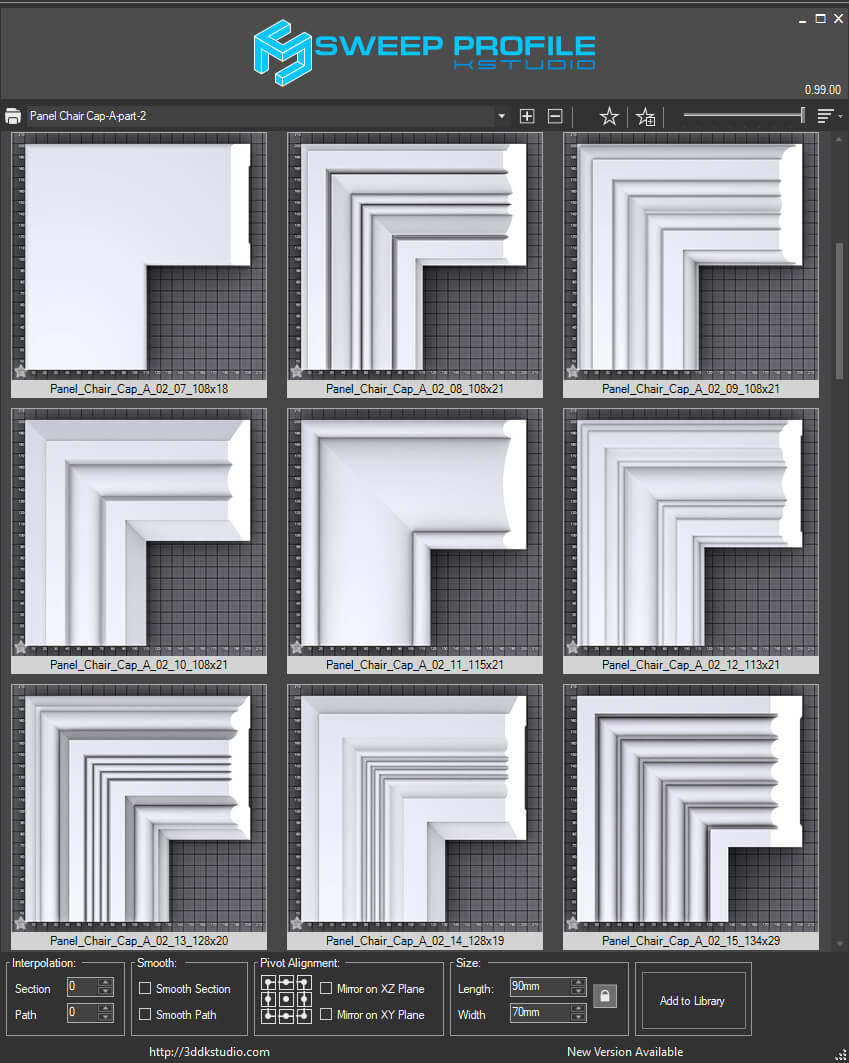
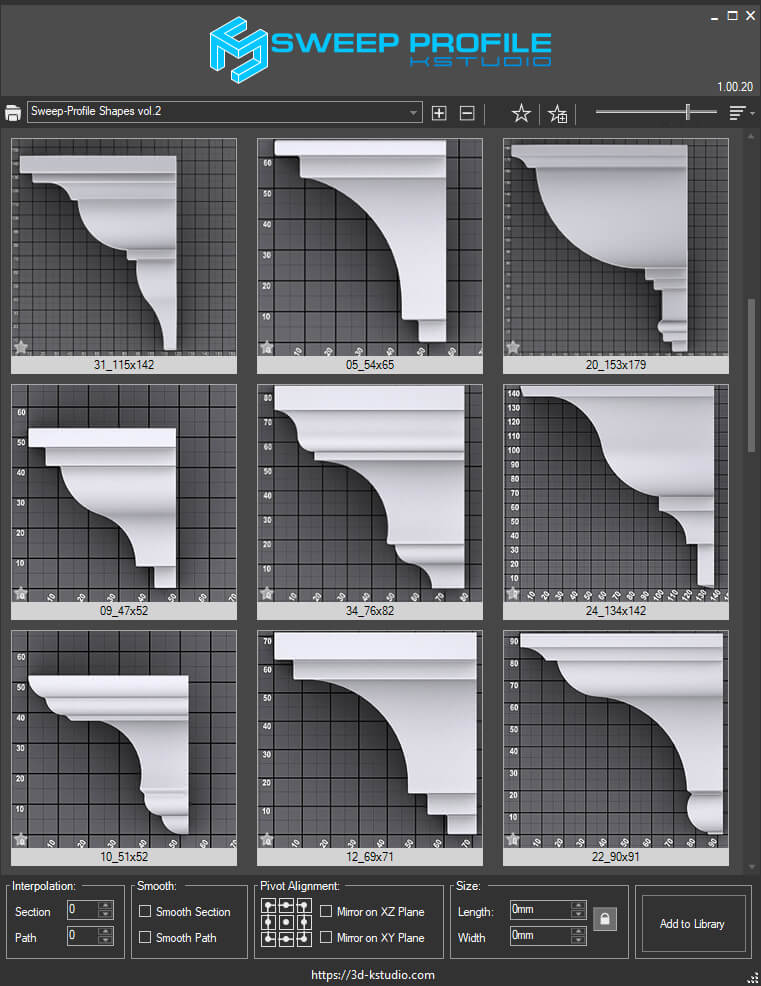
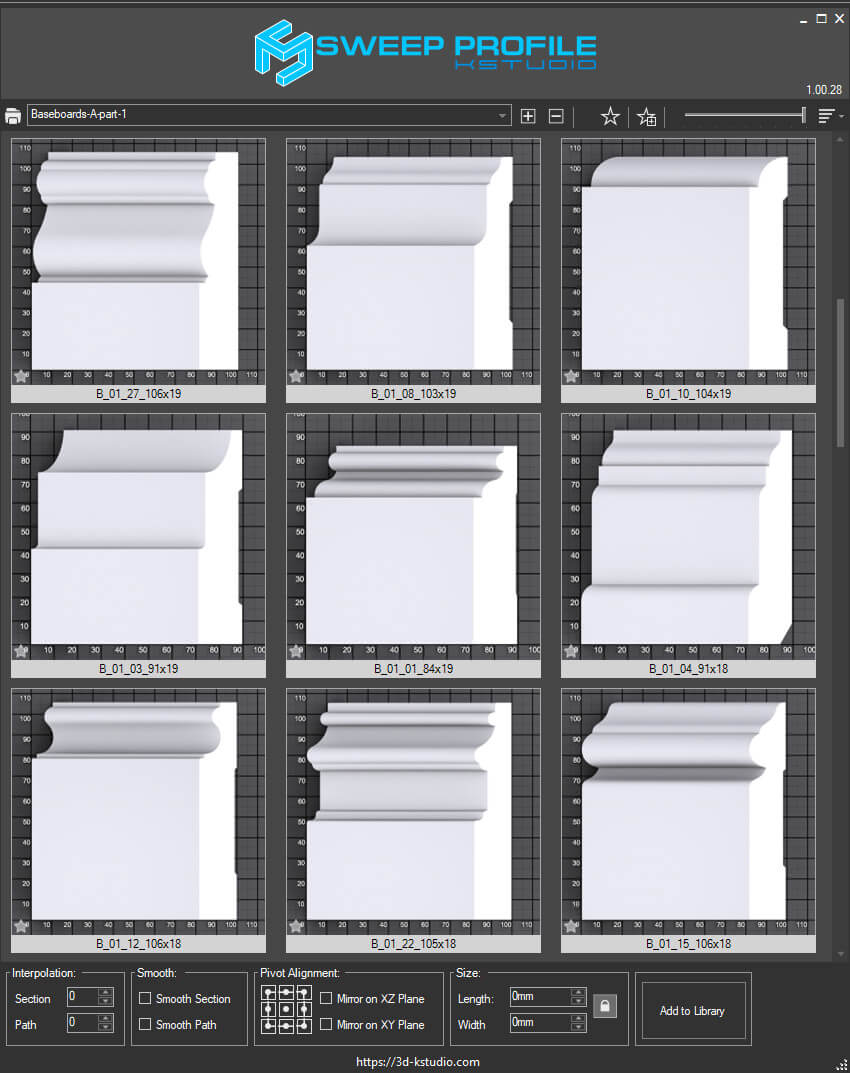
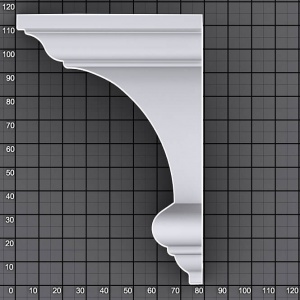
Free version of the script for convenient modeling flat architectural moldings. Based on the standard 3Ds Max modifier Sweep.
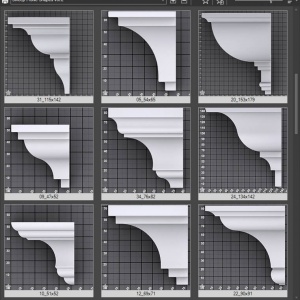
Shipped with 10 ready-to-be-used profiles
Sweep PRO version contains 37 ready-to-be-used architectural profiles.
- Creation/updating of architectural profiles in one click
- Setting profile dimensions
- Favorites profiles
- Adding user profiles to the library
- Studio for rendering profiles [PRO]
- Profile’s pivot alignment [PRO]
- Simplified Chinese, French and Spanish localizations [PRO]
Review the PRO version:



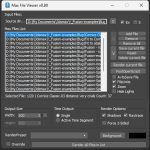
Batch Max Files
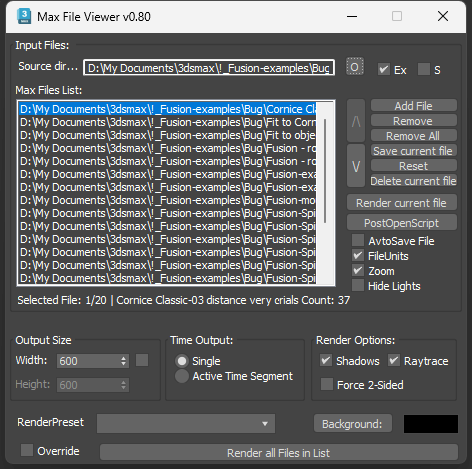
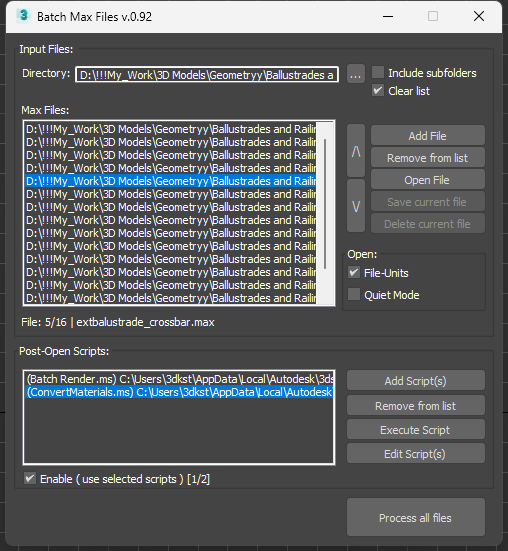
Utility to review and edit 3ds max files. Useful to create previews, review files before posting on 3D stock and., etc. Just add a directory with 3ds max files and open them one by one to check.
The transition between files is carried out either by double-clicking a file name or using an arrow on the side list.
The toll supports post-open scripts.
Use the “Post-Open script” button to add a script that will be applied for each opened file. To disable using the script just remove it from the list or unselect it. You can change the models manually or apply post-open scripts in batch mode.
Use the global boolean variable processFilesBatch to determine if the file is processed in batch mode. For example, you can use this variable to save files after changing in batch mode.
Tool shipped with 2 scripts to demonstrate the capabilities to mass processing scenes using post-open scripts – ConvertMaterials and Batch Render.
Be careful when you use the button “Delete” – this button removes the selected file that will be deleted from the hard drive! But before deleting warning appears on the disposal with the ability to cancel the operation.
Remove Missing Plugins
Script to remove the missing plug-ins for materials, textureMaps, geometry, and modifiers.
Physical Cameras Lister
Manage physical cameras
Fix Utilities
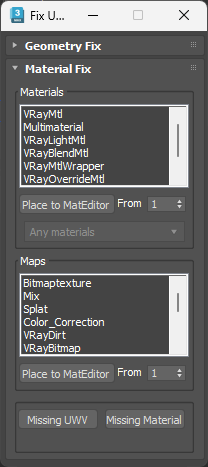
Set of tools to find and fix problems with objects and materials in scenes.
Has the ability to select materials with reflection, refraction, displace, and interpolation.
See the post “Resolve rendering issues with FixUtilities script”.
Stack Top/Bottom
Switches between top-level modifier and baseobject
Set Face ID for Selection
Set Face ID for selected polygons using the numeric on keyboard
Poly Connect (Vertices/Edges/Polygons)
Connects selected Vertices, Edges, or Bridge selected Polygons. Supports only Edit/Editable Poly
Check for news, ask questions and make propositions at our forum.
You may also like

Spline Flow – Parametric Spline Modeling
Original price was: $40.00.$32.00Current price is: $32.00.
Spline Flow, a plugin for 3ds Max, simplifies the creation of complex parametric objects based on the splines that smoothly flow from one to the other.
Users can effortlessly generate interconnected splines following a defined path, controlling their distribution and curvature.
Beyond static design, the plugin allows animate parameters, adding dynamic elements to your creations.
Its modular approach offers flexibility, enabling visualization of final 3D models and their modifications with ease.
Spline Flow simplifies the design process, making it a valuable asset for architects, product designers, and 3D modelers.
Materials Manager
Original price was: $28.00.$22.40Current price is: $22.40.
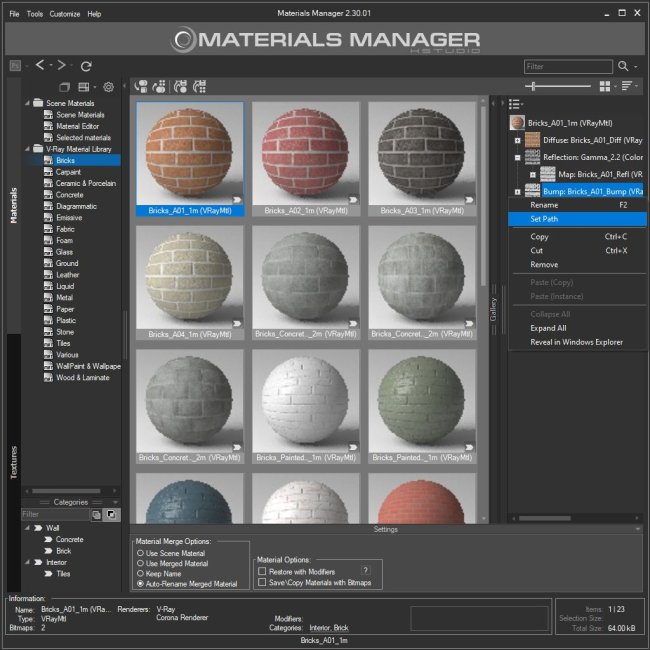
Materials Manager is a powerful plugin for 3ds Max that offers a wide range of features to help you organize and manage Materials and Textures, and create complex PBR materials effortlessly.
With its intuitive interface and drag-and-drop functionality, Materials Manager simplifies most time-consuming tasks and supports managing assets for Material Libraries to promptly fix missing files and relink them.
Assign materials and textures to objects or place them to Standard or Slate Material Editor using drag&drop.
You can render previews for materials using a custom studio.
Interactive rendering previews for materials are also supported.
Sweep Profile
Price range: $0.00 through $10.00
Features and Functionality
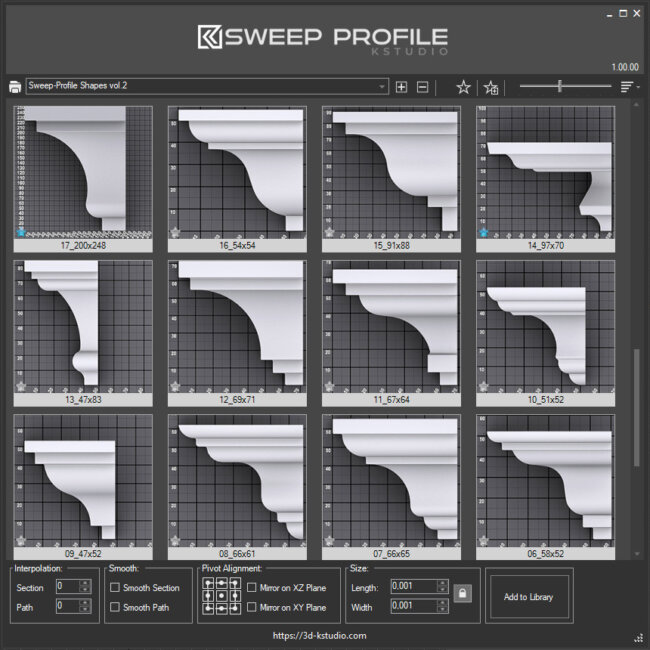
The main functionality of the Sweep Pro lies in its ability to offer a quick and convenient way to build architectural profiles using the Sweep modifier.
The pack includes pre-made architectural profiles (10 ...
Fusion – Geometry Parametric Plugin
Price range: $14.40 through $48.00
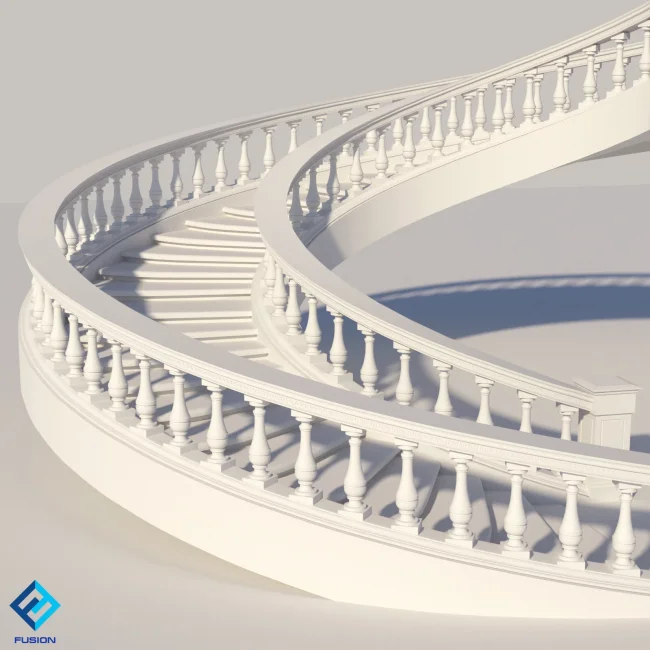
Fusion is a new 3ds Max plugin with a simple interface for the parametric modeling of repetitive geometries of varying complexity.
With Fusion, you can effortlessly create and modify such objects as stucco mouldings, fences, bridges, etc. Almost any geometry can be distributed along a path and/or fused together to create an intricate continuous stucco molding or any other complex object.
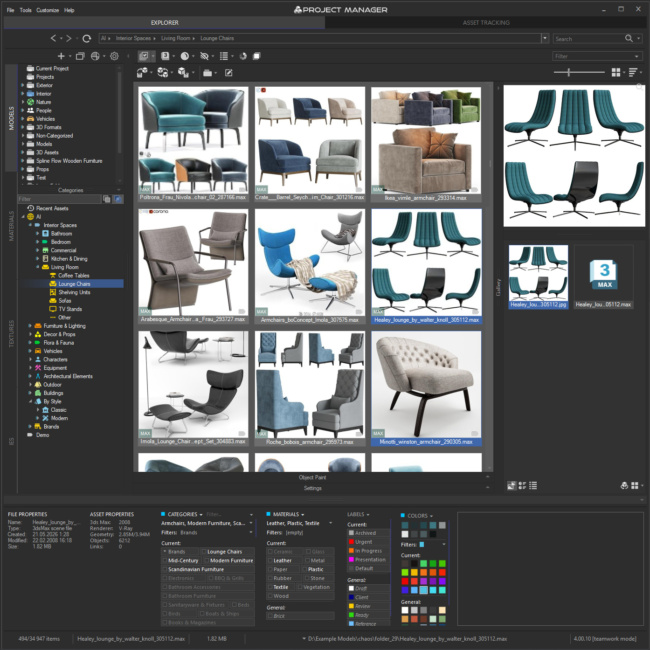
Project Manager
Original price was: $60.00.$48.00Current price is: $48.00.
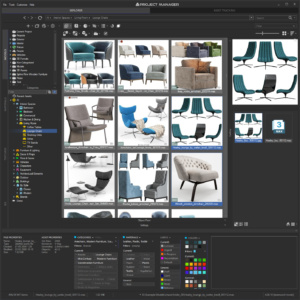
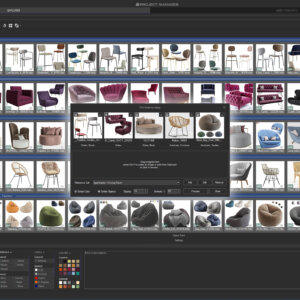
Project Manager for 3ds Max puts a local AI engine at the heart of your asset library.
It classifies 3D models automatically by type, style, material and brand, so your library organises itself with no manual tagging.
AI Text Search lets you describe what you need in plain words, in your own language, and returns matching models straight away.
Find Similar matches assets by how they look, from any model or reference image, while Colour Search finds models and textures by colour.
Everything runs locally — no cloud, no subscription.
Managing a large library of 3D Models, Materials, Textures, IES Lights and Proxies can quickly eat up hours, and Project Manager streamlines the whole asset management workflow:
browse folders and open ZIP/RAR/7Z archives like folders, filter by name, description, category, material or colour,
then drag & drop assets straight into your scene or paint objects directly onto surfaces.
Preview materials, IES lights and BVH animations in real time, and use batch tools for image conversion, advanced renaming, rendering and relinking.
Project Manager is built for both individual artists and studios.
Its interface is localised into 12 languages, right down to the category names generated by the AI.
Network Database Sync keeps catalogue structure and metadata synchronised across users and workstations, while silent installation makes studio-wide deployment scriptable.
You can customise the interface and define your own keyboard shortcuts, and extend Project Manager further through its MAXScript API.
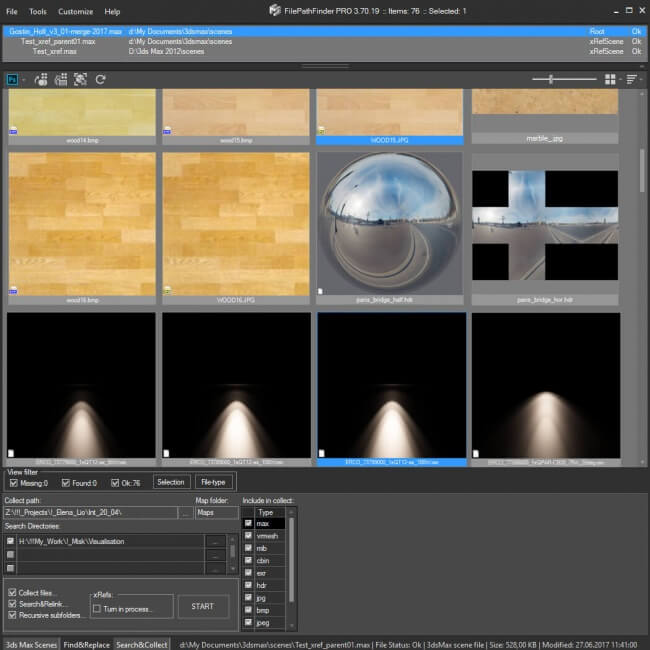
FilePathFinder
Price range: $15.60 through $21.60
- Asset Tracking Manager for 3ds Max.
- Find, collect and relink asset files.
- Archive 3ds Max scenes
- Support to all modern renderers.
- Support to XRefs.
- Support to any type of resources (images, HDR, Proxy, IES, shaders&etc.)
- Select objects or materials by link.
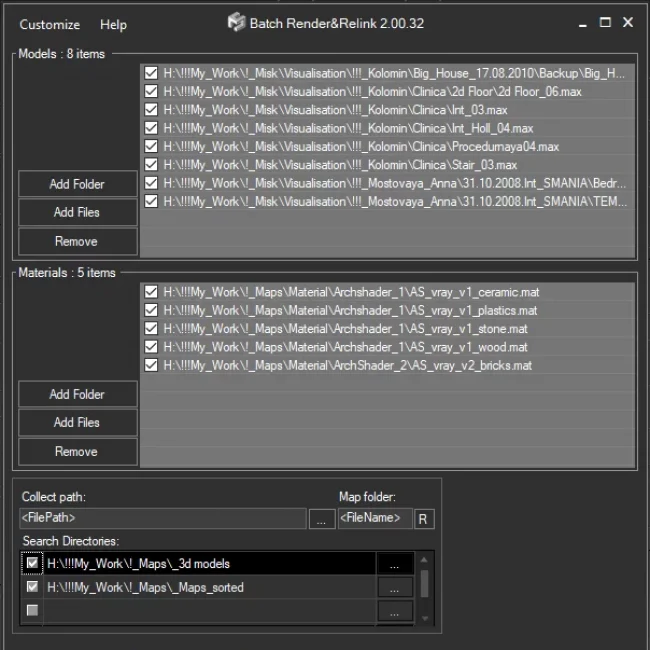
Batch Render&Relink
Original price was: $15.50.$12.40Current price is: $12.40.
- Rendering thumbnails for 3d models, materials, and IES in batch mode
- Manage asset paths for multiple 3d files (3ds max and material libraries) in batch mode
- Search/Relink/Collect/Archive multiple 3d files with assets in batch mode
- Rename asset paths by mask for multiple 3d files in batch mode
- Custom studio for rendering thumbnails
Note: this tool also included to
Project Manager and FilePathFinder PRO.
| 3ds max compatibility | 3ds Max 2016-2027 |
|---|---|
| Supported renderer | Any |
Support
Installation
- Unpack the archive on a hard disk
- Start 3dsMax
- In the menu “Maxscript” choose the menu-item “Run Script”.
- Choose KstudioScripts.mzp
- Restart 3ds Max
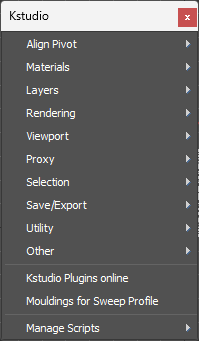
For scripts search in the menu Customize > Customize User Interface > Toolbars > Category: Kstudio
Uninstall
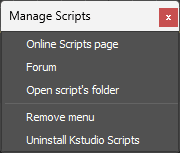
- 1. Choose the menu item “Manage Scripts”/”Uninstall Kstudio Scripts” from the main 3ds Max menu Kstudio


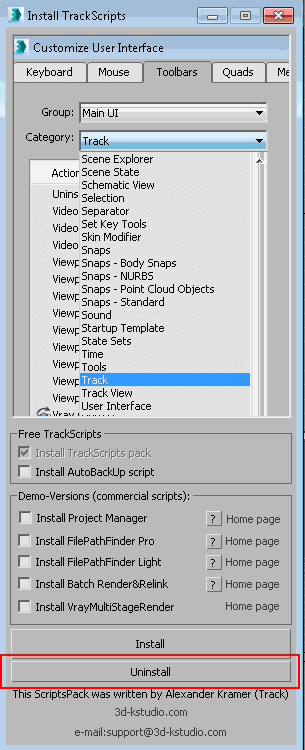
- 2. Run the installation again and press the button “Uninstall”

Related to "Kstudio Scripts Pack"






u.s june –
Great
ahmed –
Great…thank you.
Seyed Vahid Heydari –
This is very practical.
Joel Tellez –
Great…thank you.
RK Baraik –
Great tool for 3ds max .thank you so much.
ersin –
Thanks, good very good.
Piotr –
QUICK RENDER is soooo useful. Thank you very much.
Erwin –
Thanks, good very good.
Bahar –
Thanks, its great.
Michal –
I use it every time
ayaz –
Thanks
mahdiyar memar –
tnks for this script
allucard –
I like tracksripts
WTV3D –
Fantastic collection!
Thanks for sharing
Caiya –
Heck yeah this is exalcty what I needed.
filippo rotatori "radiosity" –
very good script!!!
hssmkj –
Hello, nice to come to this site!
AKIKA –
What an awesome collection of scripts. The “InstanceMatByName” saved my ass, many thanks.
Ferfecir –
Thanks
Imran –
Thanks Alexaner Your script is very help full
Thanks again.
Ronan –
Thank you so much!