 Translate
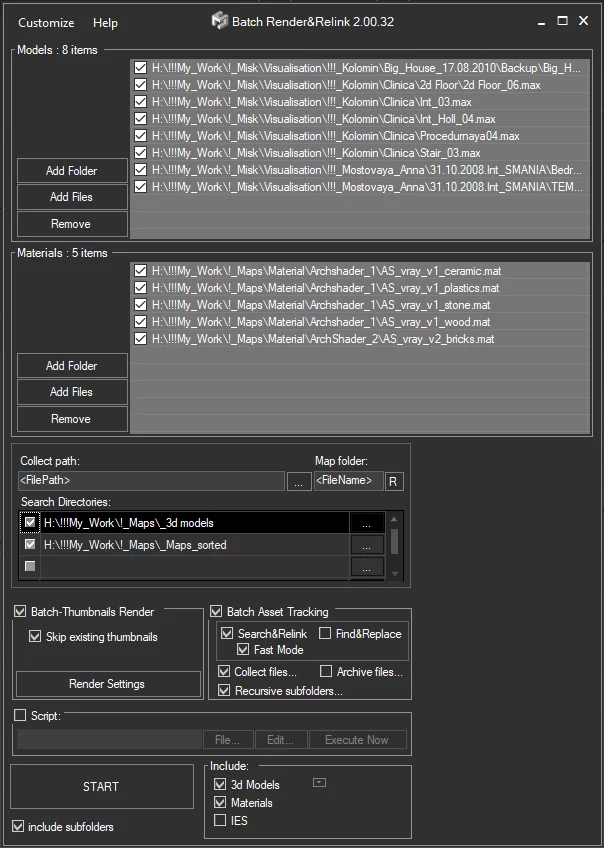
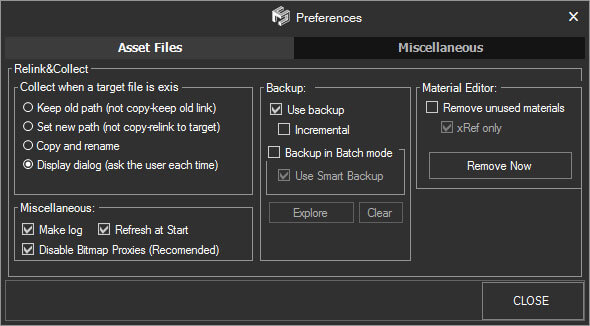
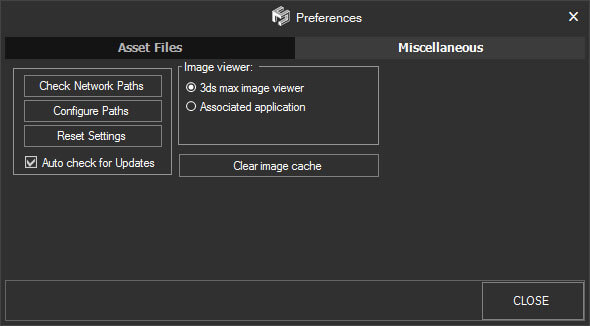

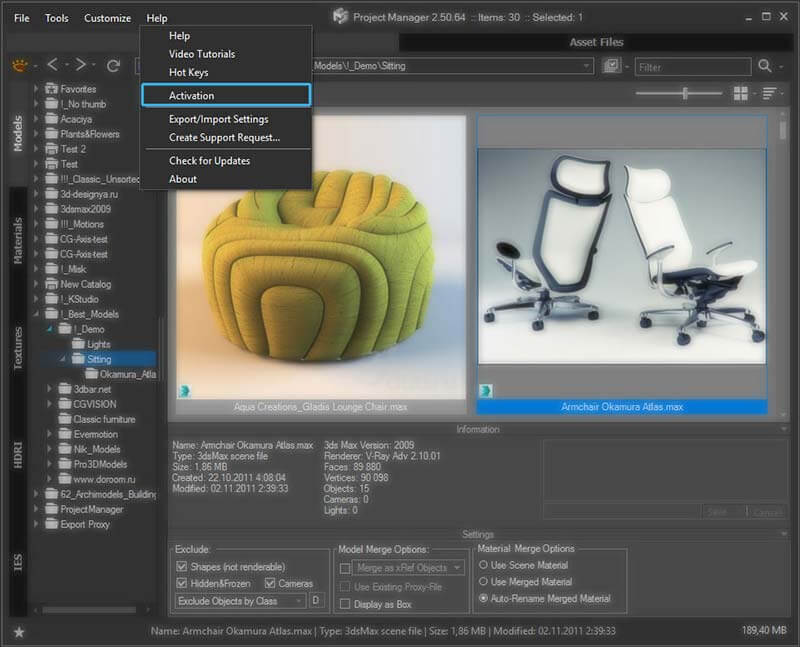
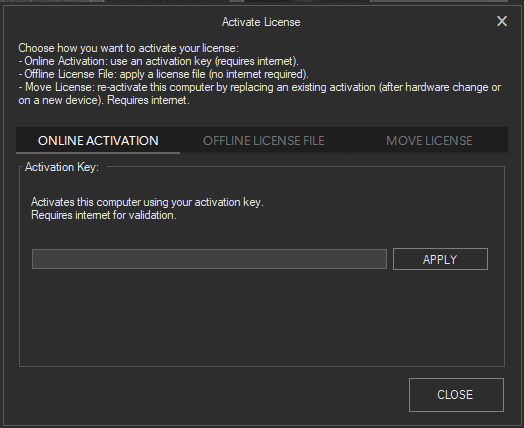
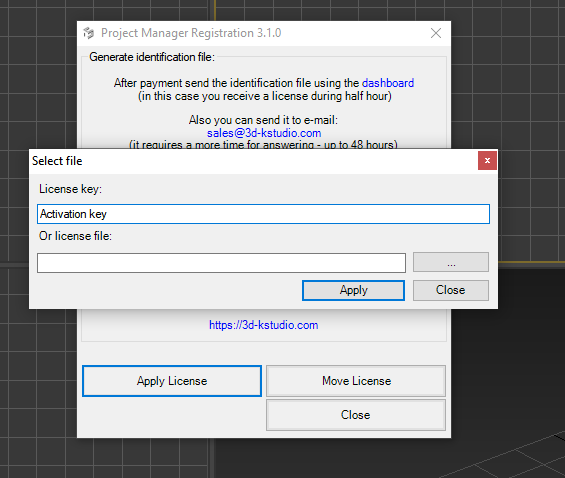
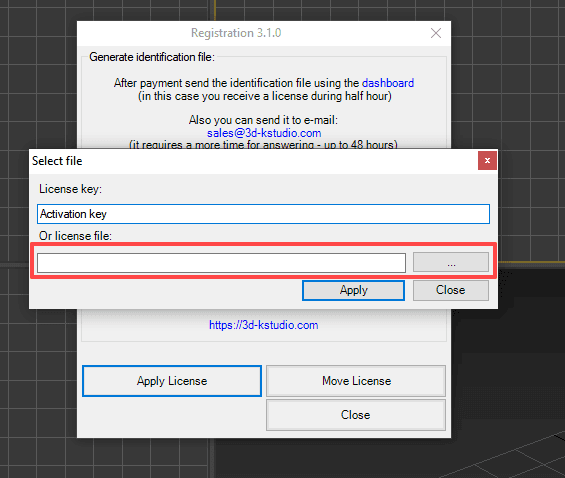
Insert the activation key received in the confirmation email and click the “Apply” button.
You can always check and manage your activation keys in your dashboard.
If you move to a new computer or reinstall Windows, simply re-activate using the same key — no need to request a new one.
Each activation key can be used on one or several devices (depending on your license type).
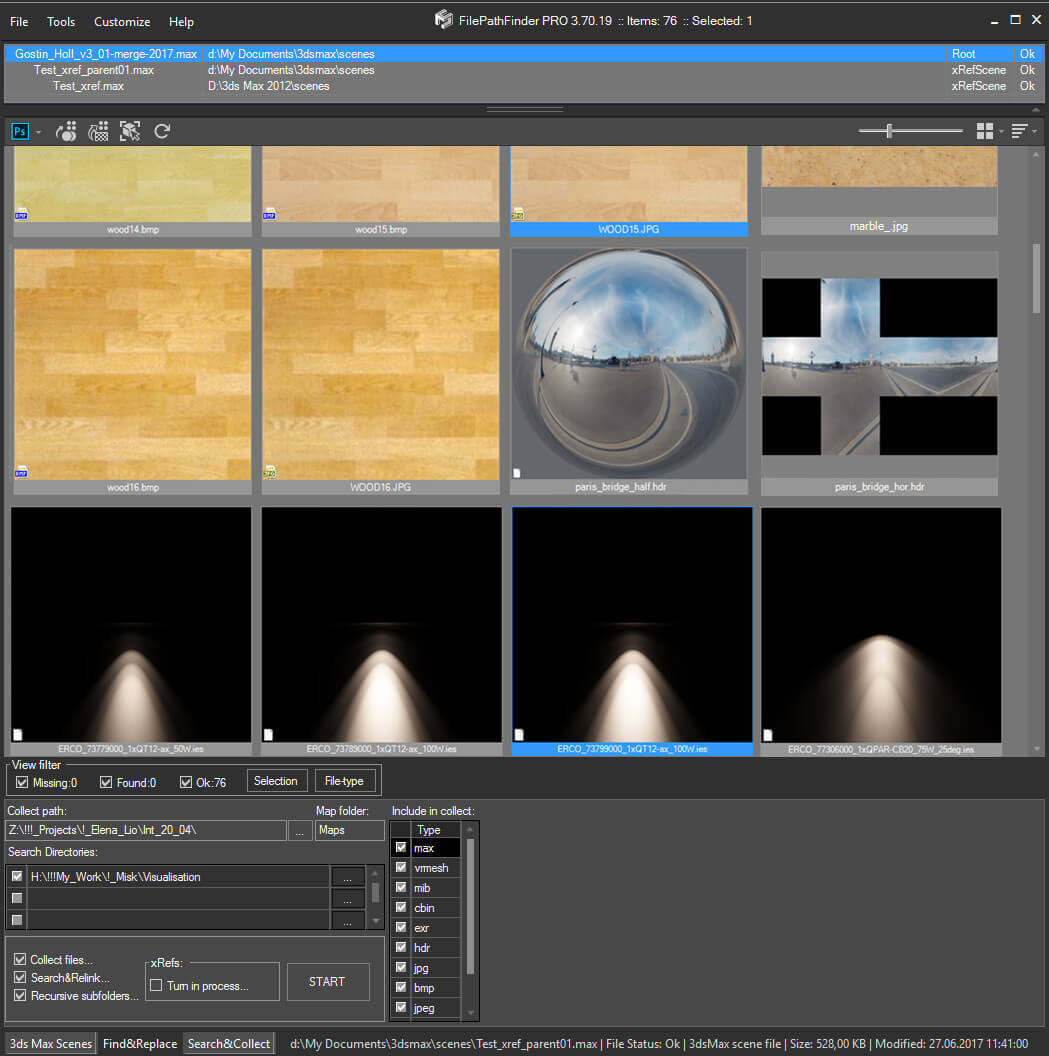
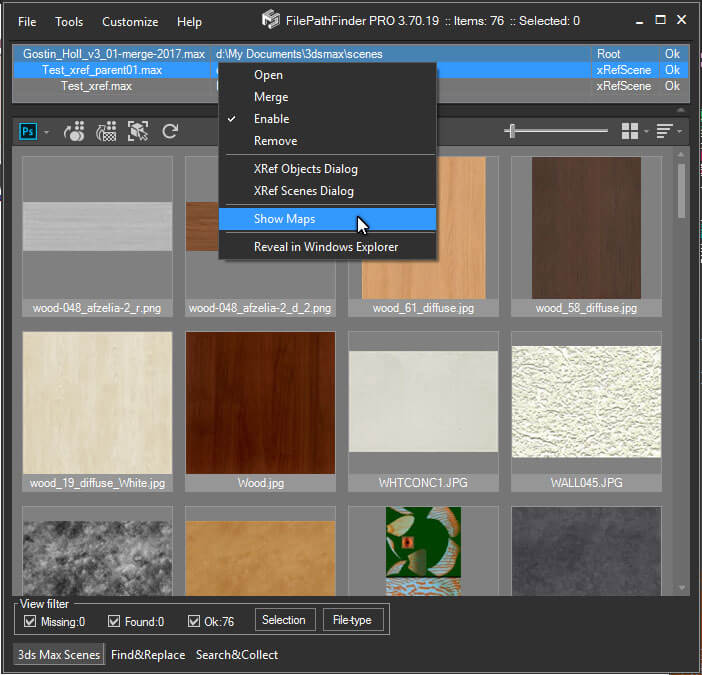
This feature is currently available for Project Manager, Models Manager, Materials Manager, Batch Render&Relink, FilePathFinder, and Sweep PRO.
Soon it will also be extended to other plugins.
Internet connection is required for activation and occasional validation.
Note: By default, the online license is activated for all new purchases.
If you are still using the old (offline) license type, you can easily switch to the online license in your dashboard.
This significantly simplifies license management, especially for teams.











Darko Vucenik (verified owner) –
This plugin is a great timesaver. I work in advertising industry and in our studio’s pipeline we often reuse assets between multiple projects. Moving old projects for achieving often breaks file dependencies in Max. With file path finder it is so easy to fix any such issues. Also the speed of search is very impressive.
Alexander Kramer (verified owner) –
Glad to be useful for you!
Dorjan LOKAI (verified owner) –
Hello,
I m using 3ds max since 2010. I have spent a lot of time finding & collecting bitmap manually or using other alternative free scripts. The problem of these scripts are thet they dont collect all of files and/or something going bad, or just they make 3ds max freez. I searched over google and found Filepathfinder;
Saved my life, my time & money. It finds & collects all files under a 6 Tbytes HDD in not much time.
THANK YOU K STUDIO.
Best wishes Dorjan LOKAI,
https://www.3ds-eda.com
Lyon – FRANCE