Translate


The Challenge Every Arch Viz Artist Knows Too Well
Picture this: You’re racing against a deadline, and you know you’ve got the perfect material somewhere in your library of 10,000+ assets. But where? Three folders deep? Renamed last month? On the old hard drive?
For 3D professionals working with massive asset libraries, organisation isn’t just about tidiness—it’s about survival. When project timelines are measured in days rather than weeks, every minute spent hunting for files is a minute stolen from actual design work.
That’s precisely why we built Project Manager.
From Concept Artists to Arch Viz Studios: Real-World Results

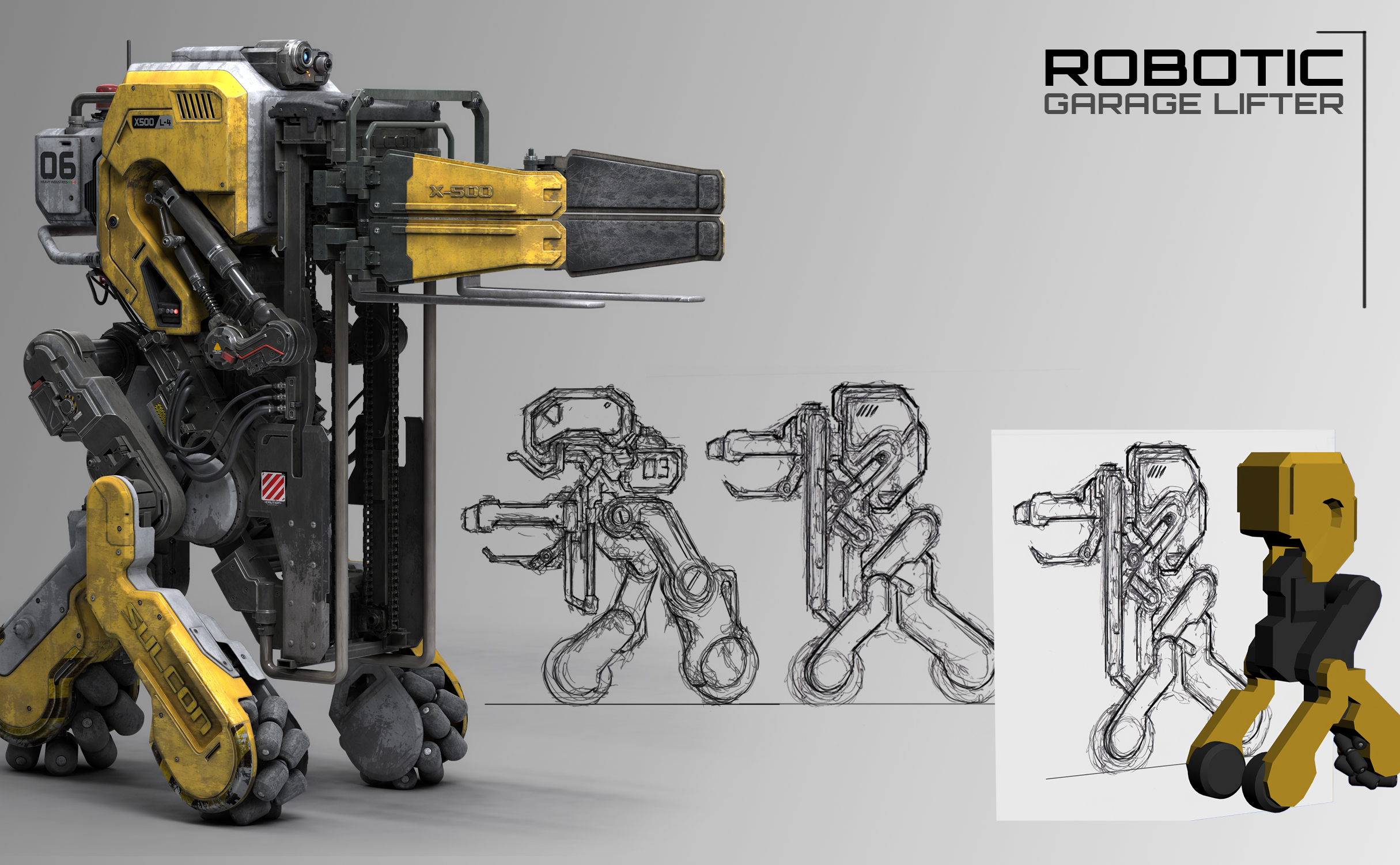
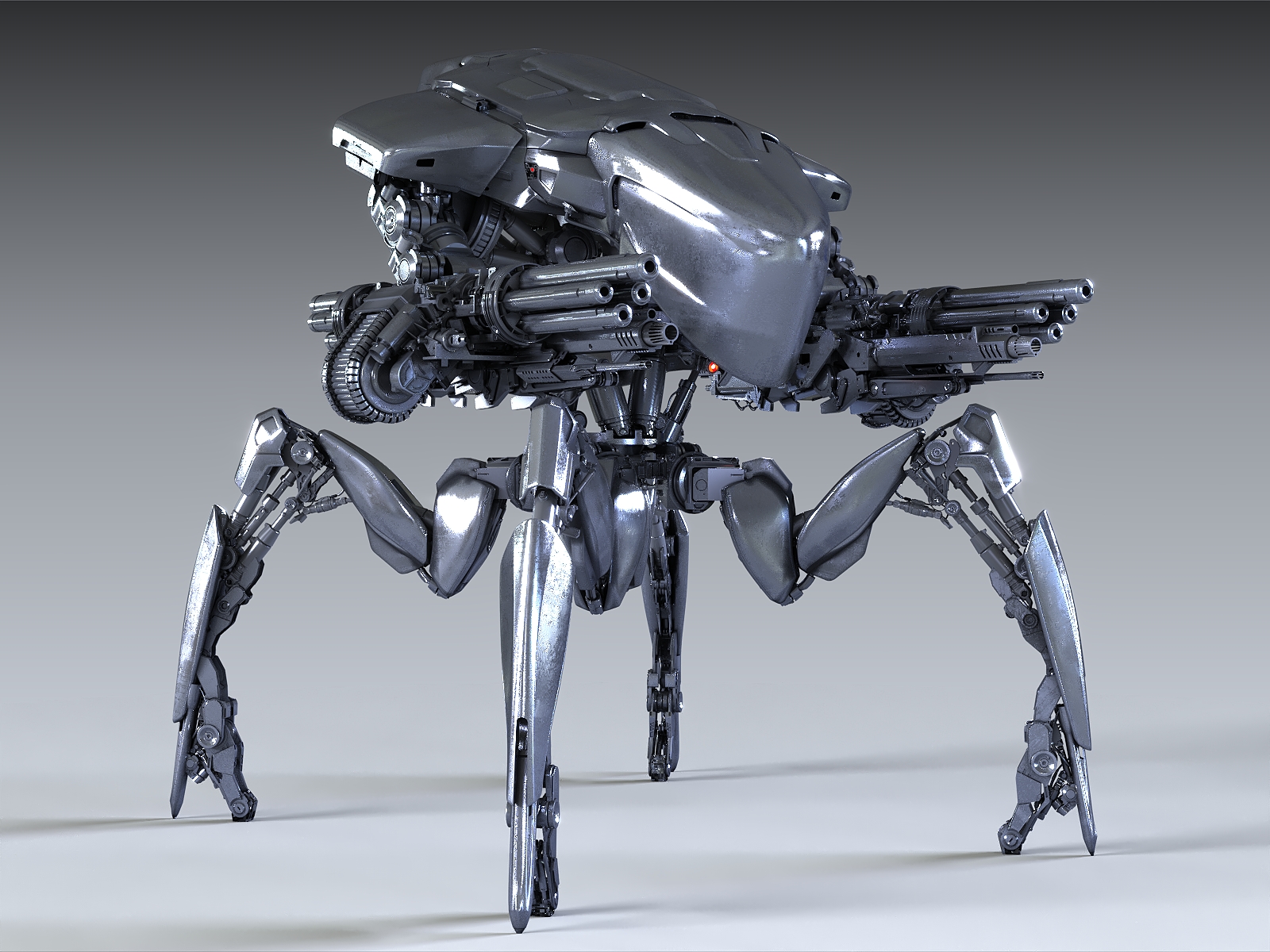
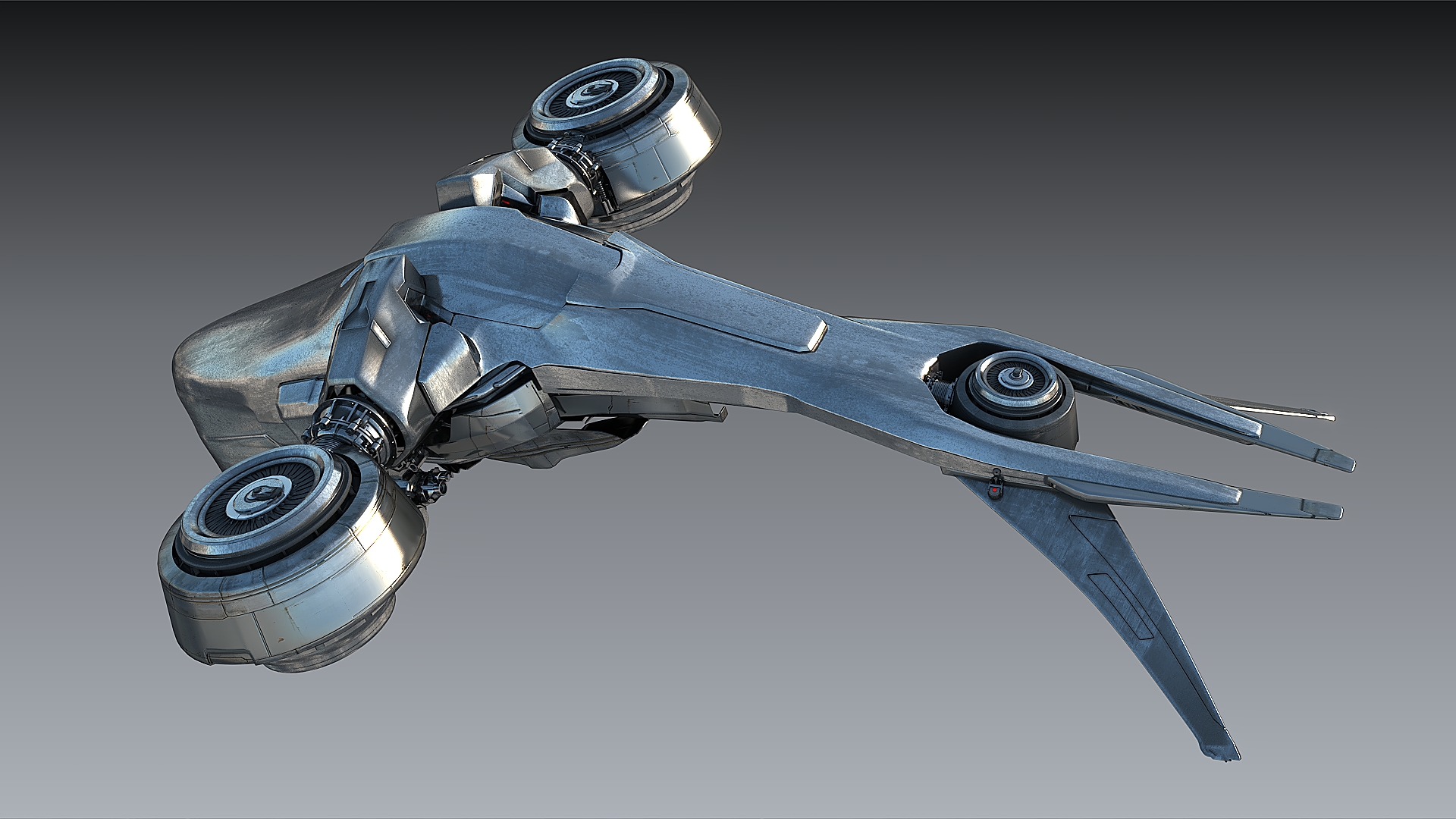
Fausto De Martini (concept artist behind Avatar, Transformers, Kill Command) has relied on Project Manager since 2012:
“I’ve been building a library of parts—hydraulic pistons, joints, structural details—which allows me to quickly dress designs without having to ‘re-invent the wheel’. The robots in Kill Command required quite a bit of mechanical parts, and I had to deliver designs very quickly, so Project Manager was a key part of the process!”
Read the full interview here: From Dreams to Blockbusters: An interview with Fausto De Martini









John Santangelo, who manages complex corporate interior projects, puts it even more directly:
“I literally cannot work on my design projects without it!”
Read the full interview here: Riding the Creative Wave: An interview with John Santangelo


Testimonials:

Es un producto que me facilita y agiliza el trabajo, es muy útil, organiza y optimiza mi tiempo, excelente, lo recomiendo ampliamente!!!
Uno de los mejores complementos para 3d Max.!!

hasta el momento que lo he ocupado es fantástico es muy bueno y recomendado 100%

I don't know what i would do without this and each time i wonder why it doesn't cost more$. Thanks!

非常好用的一款插件,使用它可以轻松管理各种3dsmax资源、能够节省很多时间!期待发布中文版

A great time saver! We use it, especially for material collections and management and it is very useful

It is a necessary tool for organizing projects! I've tried other similar tools but Project Manager works best!

Indespensable tool for any serious viz-artist. I cannot imaging how much time this tool has saved me. Support and bug-fixing is extremely fast.

Can really recommend this very helpful plugin. Helps a lot with keeping your whole asset library organized and has many helpful additional functions!

The first time I used this software, it improved my efficiency in CG work. I am a CG worker from China. Can you develop multilingual versions?

for me, I'm very happy to get powerful script help me to work very fast more than ever
What makes the difference? Let’s break it down.
1. Organisation That Actually Works
Instant Search with Intelligent Filtering
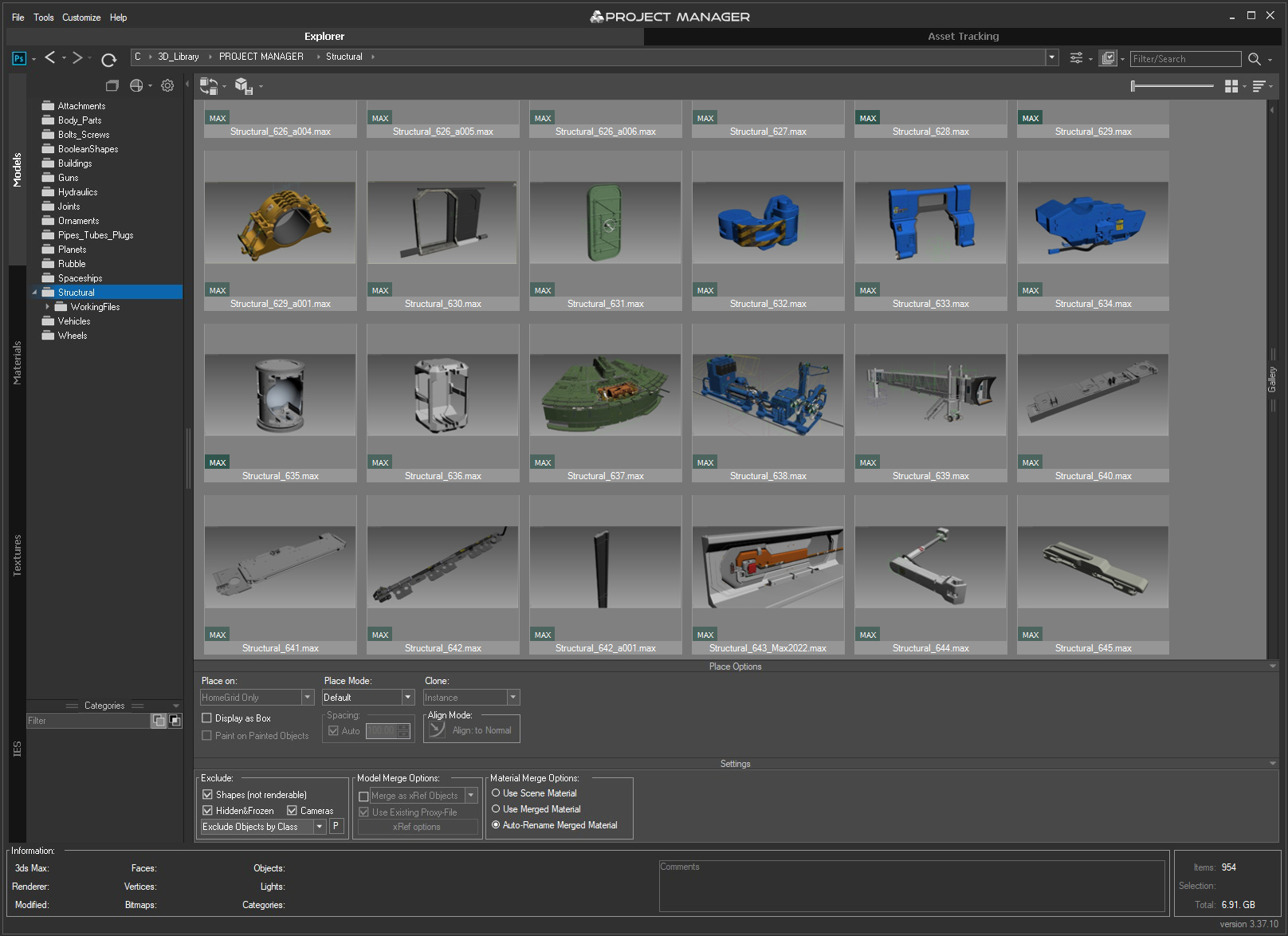
Modern Project Manager features interactive search across your entire database with advanced filtering. Find assets not just by filename, but by description, categories, and even full folder paths. Include/exclude filters let you narrow down results in seconds, not minutes.
Visual Classification
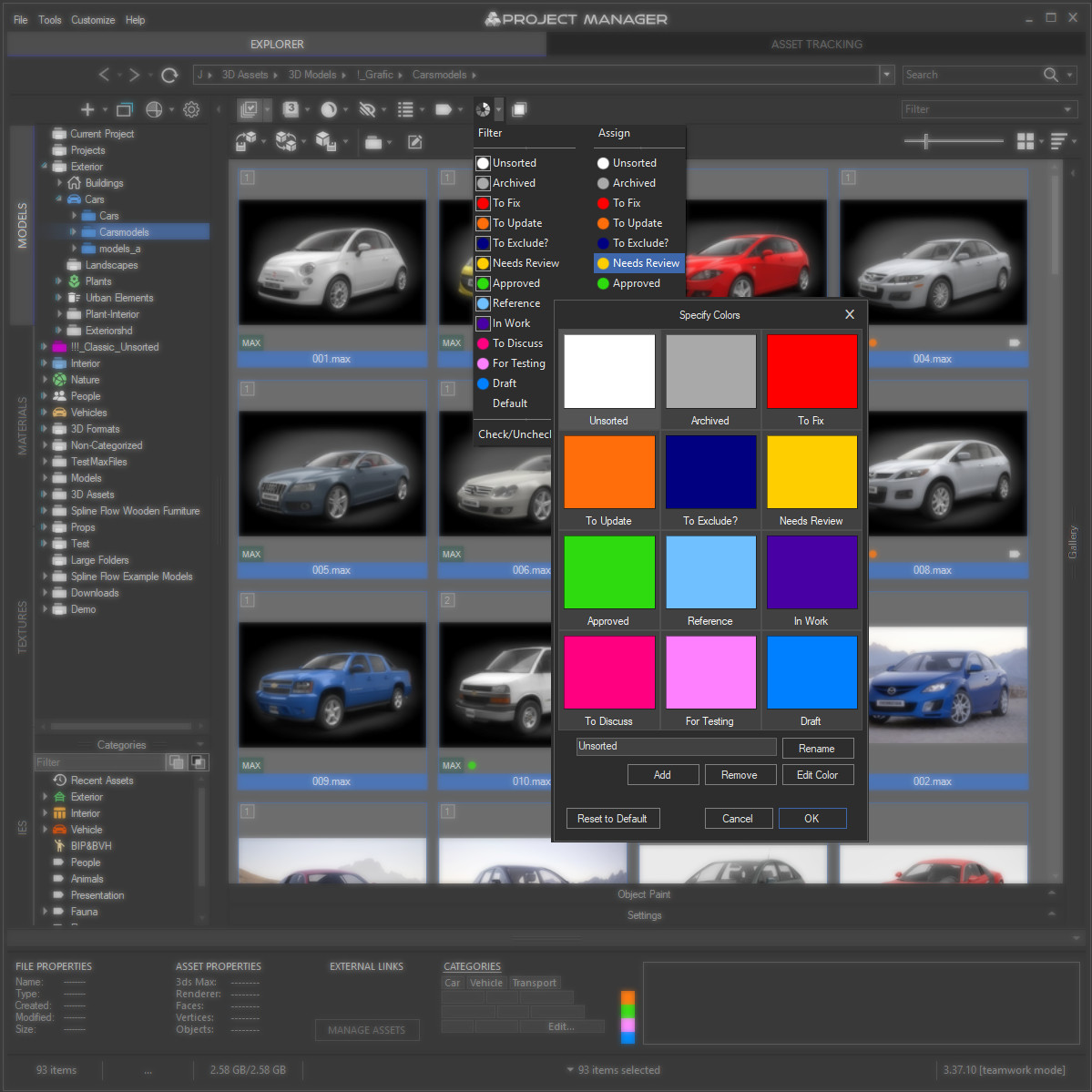
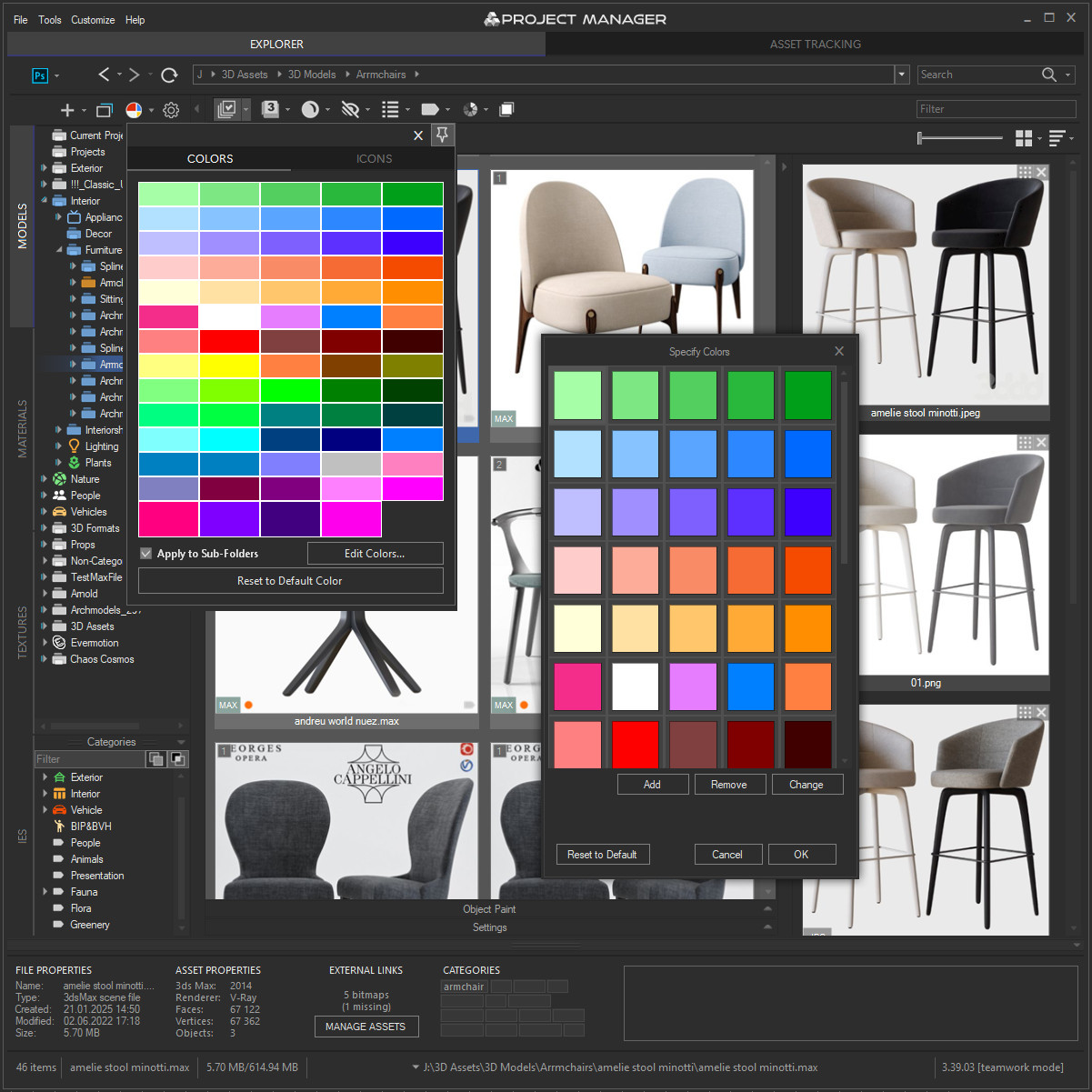
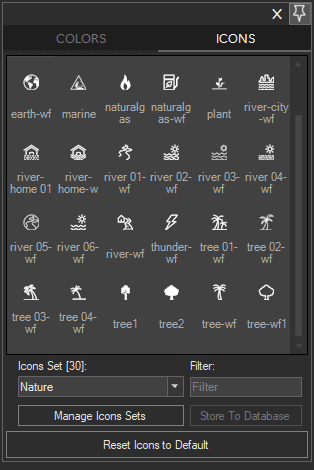
Colour labels for individual assets and a folder colour palette transform navigation from a memory test into an intuitive visual system. Spot your “Client Approved” materials instantly, or identify active project folders at a glance.
Smart Categories
The “Recent Assets” category automatically tracks your most-used models and materials—perfect when you need to quickly return to resources from your current project without remembering exactly where you filed them.
Future-Proof Format Support
Full support for USD (Universal Scene Description), IFL archives, and Vrmat files ensures your modern library stays intact. Import assets directly from archive files without extraction hassles.
2. From Asset to Scene in Seconds
Batch Import with Precision
Drag and drop multiple selected models simultaneously into your scene. Set custom pivot points before merging to ensure accurate placement—because rebuilding placement after import is time you don’t have.
One-Click PBR Materials
Here’s where Project Manager truly shines: automatically generate physically-based materials from texture sets (Base Colour, Roughness, Normal, etc.) for V-Ray, Corona, Arnold, Redshift, and Octane. What used to take tens of minutes per material now takes one click.
Library Maintenance on Autopilot
The Mass Rename Tool maintains standardised filenames across your entire library—including Cyrillic-to-Latin transliteration for international compatibility. Because inconsistent naming is how good assets become “lost” assets.
3. Built for Teams, Optimised for Speed
Performance at Scale
We’ve continuously optimised asset display speed and interface responsiveness, particularly for massive databases. Your 50,000-asset library shouldn’t feel like molasses.
Intelligent Relink
Automatic tools for updating missing external references ensure textures and files are correctly located when opening scenes—especially crucial when working across team members or workstations.
Teamwork Mode
MySQL/MariaDB database support allows entire teams to share a centralised library whilst synchronising settings like folder colours. One source of truth, zero confusion.
The Investment That Pays Back Daily
Fausto De Martini’s approach illustrates Project Manager’s core philosophy perfectly: invest time organising your asset library once, then reap instant speed benefits on every single scene thereafter.
When you’re working on tight deadlines—whether that’s blockbuster film concepts or commercial arch viz projects—the difference between hunting for assets and having them at your fingertips isn’t just convenient. It’s the difference between delivering on time and missing the deadline entirely.
Project Manager transforms asset management from a tedious bottleneck into the fastest, most organised part of your creative workflow.
Ready to Take Control of Your Asset Library?
See how Project Manager can accelerate your workflow with a free demo.
Used by concept artists, interior designers, architects managing corporate projects, and arch viz studios worldwide.
Over 400 companies use Kstudio's plugins for creating their
fantastic architectural visualizations, games and movies.