Category: Kstudio Blog - Page 4

A short overview of Project Manager.
Create and Use proxies dependent on your rendering Engine.
Organize your assets using virtual file systems efficiently and independently from your hard drive.
Working with multiple folders – Select, Move, Copy, Cut and Paste.
Create and Edit Materials dependent on your rendering engine. Search and Relink missing files.

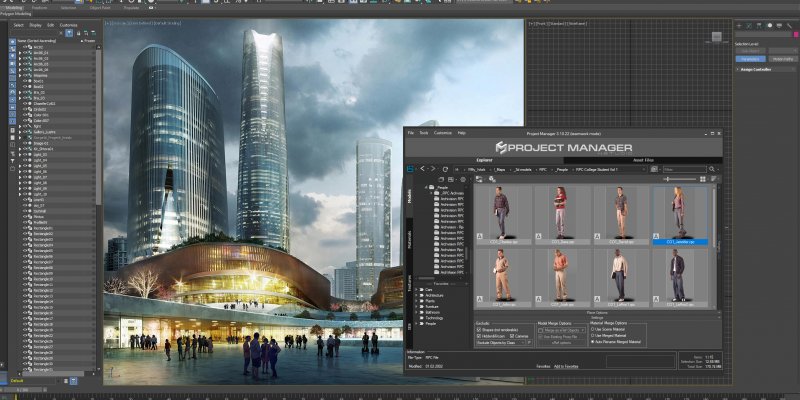
We’re pleased to announce the release of the Project Manager 3 for 3ds Max!

Perhaps, its most unique feature – there is the ability to assign custom previews to materials, associate files with materials, and create a gallery of files associated with any type of assets including materials. You can also write a description for material and, of course, add materials to favorites.

Using Project Manager you can be sure that you have complete control over external links in your scenes.
Asset tracking features include support for XREF files and easy linking with external files.
Using the Asset Files tab (and Batch Render&Relink), you can search for missing assets and relink external files.
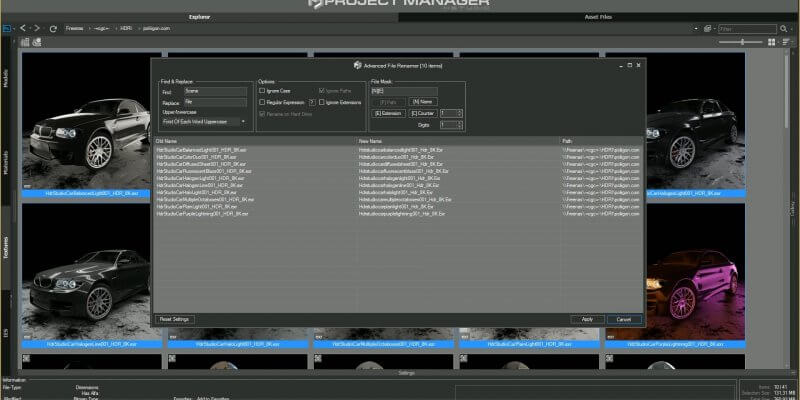
Files may also be differentiated by type and/or renamed in accordance with masks.

#StandWithUkraine

You were not leaving your cart just like that, right?

Enter your details below to save your shopping cart for later. And, who knows, maybe we will even send you a sweet discount code :)